
Introduction
A digital signage display isn't just a screen bolted to a wall. Done right, it's a visual merchandising tool that changes messages on the fly, nudges patients toward discovery, and reinforces how your practice feels from the moment someone walks in.
The problem is most optical practices get this wrong. Static posters go stale within weeks. Screens get installed without a content plan and end up feeling bolted-on rather than built-in. Worse, some practices overload displays with promotions until patients tune them out entirely.
This article covers what digital signage actually is, why it matters specifically for eye care retail, where to place different display types, how to build content that supports the patient journey, and what to budget for a rollout that actually works.
Key Takeaways
- Digital signage combines screens, media players, software, connectivity, and managed content into one system
- Optical practices can use displays for brand storytelling, frame education, promotions, wayfinding, and patient engagement
- Screen placement and message relevance matter more than screen specs alone
- Displays should integrate with your layout, fixtures, lighting, and merchandising, not sit apart from them
- Evaluate content management, accessibility, maintenance, analytics, and total cost before choosing a platform
What Are Digital Signage Advertising Displays?
According to AVIXA's industry overview, digital signage is electronic visual communication that delivers images, video, text, live data, or interactive experiences. In practice, screens replace printed posters and static signs with content you can change on demand.
That's a broader category than "advertising." Digital signage can inform, educate, and direct patients, not just sell to them. A screen explaining what a progressive lens does is signage. A screen promoting 20% off sunglasses is advertising. Many optical displays do both at once.
A basic digital signage system has five components:
- Display hardware: the screen itself (monitor, window TV, touch display, video wall)
- Media player: the device that stores and pushes content to the screen
- Content management system (CMS): software that lets approved staff schedule and update content remotely
- Network connection: Wi-Fi or ethernet linking the player to the CMS
- Mounting or enclosure: brackets, stands, or wire suspension systems rated for the screen's weight and location
A CMS is what separates signage from a glorified TV. It lets a manager swap a seasonal promotion or update frame pricing from a laptop, without touching the hardware.
Most optical practices need a simple practice-level network, not a digital out-of-home or retail media network. You're not selling public ad inventory to outside brands; you're managing patient experience and retail performance inside your own four walls.
Compared to static print, digital displays:
- Update content instantly without reprinting
- Support more variety, including video, animation, and live data
- Scale across multiple screens from one dashboard
- Offer measurability such as screen uptime or playlist completion
Why Digital Signage Matters for Optical Practices
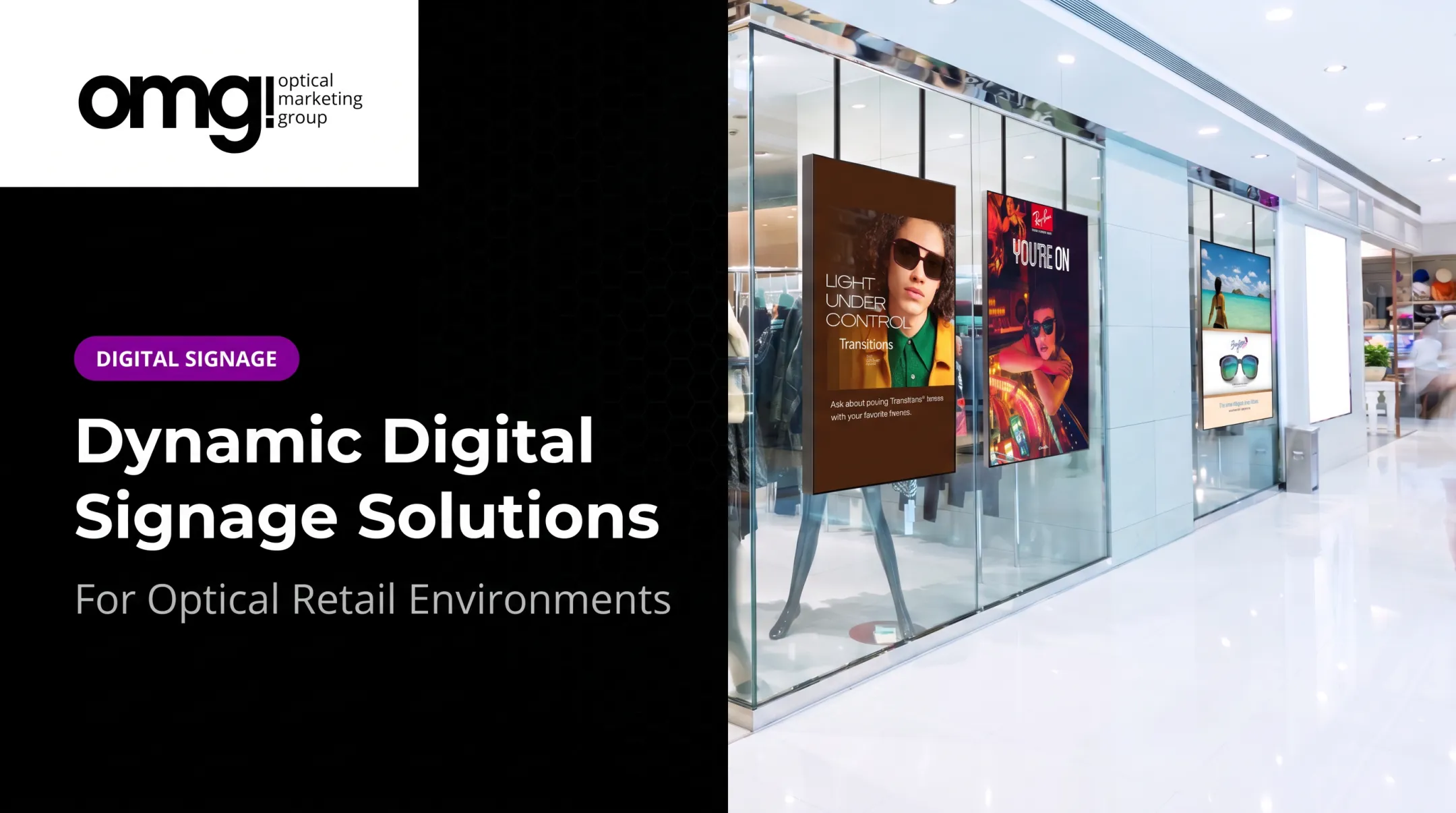
A screen in your window does something a poster can't: it changes. That alone creates curb appeal, giving passersby a reason to notice your practice before they ever walk in.
Inside the practice, screens support browsing in ways static displays struggle to match. Lifestyle imagery, designer stories, and seasonal collections encourage patients to look at frames they might not have considered otherwise.
Supporting Multi-Pair Sales Without Pressure
Digital content can nudge second-pair and premium-lens sales without feeling pushy. The formula that tends to work:
- Pair lifestyle imagery with a clear, specific product benefit
- Add a simple, low-pressure prompt ("Ask about pairing Transitions® lenses with your frames")
- Point toward a human next step, such as asking an optician for help
Research backs the proximity principle here. A large field study spanning 237 campaigns and 30 million shoppers, published by Herhausen and colleagues, found an 8.1% increase in the likelihood of purchasing a featured product when digital signage was placed near that product.

That's a meaningful signal for optical displays positioned close to frame boards rather than far away on an unrelated wall.
Beyond sales, screens earn their keep during wait times. Reception and pre-testing areas benefit from useful or calming content, not another round of the same promotion patients already saw at the door.
Rapid content swaps also matter for seasonal campaigns, new arrivals, staff announcements, and time-sensitive offers that would otherwise mean reprinting signage.
Risks to Avoid
- Screens that are too bright or glare-prone for the room
- Audio that disrupts a clinical environment or overlaps with other screens
- Dense, unreadable text crammed onto one slide
- Irrelevant promotions that compete with actual frame merchandising
- Content that drowns out staff conversations instead of supporting them
Display Types and Strategic Placement
Different formats serve different jobs. Matching the format to its location is what separates signage that works from signage that gets ignored.
| Display Type | Best Location | Primary Purpose |
|---|---|---|
| Window-facing TV | Storefront exterior | Curb appeal, awareness |
| Wall-mounted monitor | Entry, transit areas | Brand storytelling, wayfinding |
| Portrait display | Waiting area | Education, reassurance |
| Video wall | High-traffic optical floor | Broad product discovery |
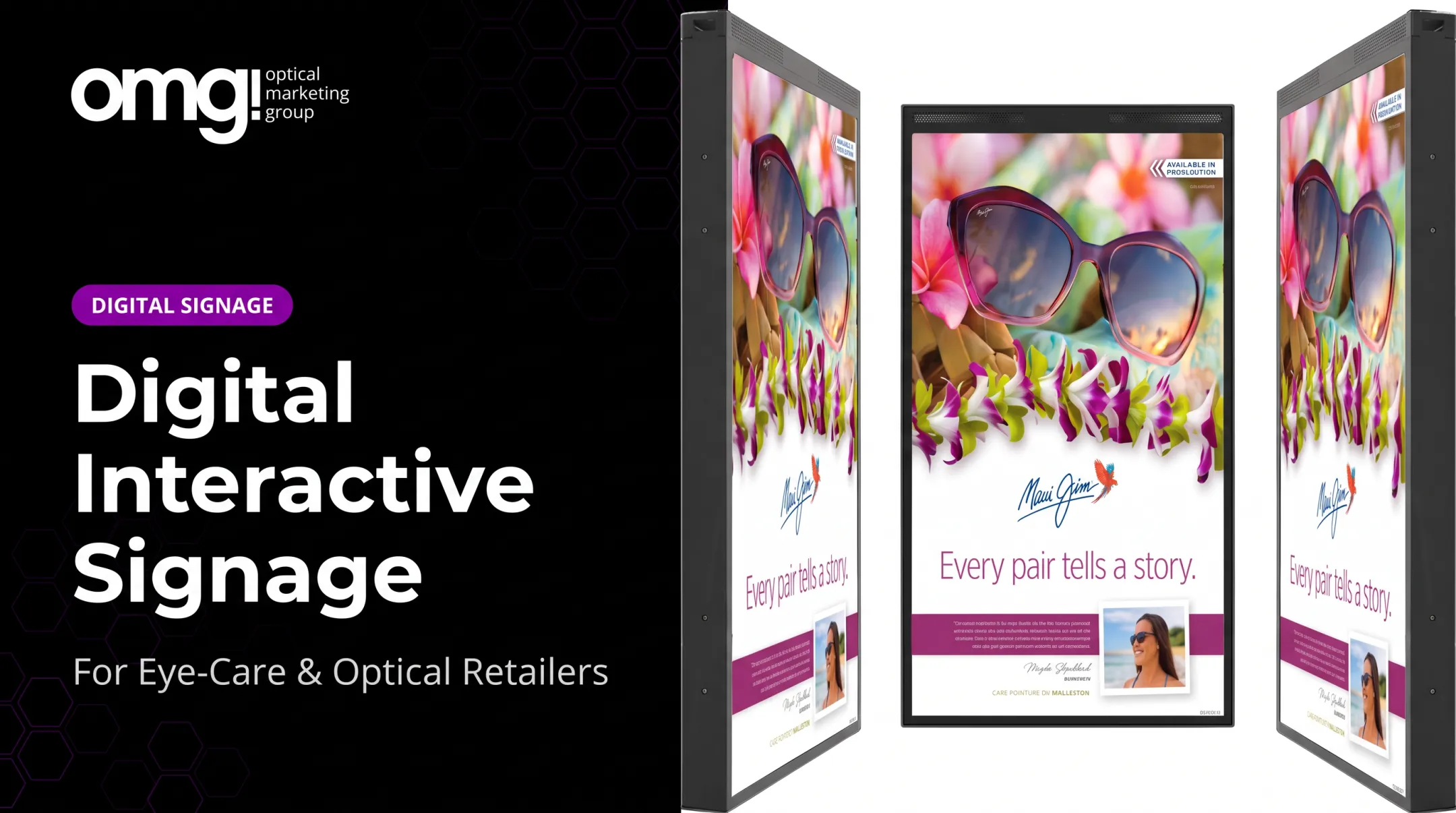
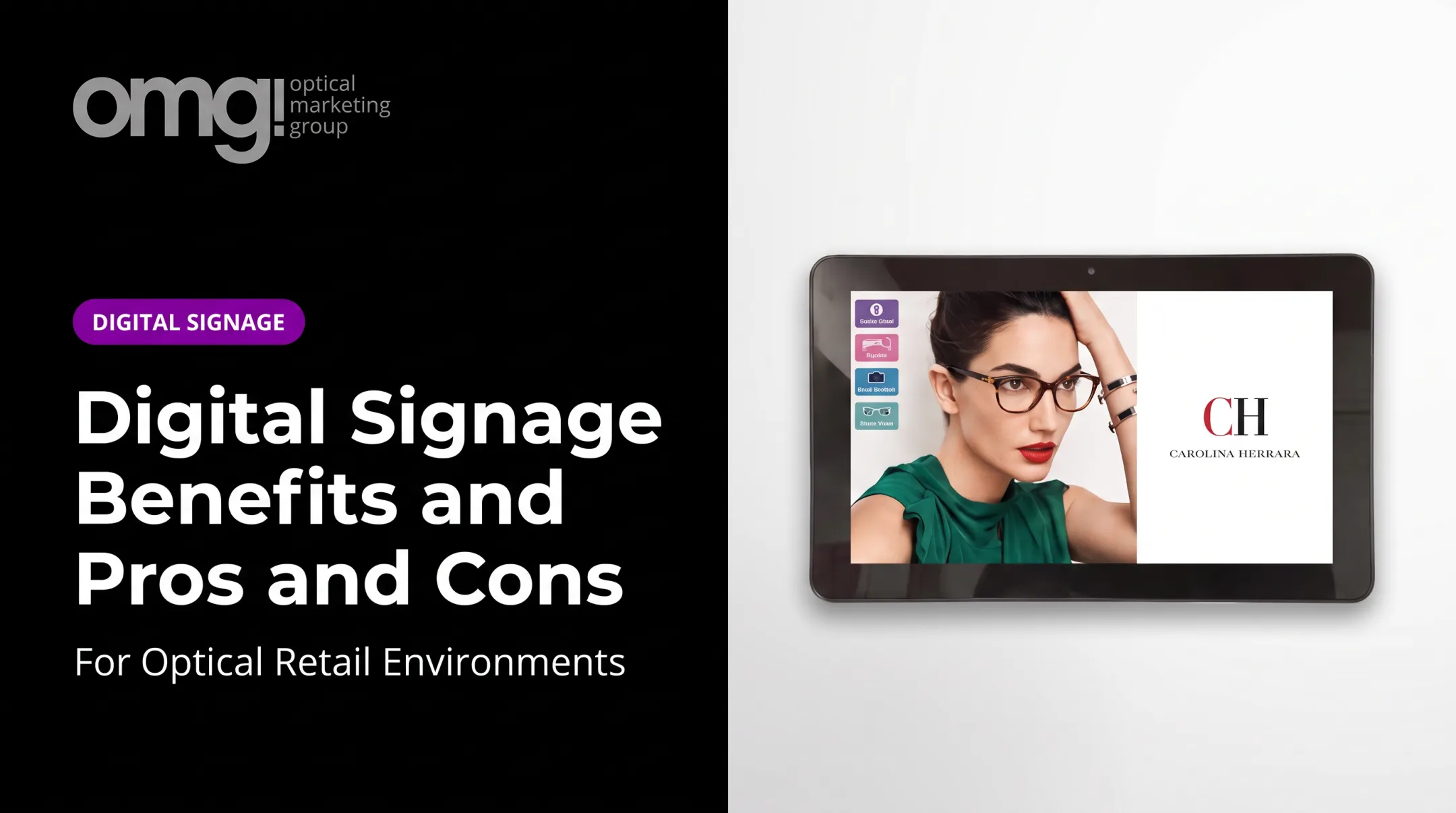
| Freestanding touch display | Optical browsing zone | Interactive frame/lens education |
| Exam-lane monitor | Consultation rooms | Clinical and treatment-plan content |
Selection factors to weigh before buying anything:
- Viewing distance and typical sightlines from that spot
- Ambient light — a 2,500 cd/m² window display handles direct sunlight far better than a standard commercial panel
- Portrait versus landscape orientation for the content you'll actually show
- Mounting height, glare, and whether power or network drops already exist nearby
Before installing anything, walk the space and map traffic flow. A screen placed where it blocks a natural sightline to frame boards does more harm than good.
This is also where OMG!'s practice design work catches issues a standalone AV installer would miss, since fixture placement and screen placement are the same conversation.
How to Create Digital Signage Content That Supports the Patient Journey
Content should match where a patient is in their visit, not broadcast the same message everywhere.
- Noticing the practice: window content, brand identity, curb appeal
- Entering and waiting: orientation, reassurance, light education
- Browsing eyewear: frame collections, designer features, lens benefits
- Discussing options: coatings, insurance reminders, treatment plans
- Completing a purchase: simple calls to action, staff hand-off prompts
Keep Messages Simple
One primary message per screen. Strong contrast. Limited copy. A clear product image and one obvious next step.
The W3C's accessibility guidelines recommend a minimum 4.5:1 contrast ratio for standard text, with 3:1 allowed for larger text. That ratio is a useful benchmark even if you're not pursuing formal compliance.

Recommended content categories:
- Brand storytelling and practice values
- Frame collections, designer spotlights, new arrivals
- Lens, coating, and eyewear-care education
- Seasonal promotions, appointment reminders, staff introductions
- Wayfinding and queue information
Governance Matters More Than People Think
Assign someone ownership of the content calendar. Require approval before anything goes live. Pull expired offers promptly: nothing undercuts credibility like a Black Friday promo still running in January. Schedule content around actual appointment patterns and inventory, not just a generic rotation.
Measure what your system actually tracks: screen uptime, playlist completion, interactions on touch displays, or sales comparisons for featured products. Not every platform reports the same metrics, so confirm what's available before promising results to your team.
Planning the Technology, Budget, and Rollout
Break the project into four buckets: hardware, software, content production, and installation or ongoing support.
Cost drivers worth asking about before you buy:
- Screen count, size, and brightness rating
- Commercial-grade versus consumer-grade hardware
- Mounts (wire suspension, ceiling mounts, freestanding pedestals)
- Media players and CMS subscription fees
- Content creation (in-house or outsourced)
- Installation complexity and future maintenance
For reference, a mid-size interactive touch display typically runs in the $2,500–$3,500 range, with ultra-bright window TVs in a similar bracket. Monthly content subscriptions often run $18–$200 depending on device count. Treat these figures as a planning reference, not a quote; pricing varies by vendor.
Platform-Selection Checklist
Before committing to a CMS, confirm it supports:
- Remote scheduling across one or multiple screens
- Permissions so only approved staff can push content live
- Offline playback that keeps content running during a network outage
- Analytics covering uptime, impressions, or interaction data
- Support terms: ask vendors directly how they handle outages, updates, and data privacy
Some practices prefer a managed hardware-plus-subscription option rather than assembling a system piece by piece. Contentlinq is one example of this model, though features and pricing should be confirmed directly with the vendor before you commit.
A practical rollout sequence:
- Define objectives (curb appeal, education, sales support)
- Audit the space and existing traffic patterns
- Identify electrical and network needs at each location
- Select hardware and software
- Build a small pilot playlist
- Test with staff before a full launch
- Review performance and adjust
Digital signage works best when it's planned alongside the rest of the practice, not bolted on afterward. OMG! Optical Marketing Group ties space planning, custom fixtures, branded graphics, and digital displays into one plan so screens stay connected to the surrounding merchandising instead of sitting as a standalone AV purchase.

Frequently Asked Questions
What does digital signage mean?
Digital signage is electronically controlled visual communication delivered through screens. It covers advertising, information, education, navigation, and branded content, not just promotional messaging.
What are some examples of digital advertising?
Examples include in-store screen promotions, window displays, video walls, interactive kiosks, online ads, social media ads, search ads, and digital out-of-home campaigns.
What is the best digital signage platform?
The best platform depends on your screen count, content needs, integrations, user permissions, analytics, budget, and support. Some practices prefer a fully managed hardware-and-content solution over building a system from separate vendors.
How much does a digital signage advertising display cost?
Total cost depends on hardware, screen size and brightness, installation, software subscriptions, content creation, networking, and maintenance. Compare total cost of ownership across the full system, not just the screen's sticker price.
How can an optical practice use digital signage?
Practices use digital signage for curb appeal, frame discovery, lens education, seasonal promotions, patient communication, waiting-area content, and brand storytelling, usually paired with a simple staff-supported call to action.