
Introduction
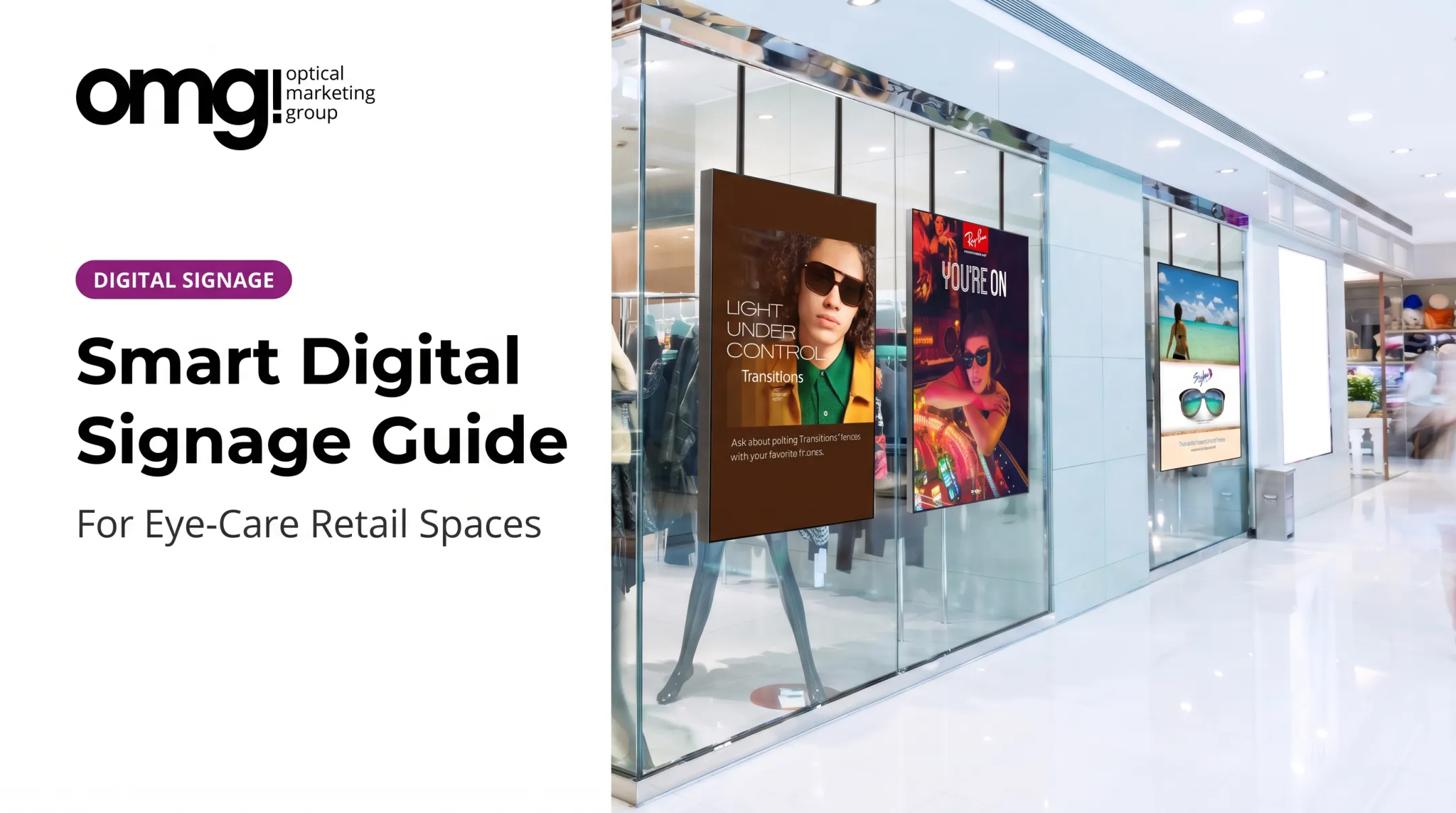
Walk into most optical practices and you'll still find the same laminated posters taped near the frame board, the same static TV loop, the same rack card nobody picks up. Patients and shoppers today expect to explore information on their own terms, not just glance at it.
Kiosk Marketplace's 2023 survey found that 84% of Americans liked using self-service kiosks. Self-directed, on-demand experiences aren't a novelty anymore. People expect them.
For optical practices, the real challenge isn't whether to add screens. It's building a retail experience that informs and engages visitors without disrupting clinical workflows, overwhelming a waiting room, or competing with the exam itself.
This guide covers how digital interactive signage works, where it fits in an optical environment, what equipment it actually requires, and how to plan a rollout that doesn't become another forgotten touchscreen gathering dust in the corner.
Key Takeaways
- Interactive signage turns a screen into a user-driven experience through touch, QR codes, motion, or connected content
- Optical practices use it for frame discovery, lens education, promotions, wayfinding, and waiting-area engagement
- The right setup depends on your objective, location, audience, and available budget
- Signage works best integrated with layout, brand identity, fixtures, and patient flow, not bolted on as an afterthought
What Is Digital Interactive Signage?
Digital interactive signage is a display system that responds to what a visitor does. Instead of broadcasting the same loop on repeat, it changes, reveals, or delivers content based on user input.
That sets it apart from the static posters and looping screens most optical practices still use.
Static, Standard, and Interactive Signage Aren't the Same
| Type | How content changes | Example |
|---|---|---|
| Static signage | Manually replaced | Printed poster taped to the wall |
| Standard digital signage | Remotely scheduled | TV loop of frame promotions |
| Interactive signage | User-controlled | Touchscreen letting a visitor browse by frame shape |
Interaction Isn't Just Touch
"Interactive" doesn't mean touchscreen only. It can also include:
- QR codes that open a lens guide on a visitor's own phone
- Motion sensors that wake a screen as someone approaches
- NFC or RFID tags built into frame displays
- Voice prompts or cameras that trigger content
- Connected mobile experiences tied to a kiosk
A Simple Optical Example
Picture a visitor near a freestanding interactive touch display in the dispensary. She taps "Sunglasses," then "Polarized," browses three brands, and the screen suggests she ask a team member about a frame currently in stock. No sales pitch, no overwhelming menu, just one clear next step.
Technology alone isn't the goal. Good interactive signage solves a real problem: fewer repetitive questions at the front counter, faster product discovery, or clearer navigation through a practice with multiple departments.
Benefits and Optical Practice Use Cases
Making the Optical Area More Inviting
Visitors waiting for an appointment have time on their hands. Interactive signage gives them something useful to do instead of scrolling a phone. That turns the gap between check-in and exam into part of an enjoyable eyecare experience, not dead time.
Frame and Product Discovery
A touchscreen or tablet lets visitors browse by:
- Style, brand, or material
- Color or frame shape
- Lifestyle use, such as sport or reading
- Price range
Tools like a Face Shape Guide and branded video playlists help visitors narrow down options before a staff member even approaches. Digital content should complement staff recommendations, not replace them. The screen narrows the field; the optician closes the sale.
Lens and Treatment Education
Blue-light filtering, photochromic lenses, anti-reflective coatings. These concepts are hard to explain verbally in 90 seconds. A visual, interactive walkthrough does the heavy lifting instead. Always verify clinical and product claims with lens vendors before putting them on a screen.
Promotions, Navigation, and Waiting-Room Content
Screens handle several jobs well:
- New-arrival highlights, seasonal eyewear, and multiple-pair offers
- Featured brand spotlights with a clear call to action
- Check-in instructions and pickup information for multi-location practices
- Directional guidance for larger offices with several departments
In waiting areas, keep content educational or brand-focused. Avoid anything that could expose patient information or distract from quieter clinical conversations nearby. Offer a QR code alternative for visitors who'd rather not touch a shared screen.
Why This Matters for the Business
Bill Gerber, founder of OMG! Optical Marketing Group, has noted that nearly 90% of purchase decisions happen in-store. That makes the dispensary floor itself a primary sales tool, not just a backdrop.
Three scenarios:
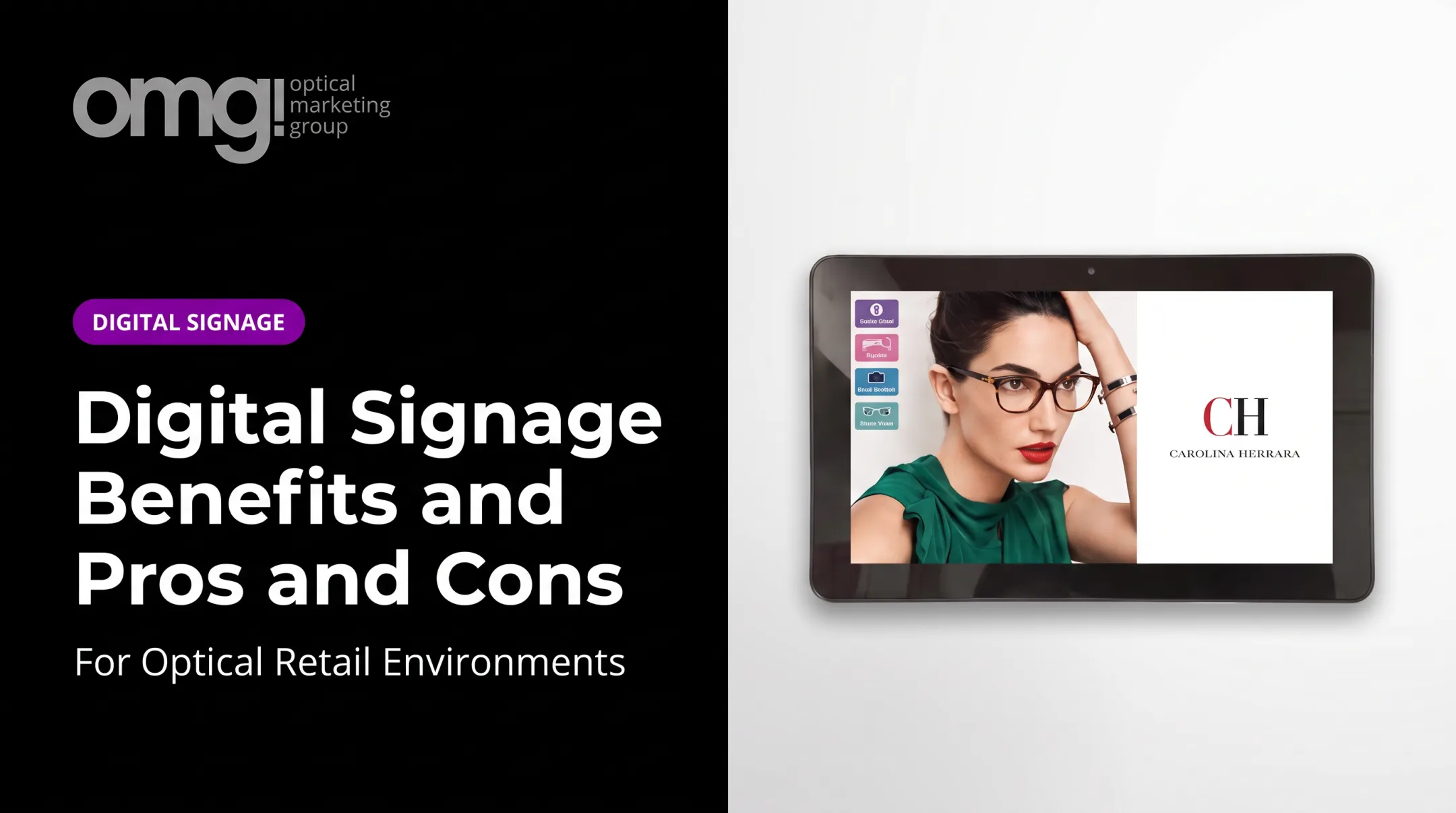
- Independent practice: A mobile tablet near the frame board lets staff walk a patient through lens options.
- Multi-location group: A larger freestanding display standardizes browsing and brand messaging across every office.
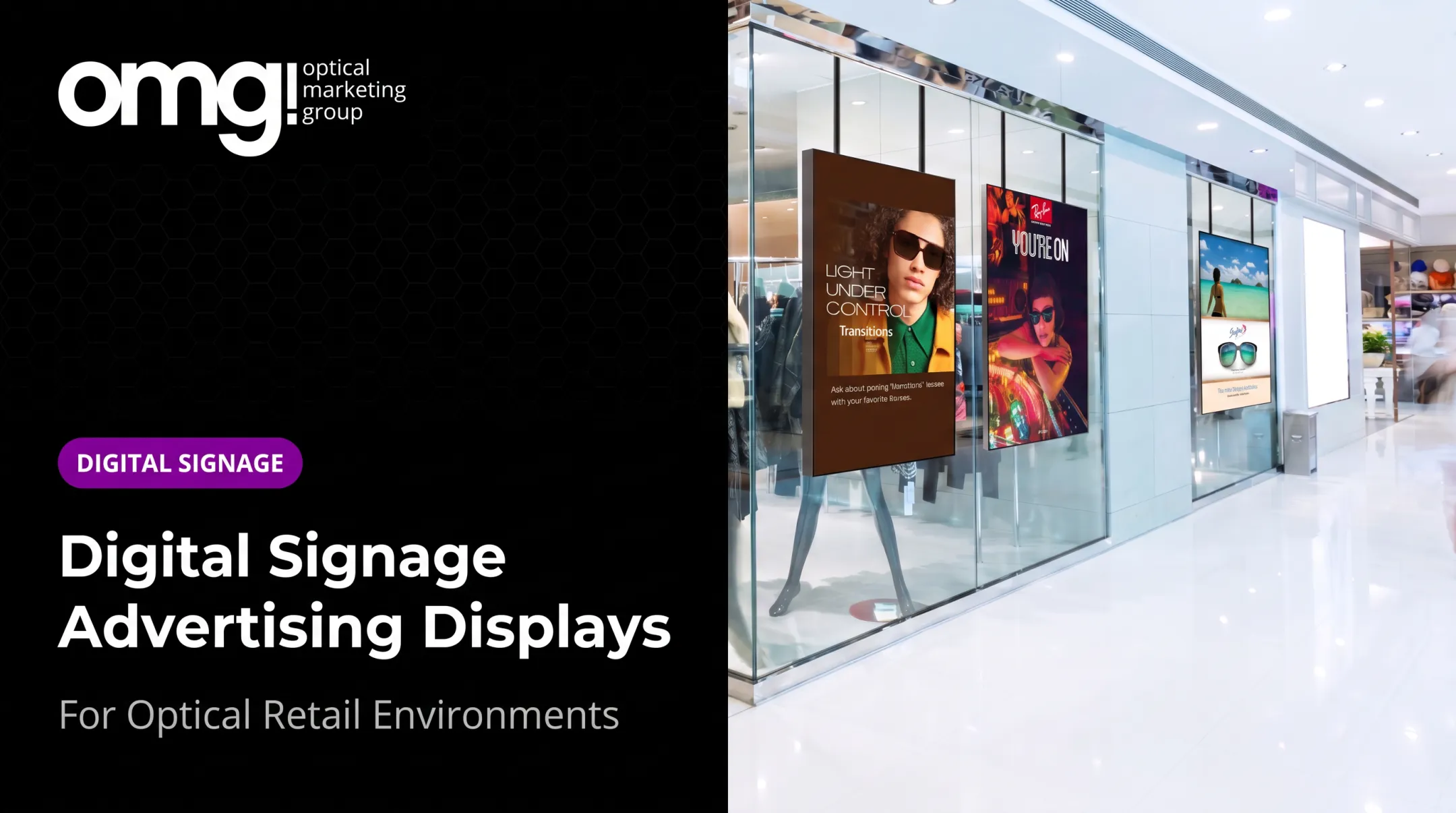
- Eyewear or lens brand: A point-of-purchase screen showcases one collection with dynamic messaging inside partner practices.
Hardware, Software, and Touchscreen Options
What's Actually in a Setup
A working installation typically includes:
- Commercial display or touchscreen
- Media player
- Digital signage software
- Network connection
- Mounting hardware
- Optional peripherals like cameras or sensors
Skip one of these pieces and the system usually breaks down somewhere. Either the content stops updating, or the hardware can't handle the interaction.
Comparing Touchscreen Technology
| Touch type | How it works | Best suited for |
|---|---|---|
| Capacitive (PCAP) | Senses a finger's electrical charge through edge-to-edge glass | Smooth multi-touch browsing, frequent public use |
| Infrared (IR) | Uses an infrared grid, works with gloves or styluses | High-traffic displays needing durable glass |
| Resistive | Responds to physical pressure on layered panels | Budget installs, stylus-based input |
OMG!'s 43-inch freestanding interactive touch display, for example, uses a 10-point IR touchscreen behind tempered glass, built for daily handling in a retail setting. Whatever technology you choose, follow the manufacturer's specific cleaning guidance rather than assuming every touchscreen tolerates the same disinfectant.
What a Signage Player Does
The media player is the quiet workhorse. It receives content from your management platform and renders it on screen. Contentlinq's media player is a $329.95 plug-and-play adapter that turns an existing TV into a connected signage device. Subscriptions run $17.95 to $19.95 per device each month, or $199 a month for unlimited devices at one location.
Software Features Worth Comparing
Check whether a platform offers:
- Content creation and scheduling tools
- Remote management across one or multiple locations
- User permissions and approval workflows
- Engagement analytics
- Accessibility controls and device monitoring
Budgeting for the Full Picture
Hardware is only one line item. Factor in content production, installation, networking, subscriptions, and eventual replacement. As a reference point:
- 43" freestanding interactive display: $2,995
- 55" freestanding interactive display: $3,995
- 55"–75" ultra-bright window displays: $3,495–$4,995
- Mounting hardware: $265–$499

For practices that want managed hardware plus content without building a system from scratch, Contentlinq is OMG!'s subscription-based option.
Practical Considerations for Optical Spaces
- Screen brightness and anti-glare coating for window placements
- Viewing distance and mounting height relative to average patient height
- Portrait versus landscape orientation for the content type
- Easy-to-clean surfaces given high-touch use
- Reasonable sound levels near waiting areas
- Accessible placement for wheelchair users
Planning and Implementing Interactive Signage
Start With the Business Objective
Before picking a screen, decide what it needs to do: support browsing, educate on lenses, direct traffic, promote offers, or some combination with clear priorities. A screen trying to do everything usually does nothing well.
Map the Patient Journey First
Walk the path a visitor takes, from the window through reception to the frame board and checkout, and ask where a screen would actually get noticed. Sightlines, foot traffic, dwell time, and staff visibility should drive placement, not just which wall has an open outlet.
Match Interaction Level to Audience
Choose the lightest interaction that still meets the goal:
- Passive promotional screens for quick glances
- QR-enabled experiences for self-paced exploration
- Single-user touchscreens for focused browsing
- Multi-user kiosks for busy, high-traffic areas
Design Content Before Buying Equipment
Build a simple menu structure first. Use concise copy, high-contrast visuals, and an obvious next action. Most visitors only interact for a few seconds, so don't bury the useful content three menus deep.
Signage content should also match the practice's colors, typography, and lighting rather than sit as a mismatched box on the wall. This is where integrating signage into the broader practice design pays off.
Accessibility and Privacy
Under 2010 ADA Standards, operable controls need an unobstructed reach no higher than 48 inches and no lower than 15 inches, with clear floor space in front. Pair that with readable type, sufficient contrast, and a non-touch alternative for visitors who prefer not to interact physically.
If a screen uses cameras or collects identifiable interaction data, loop in your privacy and IT policies early. HHS tracking technology guidance makes clear that HIPAA obligations can apply when tracking technologies collect or disclose protected health information. Confirm exactly what a vendor captures before adding personalization features.
A Staged Rollout Beats a Full Launch
- Assess the space and traffic patterns
- Define clear requirements and priorities
- Build a content prototype
- Test it with staff and a few patients
- Install hardware and train the team
- Launch a limited content set, then refine based on real behavior

OMG! works through a six-phase design-to-delivery process for practices that want signage integrated with custom fixtures, graphics, and construction drawings rather than added as an afterthought.
Once the system is live, assign one person to own content updates and another to handle technical issues. Build screen cleaning into your regular maintenance routine.
Measuring Performance and Maintaining the Experience
Define Success Around Your Original Goal
Pick metrics that match why you installed the screen: interactions, QR scans, content completions, staff referrals, or appointment actions. Dwell time near a frame board means something different than dwell time in a waiting room.
A high tap count looks good on a report, but it doesn't automatically mean the screen improved product discovery or drove sales. Pair activity metrics with whether staff conversations or capture rate actually shifted.
There's no universally agreed benchmark for interaction rates in optical retail, so treat any numbers you see, including internal ones, as directional rather than a promise.
Keep Content Current
- Remove expired offers and outdated pricing
- Update product availability as inventory shifts
- Refresh educational content seasonally
- Check that QR codes and links still work
Technical Maintenance Checklist
- Clean the screen per manufacturer guidance
- Check cables and network connections
- Install player and software updates
- Recalibrate touch response periodically
- Monitor devices remotely for outages
- Keep a fallback message ready if the app goes down
When to Rethink Placement
If a screen sees low interaction, suffers from glare, sits behind a blocked sightline, or competes with staff conversations, it may be time to relocate or redesign it rather than assume the content alone is the problem.
Frequently Asked Questions
How much does digital signage software cost?
Pricing varies by screen count, features, support level, and subscription model. Expect separate costs for software, the display itself, installation, content production, networking, and maintenance.
What is a digital signage player?
A digital signage player is the device, or built-in system, that receives, processes, and displays content from your signage software. Interactive installations often need more computing power or additional peripherals than a simple video loop.
What is the best software for digital signage?
There's no universal answer. The right platform depends on your goals, hardware, interaction type, content workflow, analytics needs, and how many locations you're managing.
Can you give me an example of signage?
A touchscreen in a dispensary that lets a visitor browse frames by category, compare lens options, watch a brand video, and scan a code before asking staff for help is a common optical example.
What are the three main types of touchscreens?
Capacitive, infrared, and resistive. They differ in touch sensitivity, durability, cleaning requirements, and how well they handle gloves, styluses, or heavy public use.
Can a touchscreen be repaired?
It depends on the display, touch layer, player, enclosure, and whether replacement parts are available under warranty. Check your service agreement and have a fallback display or replacement plan ready.