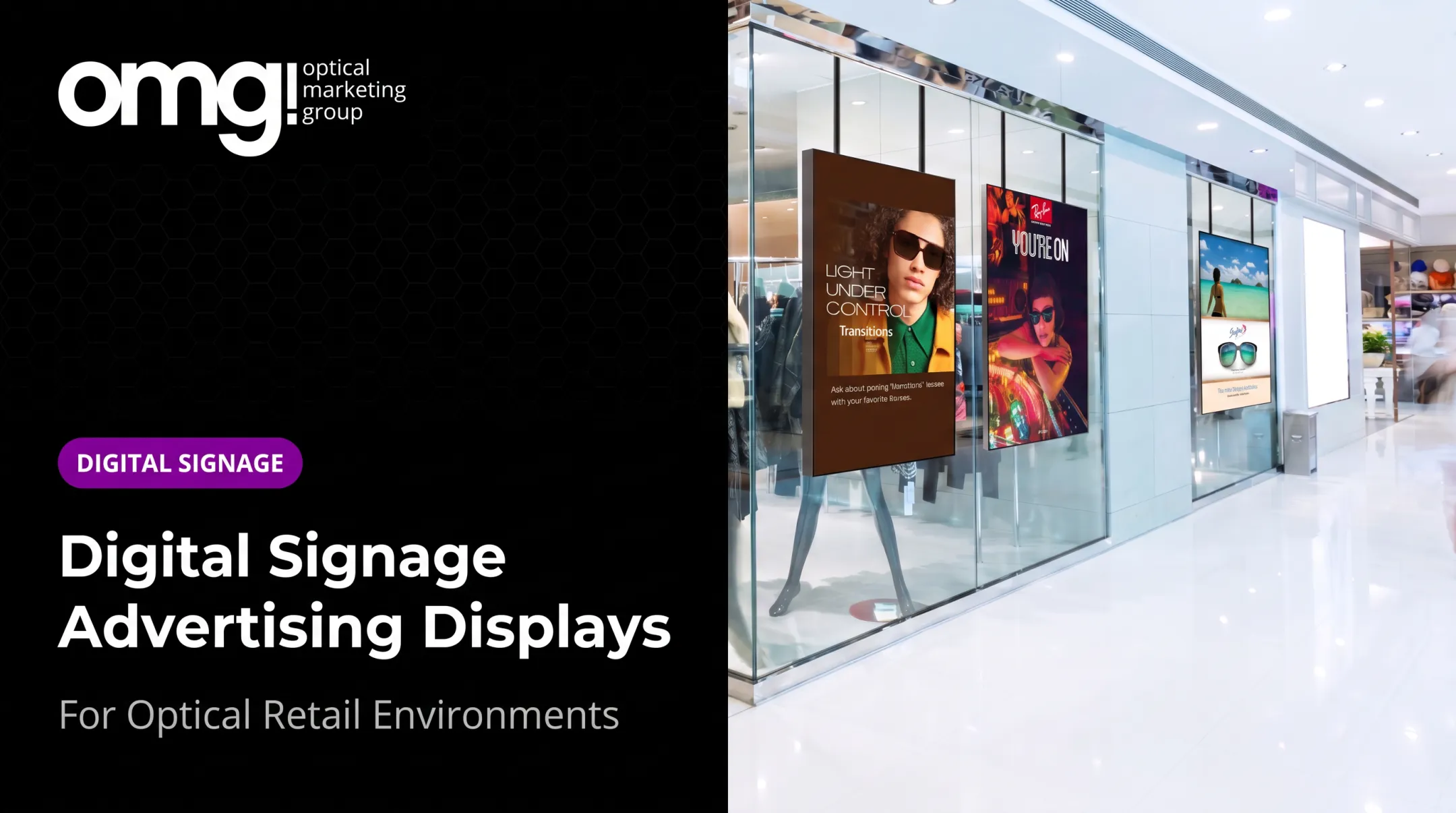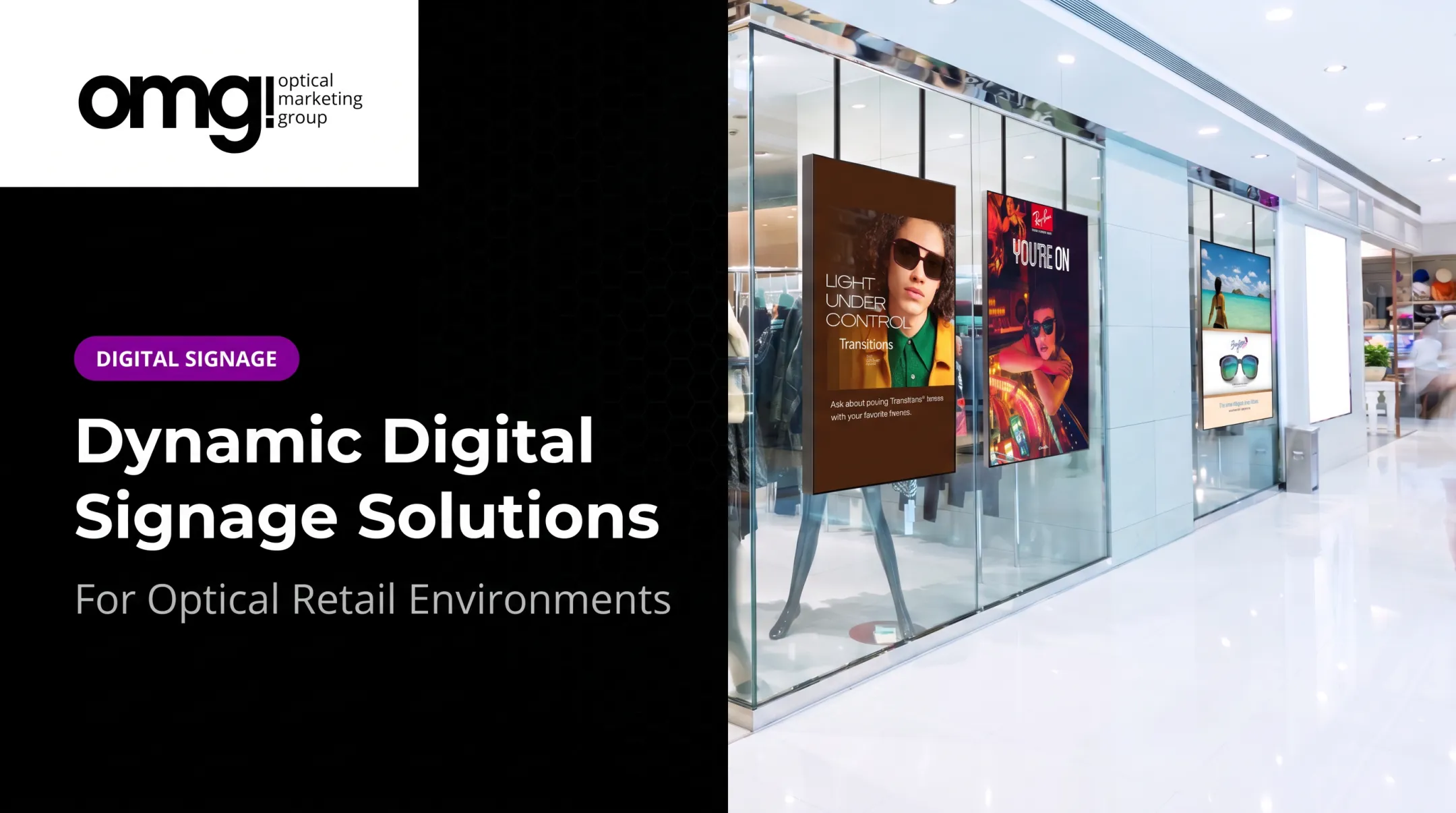

Introduction: Why Waiting Room Digital Signage Deserves a Strategic Approach
Picture two waiting rooms. One has a TV locked on daytime cable, volume blaring, nobody watching. The other greets patients with their name on a welcome screen, a short explainer on dry-eye testing, and a quiet rotation of frame stories. Same square footage, completely different experience.
Patients waiting for an eye exam are already dealing with uncertainty: how long will this take, what happens next, will insurance cover it? A 2018 systematic review of waiting room audiovisual programs found that screen-based education improves patient knowledge, even though evidence for reducing perceived wait time remains thin.
Waiting room digital signage isn't just a television. It's a display, a content library, and a management system working together to inform, reassure, and introduce the optical side of the visit. This guide covers design, content, hardware, privacy, cost, and how the screen fits into the broader patient journey.
Key Takeaways
- Digital signage should inform and reassure patients, not just fill airtime.
- Placement, readability, lighting, and sound matter as much as the hardware itself.
- Queue updates should use anonymized numbers, never patient names or health details.
- Treat the screen as one piece of a coordinated optical environment, not a standalone gadget.
- Review content regularly for accuracy, privacy, and relevance before it goes live.
Why Waiting Room Digital Signage Matters for Eyecare Practices
A quiet waiting room with nothing to explain itself breeds repetitive questions: "Did you check me in?" "How much longer?" "Where's the restroom?" Front-desk staff answer these dozens of times a day. A well-placed screen can handle much of that before anyone has to ask.
Digital signage earns its place in three ways:
- Orientation – check-in steps, office hours, insurance notes, and wayfinding reduce confusion before staff get involved
- Trust-building – provider bios, team expertise, and patient education create familiarity before the exam even starts
- Optical discovery – lens options, frame categories, and specialty services get introduced while patients have nothing else to do but look around
This last point matters more than it sounds. Urban Optics, an OMG!-designed practice in College Station, Texas, paired a 98-inch video wall with interactive displays in its waiting area to encourage pre-exam browsing.
Capture rate climbed from 42% to 72% after the remodel. That jump came from the full retail redesign, not the screen alone, though the integrated waiting experience played a clear role.

Controlled Signage vs. Generic Cable
There's a real difference between three setups:
- Unmanaged cable TV – whatever's on, no control over content or tone
- Ad-supported waiting room networks – free hardware, but ads from unrelated brands compete for attention
- Practice-controlled digital signage – content the practice chooses, schedules, and brands
Only the third option lets a practice say anything specific about itself. The other two are just noise with a healthcare backdrop.
How to Design a Waiting Room With Digital Signage
Before picking a screen, define its job. Is it primarily welcoming patients, managing the queue, educating, or encouraging optical browsing? Most practices need a mix, but trying to do everything on one small screen usually does nothing well.
Placement, Sightlines and Glare
Walk the room from every seat. Ask:
- Can patients see the screen without turning or craning?
- Is there glare from windows or overhead lighting at certain times of day?
- Does the screen compete with frame boards, staff interactions, or the check-in counter for attention?
OMG! has long advised practices that frame boards are giving way to minimal shelving. That shift frees wall space for screens that work with the optical display, not against it.
Building a Visual Hierarchy
Keep messaging legible without sound:
- Short headlines, not paragraphs
- High contrast between text and background
- Captions on any video content
- Restrained motion so nothing feels chaotic
Divide the screen (or use multiple screens) into content zones: practice information, education, calming visuals, and optical discovery. Overcrowding a single display with every message at once defeats the purpose.
The screen also needs to look like it belongs. Matching colors, fonts, and photography to the rest of the practice's branding turns a TV into part of the room instead of a foreign object bolted to the wall.
Coordinating digital signage with physical layout, graphics, fixtures, and lighting is what makes that integration work. That full-room approach is how practice design studios like OMG! Optical Marketing Group support eyecare clients.
What to Display on a Waiting Room TV
Content should rotate through a handful of categories rather than looping the same five slides forever.
A balanced programming mix includes:
- Patient education – eye health basics, what to expect from dilation, lens technology explainers
- Practice and team info – provider introductions, accepted insurance, appointment prep, portal reminders
- Optical discovery – frame stories, lens benefits, sun protection, seasonal eyewear
- Calming or neutral content – local weather, light trivia, nature visuals, short captioned clips
- Operational updates – schedule changes, closures, QR codes to forms (only after privacy review)
Contentlinq, OMG!'s managed digital signage platform, structures this through ready-made playlists like "Brands Demo Promo Mix," "Custom Slides and Brand Content," and practice-specific custom loops, so practices aren't starting from a blank screen.
What Not to Show
Avoid anything that could spike anxiety or confusion in a clinical setting. Breaking news and loud cable programming have no place here. Public screens should never display:
- Patient names or dates of birth
- Appointment times tied to individuals
- Diagnoses or other protected health information
Use anonymized queue numbers or codes instead.
Before airing any licensed TV, film, or streaming content, confirm public-performance rights exist. Owning a subscription or a DVD doesn't automatically grant permission to show it publicly. Section 106 of the U.S. Copyright Act reserves public-performance rights separately from ownership.
Accessibility Basics
A screen that only works for patients who can see and hear excludes part of the waiting room. Follow WCAG 2.2 guidelines, which call for a minimum 4.5:1 contrast ratio for standard text, plus:
- Captions on all narrated video
- Readable font sizes at typical seating distance
- Alternatives to QR-only information for patients without smartphones
Assign someone to own a pre-publish checklist: privacy, accuracy, brand approval, accessibility, and an expiration date on every promotional slide.
Hardware, Software and Implementation Considerations
Three paths get a practice onto a screen:
- An existing TV plus a media player – lowest upfront cost, works with hardware already on the wall
- A purpose-built smart or commercial display – better brightness and durability for retail environments
- A full digital signage system – display, player, content management software, and support bundled together

According to OptiSigns' 2025 guide, component pricing in the U.S. typically runs:
| Component | Typical Range |
|---|---|
| Commercial display | $1,000–$2,500 |
| Dedicated media player | $200–$500 |
| Wall mount | $50–$150 |
| CMS subscription | $10–$45/screen/month |
| Professional installation | $200–$500/screen |
OMG!'s Contentlinq Media Player and Smart TV Adapter run $329.95 per device plus a $17.95–$19.95 monthly subscription. That covers brand playlists, a cloud-based asset manager, and custom content uploads.
A ceiling-hanging mount for 42–55-inch TVs adds roughly $499, and a suspended wire mount for 32–75-inch screens runs about $265. For practices with multiple screens, Contentlinq also offers an unlimited device plan at $199/month per location.
Before committing to a multi-screen rollout, pilot one screen:
- Check readability from every seat
- Watch how patients actually interact with it
- Confirm staff can update content without a help desk ticket
- Review whether it's supporting the goals you set at the start
Measuring and Maintaining the Waiting Room Screen
Forget vague "it's working" impressions. Track specific, observable changes:
- Fewer repeated questions at the front desk
- Higher engagement with QR codes or interactive touch screens
- Staff reports that patients arrive already aware of services
Keep experience metrics separate from sales metrics. A screen can improve how informed and calm patients feel without guaranteeing a specific lift in multiple-pair sales. Be skeptical of any vendor promising a fixed conversion number without your own baseline data.
A simple maintenance rhythm:
- Weekly – confirm screens are on and playing the correct loop
- Monthly – rotate seasonal or promotional content, check for expired slides
- Quarterly – review health education for accuracy, audit for any PHI that snuck in
- As needed – escalate urgent updates (closures, provider changes) immediately

For multi-location groups, centrally approved content with limited local variation keeps branding consistent while still letting each office post its own hours or closures.
Conclusion: Make the Screen Part of the Patient Experience
A waiting room screen isn't a TV replacement. Done right, it's a communication tool, a wayfinding aid, an education resource, and a quiet introduction to the optical side of the practice, all running at once.
Start by auditing your current waiting area. Then:
- Define the screen's primary job
- Map how patients move through the space
- Bring in a design or signage specialist before you buy hardware
OMG! Optical Marketing Group builds this assessment into its practice design and digital signage services.
Frequently Asked Questions
How much does digital signage for waiting rooms typically cost?
Costs depend on the screen, media player, mounting, software subscription, content production, and installation. Expect hardware to run roughly $1,500 to $3,500 per screen, plus a monthly CMS subscription.
How do I design a waiting room with digital signage?
Start with the screen's main purpose, then check sightlines, viewing distance, glare, and readability. Organize content into clear zones and coordinate the screen with your existing layout, fixtures, and branding.
What should an optometry practice display on a waiting room TV?
Mix patient education, practice information, provider introductions, optical product discovery, calming visuals, and anonymized operational updates. Avoid loud cable programming or anything that could raise patient anxiety.
Is a waiting room TV the same as digital signage?
No. A standard TV plays whatever cable or streaming offers, uncontrolled. Digital signage is practice-managed content that can be scheduled, branded, and updated remotely.
Can waiting room digital signage display patient names or appointment information?
No. Public screens should never show names, birth dates, or health details. Use anonymized queue numbers or codes instead, after reviewing your privacy workflow.
How can digital signage fit into an optical practice design?
Screens work best when planned alongside traffic flow, lighting, fixtures, and merchandising rather than added as an afterthought. OMG! Optical Marketing Group integrates digital signage into its broader practice design and merchandising work for exactly this reason.