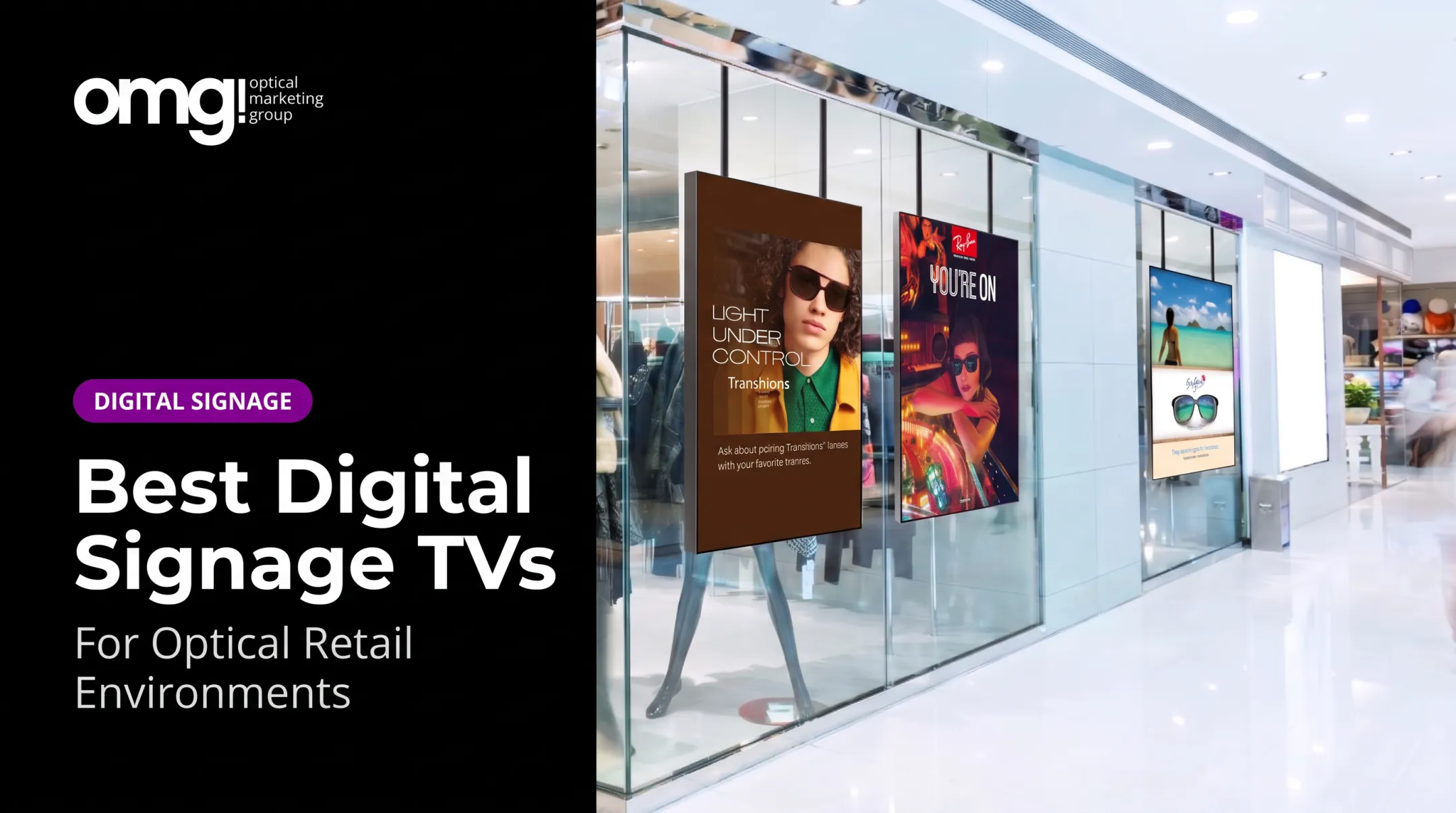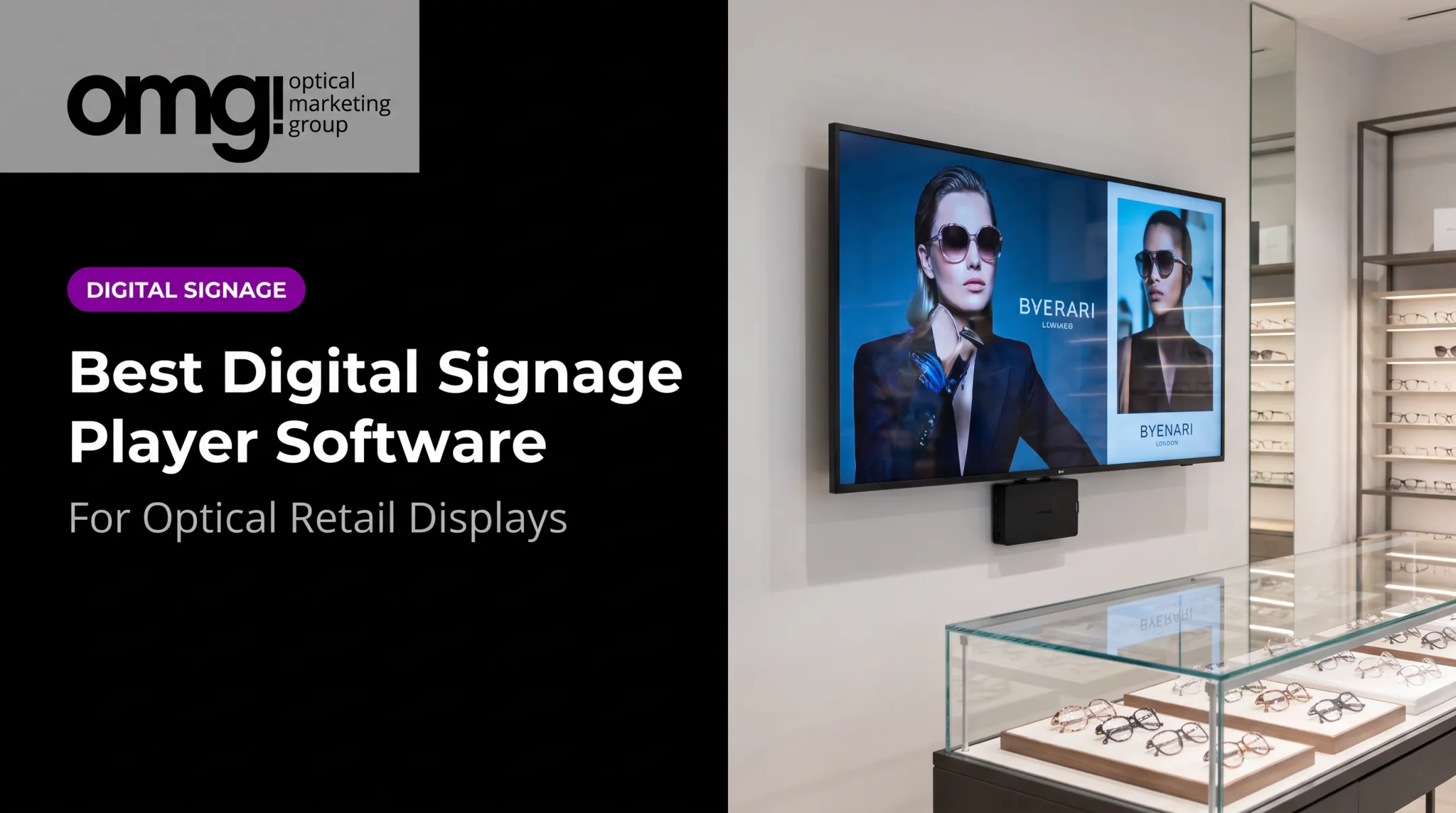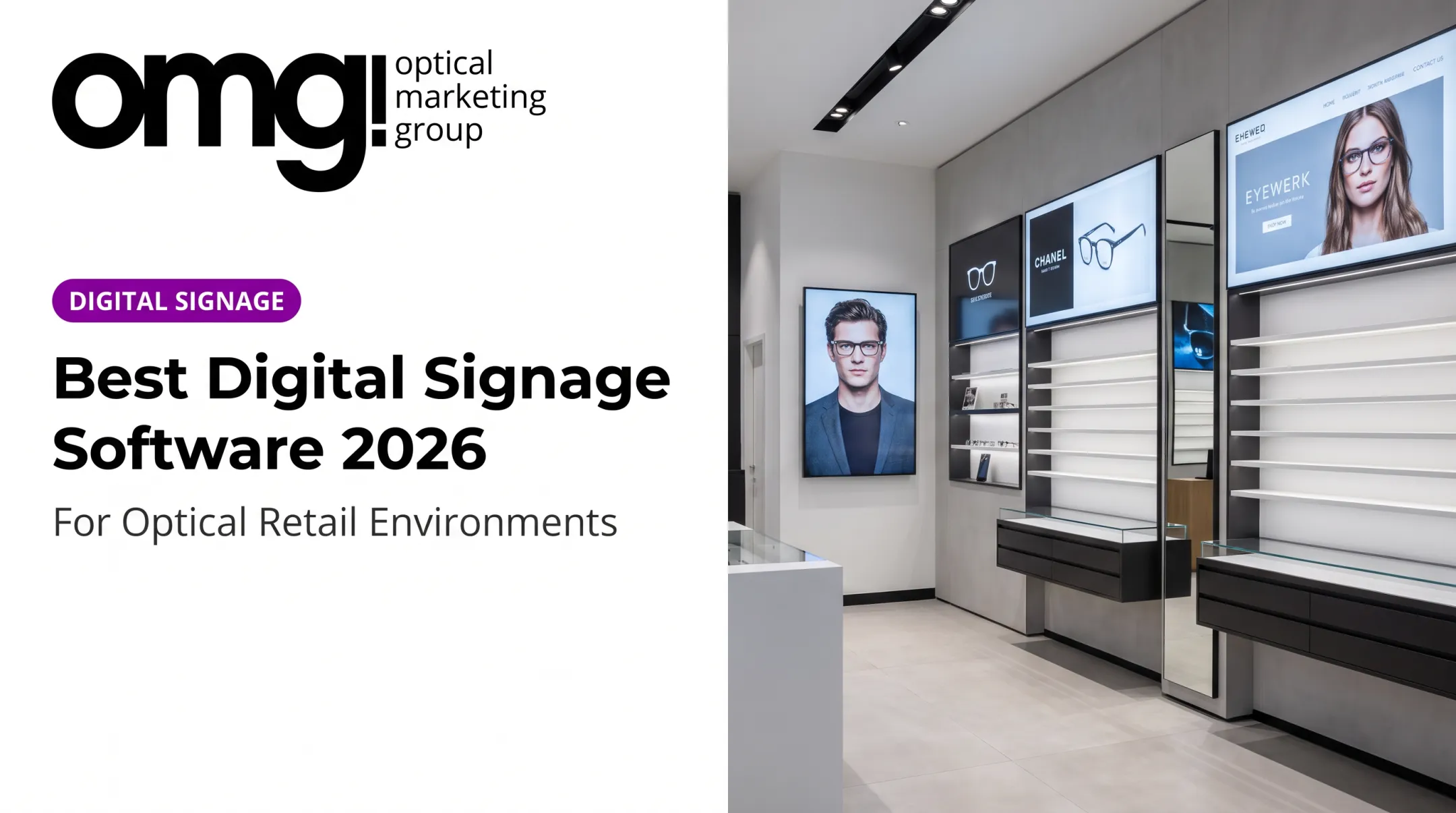

Many buyers struggle with a basic problem: they shop for a screen when they should be shopping for a system. The software segment of the US digital signage market is projected to grow fastest through 2029 as organizations shift toward cloud-based content management paired with real-time data, according to MarketsandMarkets' forecast. That shift matters because software, hardware, and service decisions rarely come from the same vendor.
This guide compares five companies across hardware, software, content management, and industry fit, so you can match a provider to your actual deployment, not just a brand name.
Key Takeaways
- Match the provider to your needs: displays, players, CMS, content creation, or a fully managed solution.
- Optical and eyecare practices get more value from signage bundled with practice design and merchandising.
- Compare content workflows, hardware compatibility, scalability, and security before signing a contract.
- No single company wins every category; fit depends on screen count, industry, and in-house technical capacity.
Overview of Digital Signage in the US Market
Digital signage refers to screens, media players, content-management software, and scheduled or live visual content used to communicate with an audience. According to AVIXA's industry overview, the technology relies on three core components: commercial displays, media players, and CMS software, with network connectivity distributing content (some setups run locally instead).

A full system typically includes:
- Commercial-grade display built for extended daily use
- Media player or built-in system-on-chip that stores and plays content
- Content management software (CMS) for scheduling and updates
- Content assets such as video, images, and live feeds
- Network connectivity or local playback
- Mounting hardware suited to the installation
- Ongoing support for monitoring and troubleshooting
Where It Shows Up Across Industries
Typical deployments include:
- Retail promotions and in-store product stories
- Restaurant digital menu boards
- Hospital wayfinding for patients
- School announcements and schedules
- Corporate internal updates
- Optical retail lens demos, frame storytelling, and product discovery
Most buyers want the same outcomes: faster content updates, more uniform branding, better navigation, and less reliance on printed signs. The providers below sit at different layers of that market, so match each one to your screen count and use case rather than searching for a single universal winner.
Best Digital Signage Companies in the US
Selection here reflects relevance to digital signage, product breadth, content-management capability, deployment support, scalability, industry fit, and pricing transparency. These companies use different business models: integrated design providers, hardware manufacturers, software platforms, and managed-service partners. None are directly interchangeable.
OMG! Optical Marketing Group
OMG! is a Southern California-based optical design and merchandising studio that bundles practice design, custom fixtures, graphics, digital signage, production, and installation coordination for eyecare providers and eyewear brands.
Unlike standalone signage vendors, OMG! plans screens alongside patient flow, frame merchandising, lighting, and curb appeal. For a practice considering a remodel, that's a different conversation than simply buying a TV and a subscription.
The company's digital signage offering, Contentlinq, includes:
- A 55" Ultra Bright Window TV (2,500 cd/m² brightness, cloud content management)
- A Contentlinq Media Player / Smart TV Adapter that converts an existing TV into a managed display
- Interactive tablets with lens demos, face-shape guides, and photo booths
- Exam room monitors for clinical and practice-specific content
Practices like Clara Vista Eyecare in Montgomery, Texas combined custom fixtures with digital signage during a new-practice buildout and reported more than doubling their first-year forecast. Treat that figure as an internal case example, not an industry-wide benchmark.
Best fit: Independent optometry practices, ophthalmology practices with optical dispensaries, optical chains, and eyewear brands needing signage integrated with merchandising.
Verify before buying: Current Contentlinq hardware pricing, subscription tiers, supported screen types, and content-management features.
Buyer consideration: If signage needs to work alongside fixtures, lighting, and patient flow, an integrated design partner may deliver more value than sourcing generic signage software on its own. Practices exploring a remodel can start with a Patient Experience Assessment or the online Project Planner to see how signage fits the broader space.
BrightSign
BrightSign is a hardware and media-player company built for organizations that prioritize dedicated playback devices over all-in-one smart displays. Its players run signed firmware with a read-only filesystem during normal operation, a security design relevant to high-traffic or unattended installations.
The company's newest Series 6 lineup (HD6, XD6, XS6) launched in early 2026, alongside continued support for Series 4 and 5 players. Remote device management, previously branded BSN.Cloud, now operates under BrightSign Control and Control Plus for larger fleets.
Best fit: Buyers needing dedicated players, hardware longevity, or compatibility with a separately chosen CMS.
Verify before buying: Supported player families, offline playback behavior for live feeds versus stored content, and which CMS platforms integrate with your chosen player.
Buyer consideration: BrightSign sells hardware and playback infrastructure, not a complete package. Budget separately for displays, CMS software, content creation, and installation.
ScreenCloud
ScreenCloud is a cloud-based CMS built around centralized content management, screen administration, and app integrations. It's designed for businesses that want signage connected to other tools, such as dashboards, Microsoft Teams, Google Sheets, or social feeds.
Plans run Core, Pro, and a custom-quoted Enterprise tier, billed per screen. A few details matter for larger deployments:
- Single sign-on (SSO) is included in Enterprise and in Pro once an account reaches 35 licenses; Core customers can purchase it as an add-on
- SAML 2.0 support is documented for Okta configuration
- Platform availability targets 99.99% monthly uptime, with exclusions for scheduled maintenance, per ScreenCloud's service agreement
- Compatible hardware includes BrightSign, Samsung Tizen, LG webOS, Windows, and ChromeOS devices
Best fit: Multi-location organizations wanting centralized management and software-led deployment.
Verify before buying: Current pricing, which integrations are locked to higher tiers, and whether your hardware model is on the supported list.
Buyer consideration: Confirm SSO and uptime terms apply to your specific plan tier before assuming enterprise-grade features come standard.
Scala
Scala serves large, multi-location deployments where content, hardware, and governance need to be coordinated across dozens or hundreds of screens. Its Content Manager handles playlists, scheduling, approvals, and workgroup permissions, while Designer handles content authoring.
Scala is mid-transition after its 2026 acquisition by Vertiseit. The company is shifting toward a partner-first SaaS model and device-agnostic software, which changes who delivers hardware and managed services on new contracts.
Best fit: Large retailers, transportation hubs, financial institutions, and enterprises needing structured, professionally managed networks.
Verify before buying: Current hardware compatibility, whether managed services are delivered directly or through a partner, and analytics capabilities (player health monitoring is confirmed; broader audience analytics is not).
Buyer consideration: Request a current quote and implementation timeline. For a handful of screens, a simpler self-managed platform will likely cost less than an enterprise deployment.
EZ-AD TV
EZ-AD TV offers cloud-based content management aimed at smaller and growing businesses that want signage without sourcing every component separately. Its platform supports browser and mobile-based publishing, file uploads, and timeline scheduling.
Hardware runs through box and stick players connected via HDMI, a simpler setup than enterprise player ecosystems.
Best fit: Small businesses, restaurants, retail locations, and healthcare facilities wanting accessible content management without a large IT lift.
Verify before buying: Subscription pricing (published as a personalized quote rather than fixed tiers), onboarding support, and the cost of adding screens as you grow.
Buyer consideration: This model trades some enterprise depth for simplicity. That's a fair trade for a single location, less so for a 50-screen network.

How We Chose the Best Digital Signage Companies
A display manufacturer, a CMS vendor, and a managed-service provider aren't interchangeable offerings. Comparing them head-to-head on price alone misses the point. Each company above was evaluated by category and buyer fit.
Evaluation areas included:
- Complete deployment model – displays, players, CMS, content creation, mounting, installation, and ongoing monitoring
- Content workflow – how easily teams build layouts, schedule campaigns, assign content to screen groups, and push live updates
- Hardware reliability – offline playback, automatic recovery, remote diagnostics, and compatibility with existing equipment
- Scalability and security – permissions, integrations, and support for growth from one site to many
AVIXA's cost-of-compromise analysis notes that total cost of ownership should include replacement cycles, installation labor, and downtime, not just the sticker price on a display.

Common Buying Mistakes to Avoid
- Choosing a vendor on brand recognition alone
- Comparing software prices without factoring in hardware and installation costs
- Skipping a pilot test on actual hardware and your real network
- Overlooking who owns the content once the contract ends
- Picking a platform that exceeds (or underserves) your team's technical capacity
A practical evaluation process looks like this:
- Define your use case and required content types
- Estimate current and future screen count
- Request a demo, then run a pilot on real hardware and your network
- Confirm who owns implementation and content after the contract ends
- Calculate total cost over the full term, not just year one
Conclusion
The best digital signage company is the one whose hardware, software, support model, and industry experience match what you're trying to accomplish, not simply the most recognizable name.
Before signing anything, compare these factors across at least two providers:
- Current and future screen counts
- Content workflows and hardware requirements
- Integrations, security, and ongoing costs
For eyecare practices and optical retailers, signage rarely works in isolation. It sits next to fixtures, lighting, and patient flow. If that's your situation, a partner like OMG! Optical Marketing Group that designs signage alongside the rest of the space may be worth exploring, starting with a Patient Experience Assessment or the online Project Planner.
Frequently Asked Questions
How much does digital signage cost?
Total cost usually includes displays, media players, CMS subscriptions, content creation, installation, connectivity, and ongoing support. Hardware and installation are typically one-time costs, while CMS subscriptions and content services recur monthly or annually. Request current 2026 pricing directly from vendors since rates vary by hardware tier and plan.
How much is digital signage software?
Software is priced per screen, per device, per location, or through a custom enterprise quote. Compare feature tiers, minimum screen commitments, integrations, and support level rather than focusing only on the lowest entry price.
How do you manage digital signage?
A CMS lets you create, schedule, publish, and monitor content remotely, often grouping screens by location or purpose. Look for platforms with clear permissions, defined content ownership, and a repeatable approval process for new campaigns.
What are the different types of digital signage?
Common types include menu boards, promotional displays, wayfinding screens, interactive kiosks, video walls, workplace communication boards, waiting-room screens, and point-of-purchase displays. Optical retailers also use product-discovery tools like lens demo screens and face-shape guides.
What are the key elements of a digital signage system?
A complete system typically includes a display, a media player or built-in playback system, CMS software, content assets, network connectivity, physical mounting, and ongoing monitoring or support. Missing any one of these creates gaps in reliability or content control.
What is digital signage?
Digital signage is electronically displayed visual communication managed through hardware and software, used for everything from retail promotions and hospital wayfinding to school announcements and optical product discovery. It replaces static printed signs with content that updates remotely and on demand.