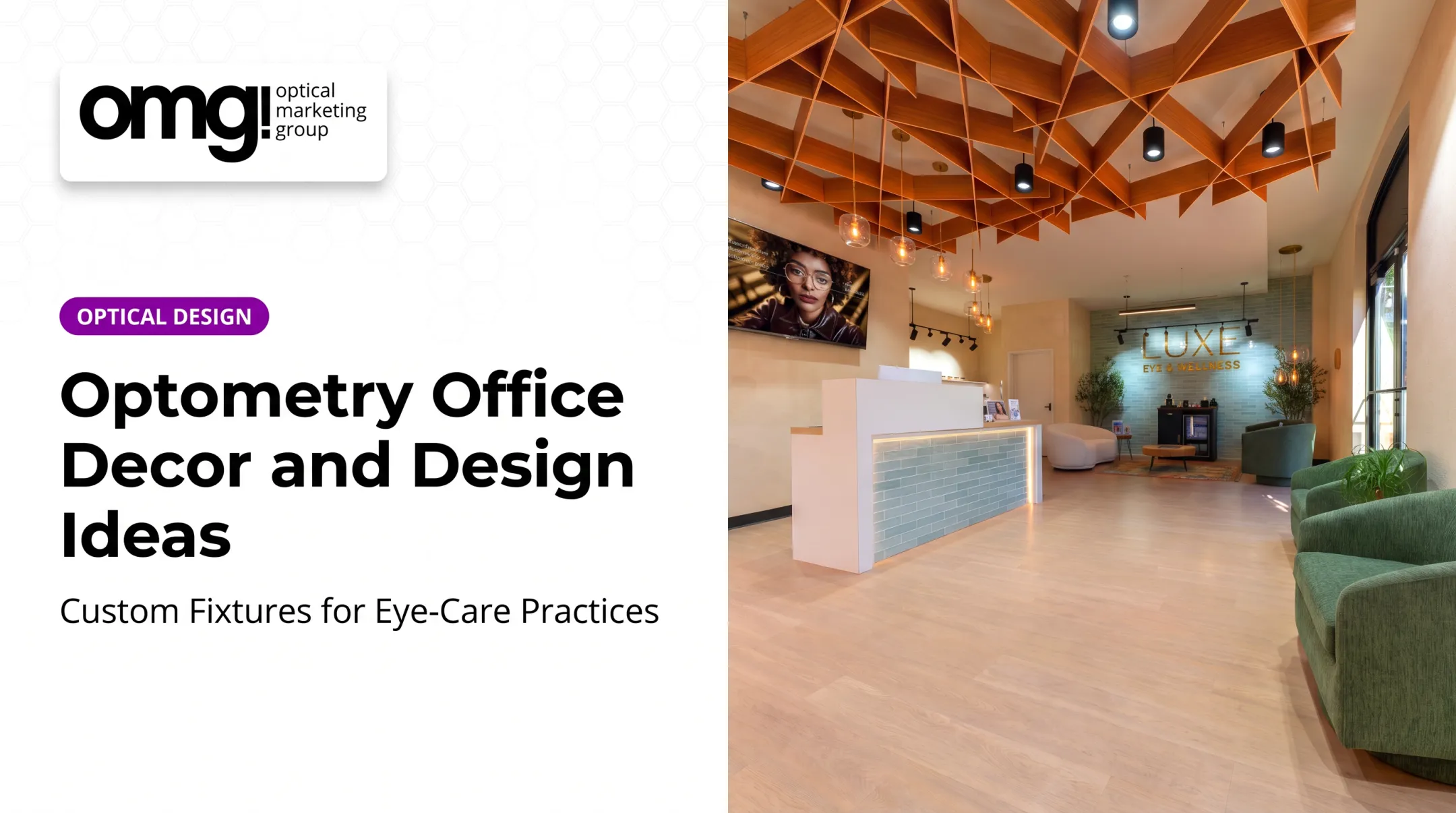

A cluttered front desk suggests disorganization. Worn chairs and flat lighting suggest a practice that's coasting. A confusing check-in process makes an already-anxious patient more anxious.
In a study of seven outpatient physician practices, Becker and Douglass found that patients consistently connected environmental attractiveness with perceived quality of care and reduced anxiety, according to Cornell's outpatient study.
This article covers practical ways to design or refresh a medical reception area: layout and zoning, the check-in desk, seating, lighting, branding, wayfinding, accessibility, privacy, materials, acoustics, and staff workflow. For eyecare practices running an optical dispensary, we'll also cover connecting reception to optical browsing without crowding the queue.
Key Takeaways
- Build the layout around patient movement, staff workflow, and confidential conversations, not decoration alone.
- Comfortable, cleanable furniture, calming lighting, and a clear check-in point reduce patient uncertainty and stress.
- Bake accessibility, privacy, storage, and technology into the plan from day one, not as an afterthought.
- Eyecare practices should connect reception and optical browsing through shared branding without crowding the check-in line.
Medical Office Reception Design Principles That Shape the Patient Experience
First Impressions and Zoning
A patient forms an opinion of your practice in the first few seconds past the door. Cleanliness, order, lighting, and staff visibility all signal competence before a single word gets exchanged.
Zoning solves the next problem: where does everyone go? A reception area typically needs five zones:
- Arrival and entry
- Check-in and the front desk
- Waiting and seating
- Circulation paths to exam rooms, restrooms, and exits
- Optical browsing, for eyecare practices
Each zone should stay visually distinct, but every zone needs a clear sightline back to the front desk. If staff can't see arriving patients, or patients can't find check-in on their own, the layout has already failed its first job.
Balancing Openness With Privacy
Open reception areas feel welcoming, but they expose private conversations and paperwork. Smarter desk orientation, spacing between the desk and waiting seats, acoustic treatments, and privacy screens on monitors protect privacy without walling the space off.
Lower, informal conversation areas set apart from the main queue give staff a place to discuss sensitive details without raising their voice across the lobby.
Accessibility and Emotional Comfort
A reception area that works for one body type doesn't work for every patient. Step-free routes, wheelchair-friendly approach areas, varied seating heights, and readable signage all matter.
The 2010 ADA Standards spell out exact requirements for service counters, accessible routes, and turning space. Confirm current rules with an accessibility consultant before you finalize a layout.
Comfort is the other half. Natural light where the floor plan allows it, glare-controlled fixtures, and soothing color palettes help calm patients before a clinical visit. A touch of nature-inspired material or artwork works too, without tipping into a residential living-room look that feels out of place.

Medical Office Reception Area Design Ideas to Consider
The Reception Desk and Check-In Point
The front desk anchors the whole room. It needs:
- An accessible transaction point usable by seated and standing patients
- Integrated technology with concealed cable management
- Enclosed storage for files, supplies, and personal items
- A durable, easy-to-clean finish built for high-traffic use
OMG's Carmel Counter Height Reception Desk illustrates this approach. The 24" x 120" x 42" counter includes raised transaction ledges, drawers, and more than 18 laminate finishes, and supports two staff workstations at once.
Flexible Seating for Every Patient
A reception area serves toddlers, wheelchair users, bariatric patients, and anxious first-timers, sometimes in the same hour. A mixed seating plan handles that range better than one chair style:
- Individual chairs for patients who want space
- Chairs with arms for patients who need help standing
- Companion seating so a family member can sit close
- Bariatric-rated seating interspersed with standard chairs, not segregated in a corner
- Family-friendly groupings near, but not blocking, circulation paths
Spacing matters as much as the chairs themselves. Seats placed too close together kill privacy; seats placed too far apart make the room feel cold.
Lighting, Branding, and Wayfinding
Layered lighting does three jobs: it helps staff read faces and documents, it keeps the room calm, and it controls glare on screens, glasses, and polished counters. Many optical practices now budget around 30% of a build-out toward lighting alone, because it shapes the entire room's mood.
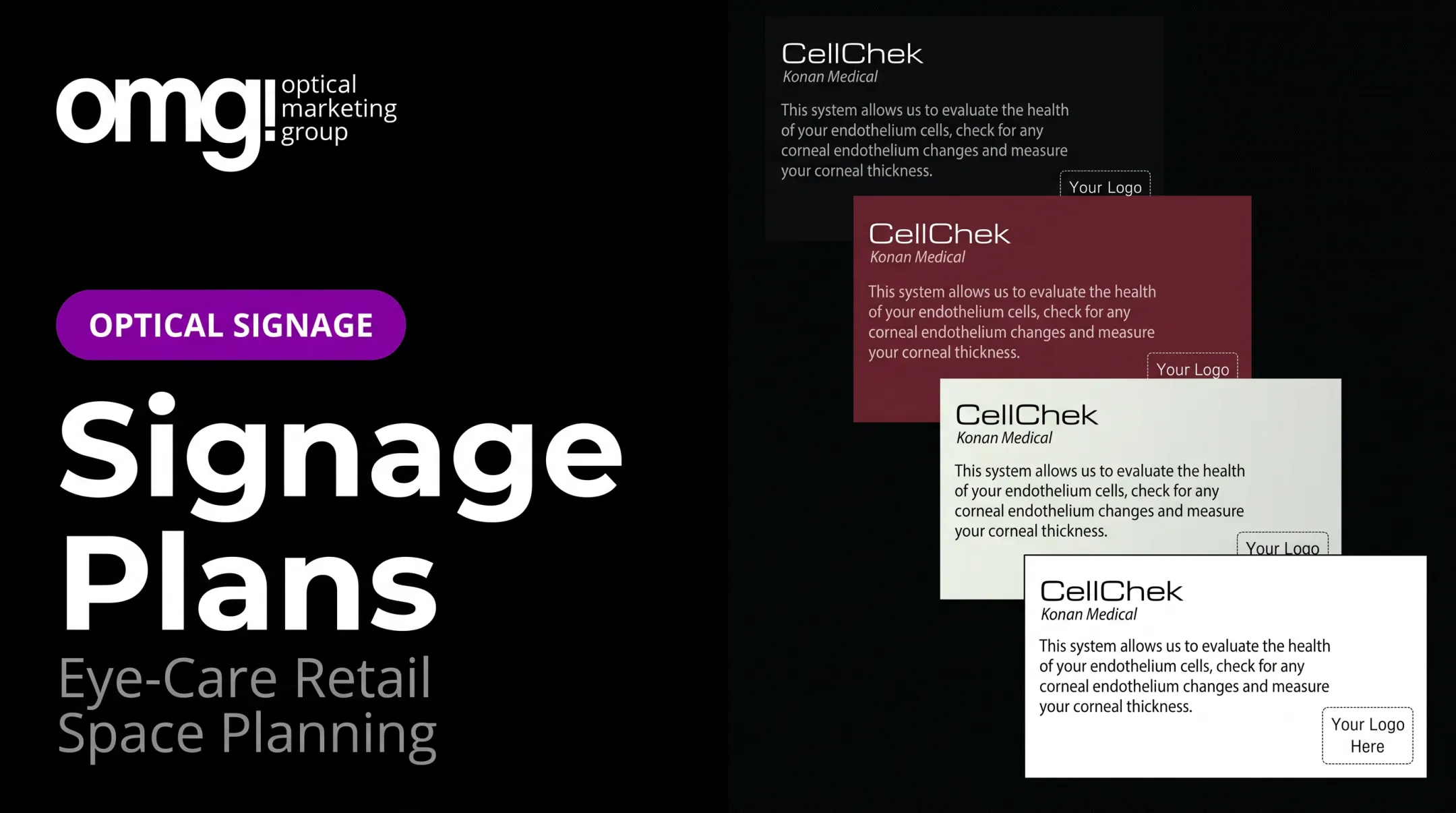
Branding should reinforce identity without shouting. A reception backdrop, a consistent color palette, and a few well-placed wall graphics go further than a wall covered in logos.
Clear wayfinding prevents the most common lobby complaint: not knowing where to go next. That means:
- A visible check-in point
- Short directional signs
- Consistent wording for every destination
Materials, Acoustics, and Optical Browsing
Floors, counters, and seating fabrics need to survive spills, disinfectant, and years of foot traffic. Specify materials based on how they'll be cleaned, not just how they look on day one.
Absorptive ceiling tiles, wall treatments, and thoughtful furniture placement cut the background noise that makes waiting feel tense.
For optometry and ophthalmology practices, reception often sits next to an optical dispensary. The best layouts let patients browse frames before or after their appointment without crowding the check-in line, usually by separating the queue path from the display path entirely.

Scale the layout to the practice:
- Solo practices can combine reception and optical in one open room with a single desk
- High-volume clinics often need two check-in stations and overflow seating
- Ophthalmology practices with a dispensary usually separate quieter consult waiting from a brighter, retail-style optical zone
Make the Reception Area Functional for Patients and Staff
Mapping the Patient Journey
Walk the actual path a patient takes, from the parking lot to the exit: entry, check-in, waiting, clinical handoff, checkout, and in eyecare practices, the optical dispensary. Watching real patients move through that path for an hour reveals problems a floor plan on paper never shows.
Common bottlenecks appear at predictable points:
- Crossed traffic between arriving and departing patients
- Hidden or unmarked doors that confuse first-time visitors
- Queue congestion at a single check-in point during busy mornings
- Furniture or displays that block staff sightlines to the entrance
Fixing these is often cheaper than practices expect. Moving one chair or repositioning a monitor can resolve a sightline issue that's existed for years.
What Receptionists Actually Need
The person behind the desk runs the whole room, often while answering the phone, verifying insurance, and calming a worried patient, all at once. The physical space needs to support that:
- Desk height and task seating suited to hours of sitting and standing
- Monitor positioning that keeps screens private from the waiting area
- Phone or headset access that doesn't require leaning across the counter
- Secure, lockable storage for documents and personal items
- Enough workspace to handle several patients at once during peak hours
A desk that's too small, too open, or poorly lit makes greeting patients, verifying coverage, managing the schedule, and protecting confidential information harder than they need to be.
Blending Digital and Human Check-In
Digital check-in tools such as kiosks, tablets, and online pre-registration can speed up busy mornings. Even so, most patients still expect a staffed desk as their first point of contact, and plenty prefer a human greeting over a screen.
Design for both: keep a staffed desk as the default, and treat self-service tools as an option for patients who want it, not a replacement for every interaction.
Plan a Reception Refresh or New Design Project
New Build, Renovation, or Refresh?
Not every reception problem needs a construction crew. Three scopes solve different problems:
- New build or major renovation: right for practices moving, expanding, or dealing with structural layout problems that furniture rearranging won't fix
- Full interior renovation: right when the floor plan is sound but check-in, seating, lighting, and materials all feel outdated at once
- Low-cost refresh: paint, lighting updates, new seating fabric, and updated signage for a quick lift before committing to anything bigger
Figure out which category you're in before picking paint colors. A fresh coat of paint won't fix a front desk that can't be seen from the waiting area.
A Discovery Checklist Before You Start
Before any drawings get made, gather the real numbers:
- Current floor plan and square footage
- Patient volume and appointment patterns
- Staff workflow during peak and slow periods
- Patient demographics and accessibility needs
- Known privacy risks at the front desk
- Brand requirements and optical goals, if applicable
- Technology plans, budget, and maintenance expectations
This checklist is where OMG! Optical Marketing Group's Patient Experience Assessment fits in. It's a short, scored evaluation of wayfinding, brand signage, lighting, and whether waiting and optical browsing are integrated or kept separate. That score gives a practice a baseline before any design work begins.
Test the Design, Then Commit
Before signing off on a layout, test it:
- Build a scaled floor plan and check sightlines from the desk to the door
- Walk the circulation path the way a patient would, including a wheelchair route
- Review material samples under the lighting you plan to install
- Get feedback from the reception staff who will actually work the desk
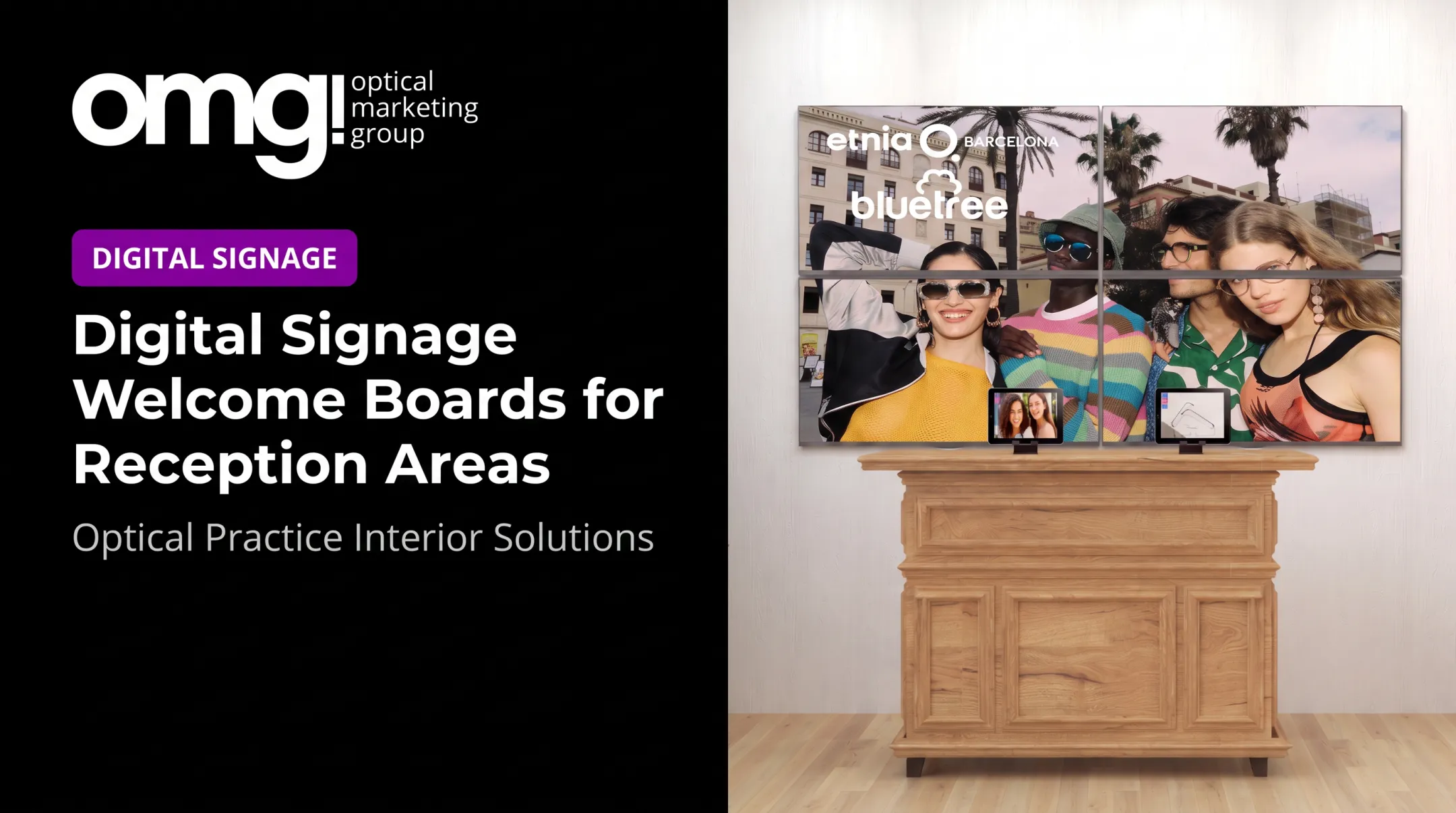
OMG!'s process follows the same logic. After the Patient Experience Assessment, its multidisciplinary team moves into space planning. The team coordinates custom fixtures, graphics, branded signage, and digital displays, then carries the project through production and installation for eyecare environments.

Define Success Before You Start
Decide upfront what "better" looks like:
- Shorter arrival-to-check-in time
- Fewer wayfinding questions at the desk
- Improved staff efficiency during peak hours
- Stronger optical engagement for eyecare practices
- Easier day-to-day maintenance
- Better patient feedback scores
There's no universal industry benchmark for these numbers. Track your own practice's baseline before the project starts, then compare it afterward.
Frequently Asked Questions
What is the standard size for a reception area?
There's no universal standard size. Base the room on expected patient volume, seating needs, circulation paths, accessible clearances, and desk functions. Confirm applicable building and accessibility codes for your location.
What are the responsibilities of a medical office receptionist?
Receptionists greet patients, manage check-in and scheduling, and answer phone and in-person questions. They also handle records or insurance administration, process payments where applicable, direct patient flow, and protect confidential information.
How can I make a small medical reception area feel more spacious?
Keep a clear, uninterrupted circulation path, scale furniture to the room, and use vertical storage. Visually light partitions and a reception desk that doesn't dominate the space also help a lot.
How should a medical reception area protect patient privacy?
Position the desk and seating to limit overheard conversations, add privacy screens on monitors, secure documents, and keep queues discreet. The HHS privacy guidance clarifies that reasonable safeguards, not full soundproofing, are required.
What furniture and materials work best in a medical reception area?
Choose comfortable, accessible, durable seating and non-porous or easily cleaned finishes that match your traffic levels and infection-control practices. Budget and brand style should guide final selections, not just appearance.