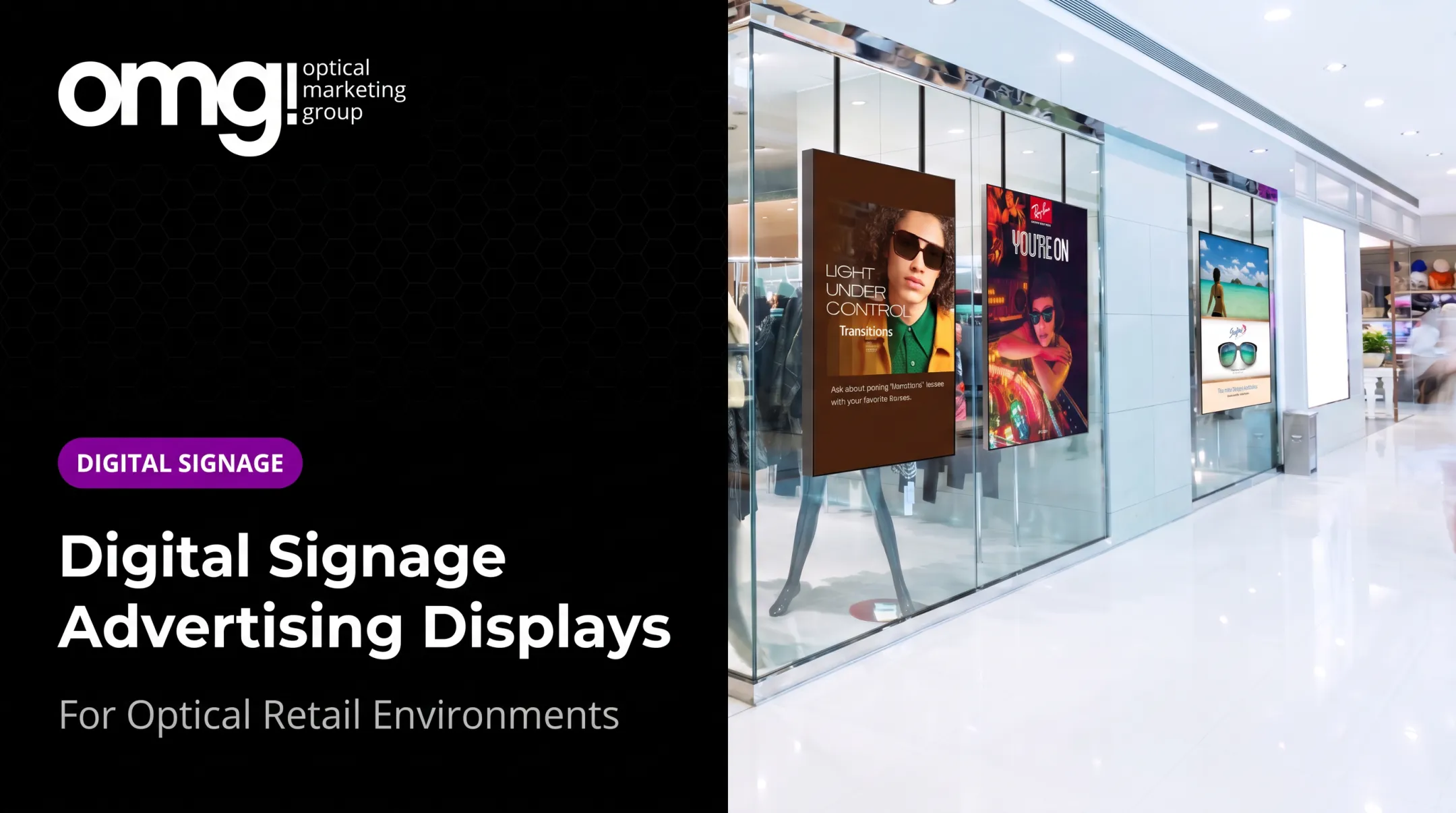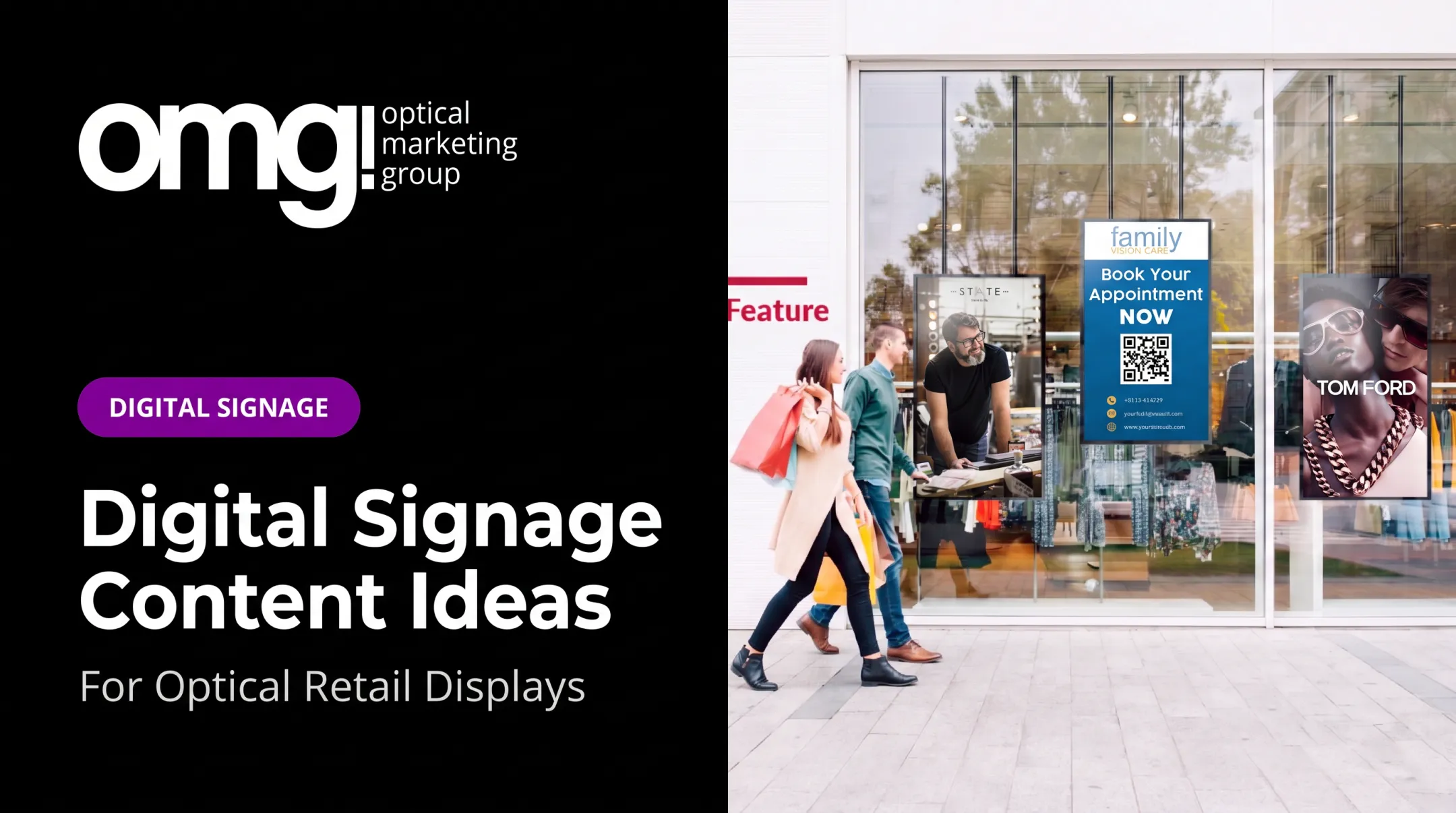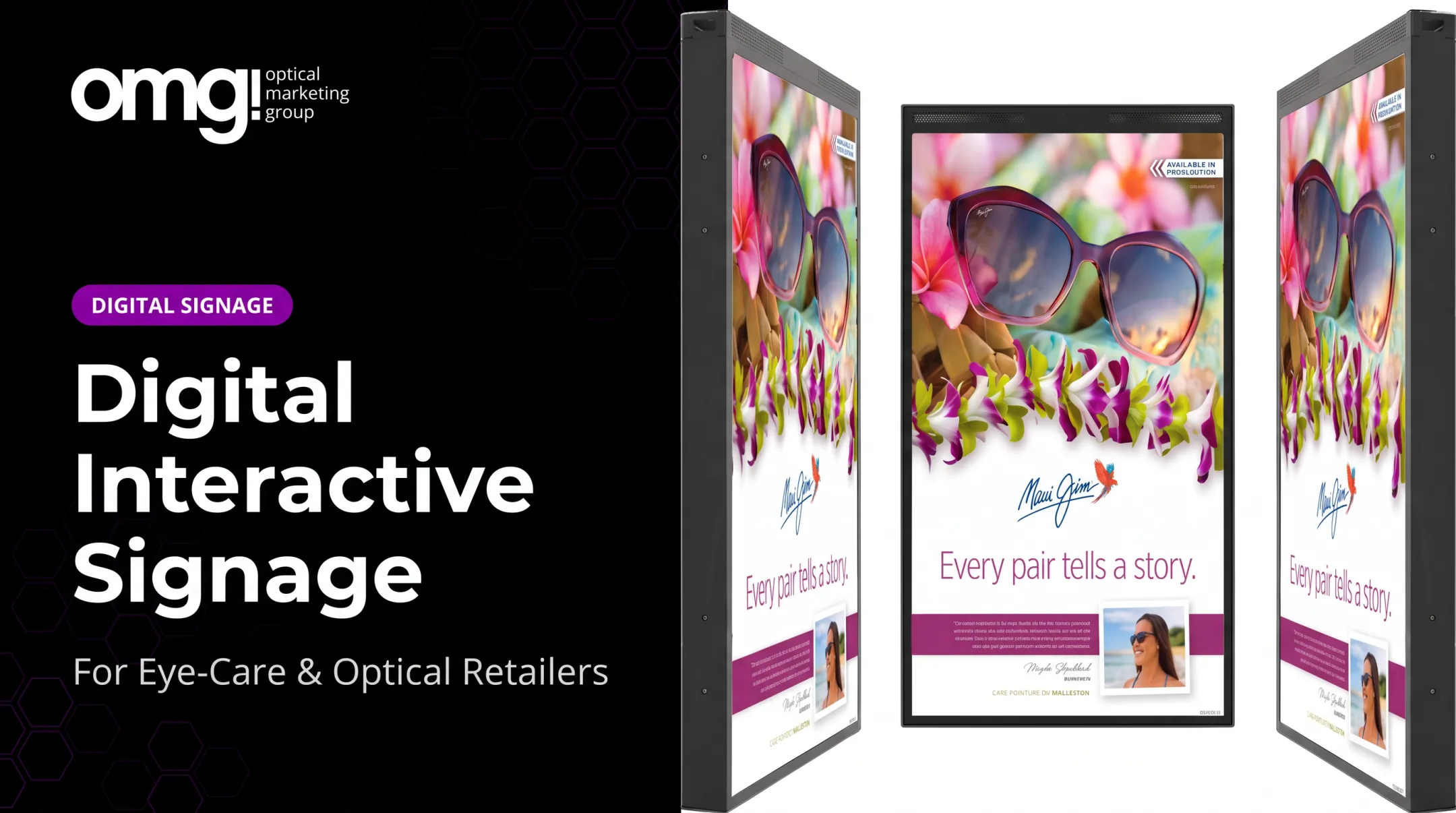

A digital signage welcome board is a managed screen that replaces that static clutter with something useful: a greeting, check-in guidance, practice information, patient education, and selective optical merchandising content, all in one place.
This guide covers why welcome boards matter, what to put on them, the hardware and design decisions behind a good installation, privacy considerations specific to healthcare settings, and how to roll one out without turning your lobby into a billboard.
Key Takeaways
- A welcome board should reduce patient uncertainty, not just display your logo on a loop
- Reception screens can handle check-in guidance, education, and service discovery while staff focus on patients
- Readability, placement, and privacy decisions determine whether a screen gets used or ignored
- Digital signage works best when planned alongside lighting, wayfinding, and the broader patient journey
Why Digital Signage Welcome Boards Matter in Reception Areas
Patients, family members, and referring professionals all size up a practice within seconds of walking in. The reception area carries that weight whether you've planned for it or not. Most patients form a buying impression of their eyecare provider before the pre-exam even starts, based on internal OMG! Optical Marketing Group observations from practice redesign projects.
A welcome screen handles the repetitive, low-complexity questions that eat into staff time:
- Where do I check in?
- Where should I sit?
- What services does this practice offer?
- What happens next in my visit?
That frees your front desk to focus on patients who actually need a conversation, not directions to the restroom.
Dynamic Beats Static
Printed signage has one mode: stay the same until someone reprints it. A digital board can be updated in minutes, scheduled a week in advance, or pulled down the moment your hours change for a holiday. No laminating, no reprinting, and no stack of outdated flyers in a drawer.
Retail research backs up the perception side of this. A 2019 grocery-checkout study found shoppers who focused on signage during a wait rated their queuing experience more favorably, even when actual wait time didn't change, according to Garaus and Wagner's study.
That's not an optical-specific number, but it's a reasonable signal for why an engaged reception area feels better than a quiet one.
Balance matters, too. A welcome board should support both the clinical visit and the optical retail side of your practice without making the lobby feel like a shopping channel. One frame promo per playlist rotation is plenty.
What to Display on an Optical Reception Welcome Board
Start with the basics, then layer in education and merchandising. Overloading a single slide with everything you want patients to know is the fastest way to make a screen invisible.
Primary welcome message: practice name, logo, brand tone, and a clear next step such as "Check in at the front desk" or "Please use the kiosk to your left."
Practical information patients actually need:
- Office hours and holiday closures
- Check-in instructions
- Wi-Fi network name, if you offer guest access
- Restroom and accessibility directions
- Temporary notices, such as a provider out sick or a schedule change
Education and Merchandising, Done Carefully
Optical education content works well on a reception screen, but only with sign-off from clinical staff. Good candidates include:
- Lens options and coatings
- Sun protection and UV guidance
- Contact lens care reminders
- Children's eyewear basics
Have a clinician review any health claim before it goes on a screen. The AHRQ health literacy toolkit recommends plain, everyday language over medical terminology for any slide a patient reads while waiting.
For merchandising, keep it restrained: one new frame collection, one featured brand, or one seasonal story per slide. Skip the crowded product grid. It reads as an advertisement, not an introduction.
Schedule Content to the Day
A welcome board doesn't need the same playlist from open to close. Consider:
- Morning welcome and hours reminder at opening
- Appointment-prep tips during mid-morning traffic
- Educational content during longer waits
- Closing-time instructions near end of day
What Should Never Appear on a Public Screen
Keep these off any unsecured, public-facing display:
- Patient names
- Appointment times or details
- Diagnoses or treatment information
- Insurance information
- Phone numbers or other personally identifiable information
If a practice wants to display any of this, it needs a properly secured, consented system, not a standard lobby screen.
Design, Hardware, and Content Management Considerations
Screen size and orientation should follow your room, not a trend. A screen patients glance at while standing in line needs different sizing than one they'll read while seated for ten minutes.
Readability fundamentals:
- Large type, legible from the farthest seat
- Strong contrast between text and background
- Short, scannable copy, not paragraphs
- Enough dwell time to read without feeling rushed
Web accessibility guidance from WCAG's contrast standard calls for a 4.5:1 contrast ratio for ordinary text. It's a web standard, not a signage regulation, but it's a solid baseline when picking colors for a reception display.
Comparing Display Formats
| Format | Best for | Consideration |
|---|---|---|
| Wall-mounted commercial display | Fixed welcome messaging | Needs a brightness and duty-cycle rating for all-day use |
| Portrait orientation | Narrow walls, tall sightlines | Content must be designed for vertical layout |
| Tablet or kiosk | Interactive check-in or directories | Needs placement at an accessible reach height |
| Multi-screen or video wall | Larger lobbies, brand storytelling | Higher installation complexity, custom content sizing |
OMG! Optical Marketing Group's Contentlinq lineup illustrates the range. The 43-inch Freestanding Interactive Touch Display runs 4K resolution with a 10-point touchscreen, Android, and a built-in camera for engagement analytics.
The 55-inch Ultra Bright Window TV supports landscape or portrait mounting and handles both indoor glare and window placement. Neither is a universal answer. The right pick depends on your lobby's layout, lighting, and traffic flow.
What Drives Software and Platform Decisions
A content management platform handles the parts a single screen can't do alone:
- Scheduling playlists by time of day
- Managing multiple screens from one dashboard
- Assigning update permissions to specific staff
- Updating content remotely without a site visit
- Monitoring whether screens are online
Contentlinq, for example, runs through a cloud-based platform with browser-based asset management, custom playlists, and an analytics dashboard tracking engagement.
Budgeting Beyond the Screen
A display price is only one line item. Full cost planning should account for:
- Display and media player hardware
- Software or subscription fees
- Mounting hardware and installation labor
- Network connectivity
- Content creation and design
- Ongoing maintenance
As a reference point, Contentlinq's media player runs $329.95 plus a $17.95 to $19.95 monthly subscription, while the 55-inch Ultra Bright Window TV is priced at $3,495 with similar monthly fees.
Costs scale with screen count and content complexity, so request a project-specific quote rather than assuming a flat number.
Vendor evaluation checklist:
- Experience with optical or healthcare clients
- Privacy and security controls built in
- Ongoing content design support
- Installation scope, including mounting and network setup
- Accessibility of the display and its content
- Ability to scale across multiple locations
- Transparent recurring fees
How to Implement and Measure a Reception Welcome Board
A pilot approach beats a full rollout on day one. Here's a practical sequence:
- Define the problem. Are patients confused at check-in, or is the lobby just outdated?
- Audit repeated questions. Ask front-desk staff what they answer most often.
- Map the patient journey. Note where patients stand, sit, and wait.
- Choose screen location. Base it on sightlines and foot traffic.
- Build a small pilot playlist. Start with five or six slides, not fifty.
- Assign one content owner. Make sure updates don't fall through the cracks.

Test the screen at different times of day. Morning light hits differently than afternoon glare, and viewing angles that work when the lobby is empty may not work when it's full.
During the pilot, check:
- Legibility in morning and afternoon light
- Sound levels, if any
- Network stability
- Whether placement interferes with check-in traffic
Measuring What Actually Matters
Skip vanity metrics and track things tied to the screen's actual purpose:
- Change in repeated front-desk questions
- Staff feedback on whether patients seem more informed
- Patient comments, formal or casual
- QR-code scan activity, if used
- Shift in optical browsing behavior near the dispensary
A welcome screen's job is to orient and inform, not close sales directly. Judging it purely by product sales misreads what it's built to do.
How OMG! Can Integrate Digital Signage Into an Optical Practice
A screen bolted to a wall without a plan rarely performs the way practices hope. OMG! Optical Marketing Group treats digital signage as one piece of a larger design puzzle, not a standalone tech purchase. Our team coordinates layout, graphics, fixtures, lighting, and signage together, so a welcome board actually fits the space it's placed in.
That means thinking through:
- Sightlines from check-in to the screen
- The transition from reception into the dispensary
- Brand storytelling that stays consistent across physical and digital touchpoints
- Product discovery that feels natural, not pushed
Our Practice Branding Signage work starts from a sobering stat: fewer than 5% of optical retailers have proper signage throughout their facility, based on OMG!'s internal practice assessments. A reception screen is often the easiest fix in that gap.
If you're not sure where a screen would help most, OMG!'s Patient Experience Assessment and online Project Planner are built for exactly this. The assessment scores wayfinding, brand signage, and digital touchpoints across nine questions, giving you a clear starting point before any hardware gets ordered.
This fits naturally into OMG!'s design-to-delivery process, which covers practice layout, graphics, fixtures, signage, and installation support from discovery through buildout.

A reception welcome board works best as part of that bigger plan, not an afterthought bolted on later. That holds whether you are:
- An independent practice opening a new location
- An established office refreshing a dated dispensary
- An ophthalmology practice making your optical feel like retail
- A multi-location group needing consistent signage across every site
Frequently Asked Questions
How much does a digital welcome board for a reception area cost?
Cost depends on display size and type, mounting, media player or software subscription, content creation, installation, and how many screens you're deploying. Request a project-specific quote rather than relying on a generic price range.
What are the best digital welcome board options for a reception area?
It depends on your space. A wall-mounted commercial display suits fixed messaging, portrait screens fit narrow walls, tablets or kiosks work for interactive check-in, and multi-screen setups suit larger lobbies with more content needs.
How can I make my reception area more welcoming?
Combine clear check-in guidance, privacy-safe messaging, comfortable wayfinding, and warm brand visuals with attentive staff. A well-placed screen should complement your physical reception design, not replace good hospitality.
What should I display on a digital welcome board in an optical practice?
Welcome messages, check-in instructions, practice hours, patient education reviewed by clinical staff, service discovery content, and restrained frame or lens storytelling. Avoid clutter and unapproved health claims.
Can digital signage display patient names or appointment information?
Generally, no. Public screens should avoid protected health information and personally identifiable details unless the practice uses a secured, consented workflow and has confirmed its compliance requirements with legal counsel.