
That's the real challenge visual merchandising solves in 2026: making strong products impossible to miss and easy to buy, whether that's inside a boutique, a department store, or an optical dispensary.
Visual merchandising tools now span two different worlds. Physical elements still do the heavy lifting, fixtures, display cases, lighting, and signage shape what customers see the moment they walk in. Software now handles the planning side, planograms, floor layouts, execution tracking, and performance measurement, so what looks good on paper actually shows up correctly on the sales floor.
This guide compares five core tool categories and explains how to combine them, whether you run a single boutique, a multi-location eyewear chain, or an independent optical dispensary.
Key Takeaways
- Visual merchandising pairs physical displays with software for planning, execution, and analysis
- Match tools to store format, product complexity, location count, and your top priority
- Planograms make layouts repeatable; signage, lighting, and fixtures shape the shopper experience
- Multi-location retailers need collaboration, version control, and photo-based compliance over design flair
Overview of Visual Merchandising Tools in the U.S. Retail Market
Visual merchandising tools cover everything used to present products, guide shoppers through a space, communicate value, and keep displays consistent across locations. That includes physical equipment, fixtures, lighting, signage, creative assets, and the planning and execution platforms teams use to design, distribute, and monitor those elements.
The distinction matters: physical tools shape what a customer experiences in the moment. Software helps a team design that experience ahead of time, roll it out consistently, and verify it stays intact after a reset or promotion.
The right mix shifts by format:
- Independent boutiques often lean on fixtures, lighting, and simple layout planning
- Multi-location chains need centralized planograms, compliance tracking, and reporting
- Optical dispensaries balance clinical function with retail discovery, organizing frames by brand, price tier, and lifestyle use
- Department and specialty retailers combine heavy signage programs with digital displays for frequent resets
Digital and physical merchandising are converging fast. NRF's 2026 trend report describes Walmart's newer store concept blending physical assortments with QR-code engagement and in-store kiosks for items not stocked on shelves.
The same logic applies to optical: a frame wall paired with a tablet showing extra colorways extends a display without expanding the footprint.
Assortment turnover adds pressure here, too. A 2025 survey of 282 eyecare providers found that 70% update their frame inventory quarterly, with most introducing new styles every three to six months, per The Vision Council's survey. Displays and planning tools that can't handle frequent resets become a liability fast.

The categories below cover the tool types worth evaluating, with examples researched for current availability rather than a ranked list of winners.
Top Visual Merchandising Tools for Retail in 2026
Five categories cover most of what a retailer needs: physical fixtures, planning software, signage, lighting, and execution platforms. Evaluate each against the same criteria:
- Usefulness across common store formats, not just flagship locations
- Support for both customer discovery and consistent execution
- Scalability as location count or SKU count grows
- Integration potential with existing POS, inventory, or CRM systems
- Relevance to a measurable operational outcome, not just visual appeal
Tool 1: Physical Fixtures, Displays, and Store-Floor Equipment
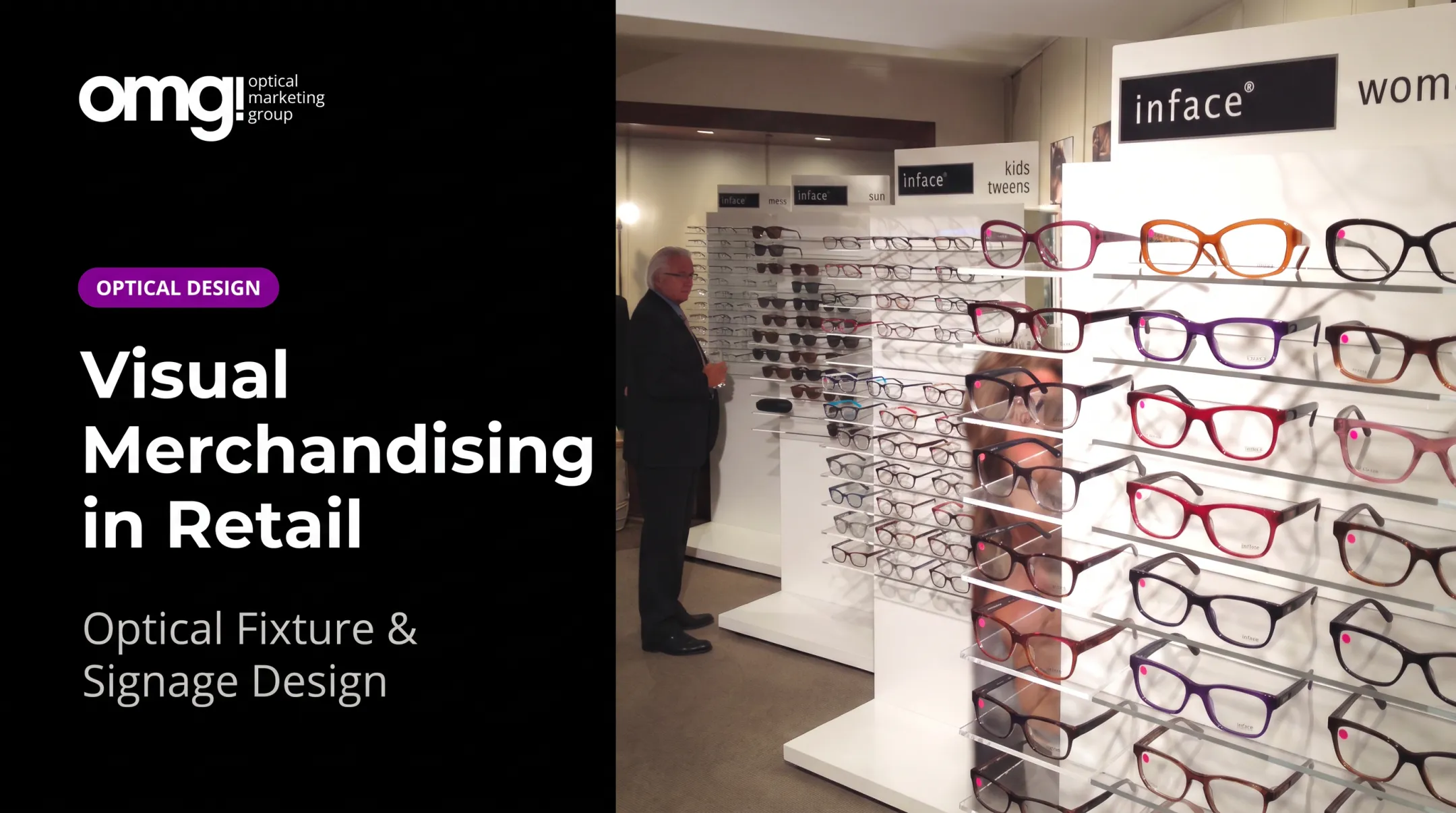
Shelving, frame boards, mannequins, and modular fixtures do more than hold merchandise. They create a visual hierarchy that tells shoppers what to look at first and where to walk next. A cluttered frame wall with no clear price tiers sends the opposite message.
Fixed vs. modular is the first real decision. Fixed fixtures look polished but lock you into one layout. Modular systems with adjustable shelving, repositionable frame rods, and interchangeable graphic panels cost more upfront but pay off with seasonal resets and new collections.
In optical retail, this shows up as:
- Endcaps and window-display systems that catch foot traffic before someone walks in
- Frame displays organized by brand, lifestyle, or price tier rather than one long wall
- Point-of-purchase stands from lens and frame vendors placed near checkout or dispensing
OMG! Optical Marketing Group's product catalog illustrates the range: a Vista Feature Box uses LED puck lighting and a white backer to spotlight a handful of frames, while a larger piece like the Talmadge Waterfall Display holds 48 frames across four drawers in powder-coated steel. Different jobs call for different fixtures.
Before buying any fixture, check:
- Dimensions and load capacity against your actual floor plan
- Adjustability for seasonal resets or new SKUs
- Durability and maintenance for high-traffic areas
- Installation needs: some pieces need two people, others need a contractor
- Lighting compatibility and sightlines from the entrance
Commercial suppliers vary in how they handle customization and delivery. Displays2go, for instance, publishes same-day shipping for in-stock orders placed before 3 p.m. Eastern, while custom frame displays from suppliers like Eye Designs Group run on project timelines tied to design approval rather than a shipping cutoff. Always ask for a specific lead time before committing a reset date to any custom piece.
Tool 2: Planogram and Retail Floor-Planning Software
A planogram turns a merchandising idea (frames by lifestyle, premium brands at eye level) into a layout a store team can actually execute. Fixture positions, facings, shelf height, adjacency, and available space all get mapped out.
What to look for:
- 2D or 3D visualization with a fixture library matching your actual equipment
- Rule-based layouts that auto-fill based on assortment data
- Version control so one manager isn't overwriting another's layout
- Export formats store teams can actually use on the floor
A single boutique usually needs simple layout visualization and nothing more. A multi-location retailer needs centralized templates, permissions by role, and a way to localize layouts for a 1,200-square-foot flagship versus a 600-square-foot satellite. It also needs a rollout plan for pushing updates everywhere at once.
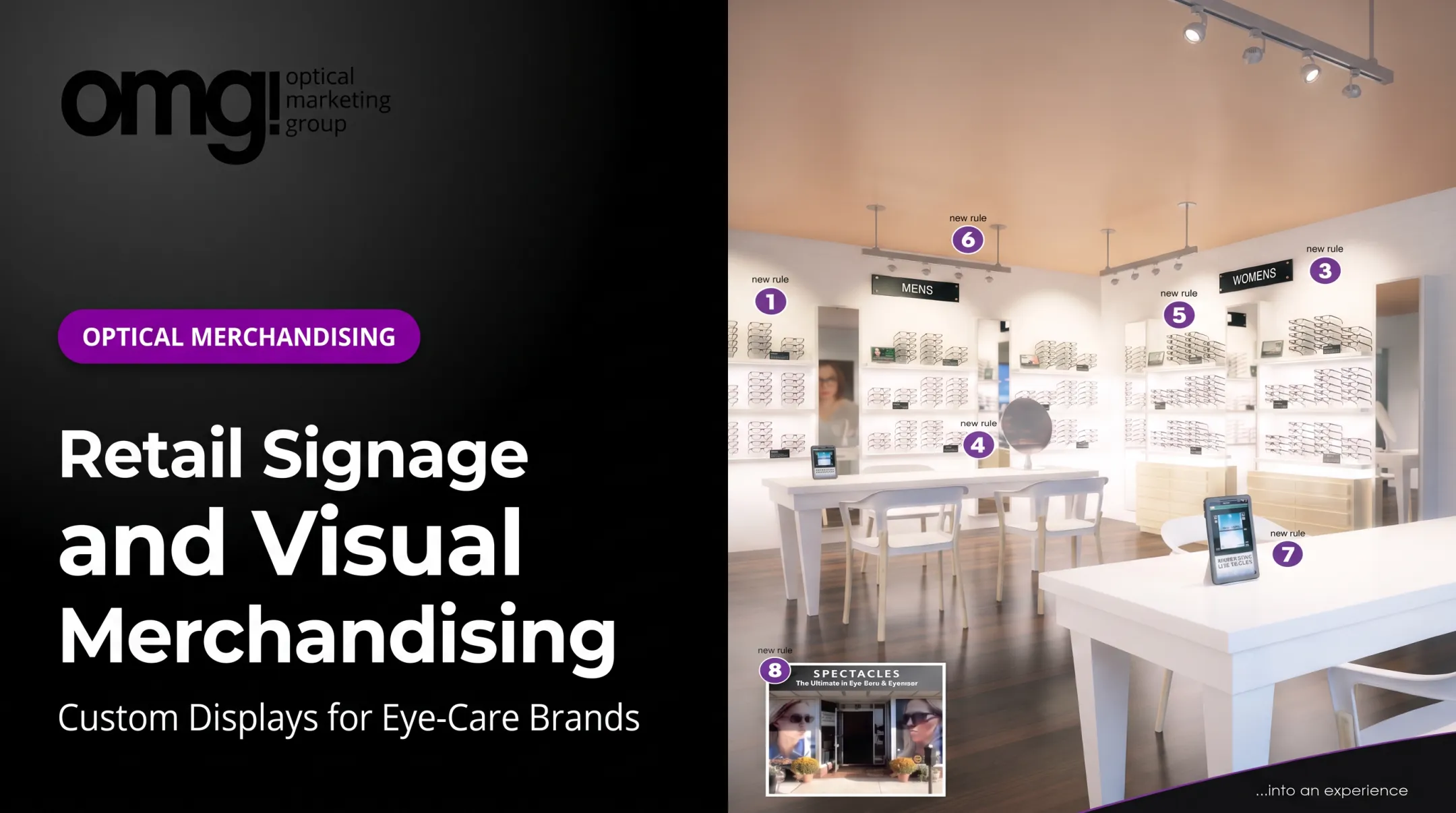
For optical retailers specifically, planograms help organize frames by brand, collection, price tier, gender, or use case, while preserving clear sightlines and staff access to dispensing stations.
Published pricing varies by vendor and tier:
| Platform | Entry tier | Target user |
|---|---|---|
| PlanoHero | $199/month or $2,150/year (Lite, up to 5,000 SKUs) | Growing chains and suppliers |
| DotActiv | Free tier available; Lite at $800/year | Independent stores to large chains |
| RELEX Solutions | Custom quote, no published price | Enterprise merchandising teams |
PlanoHero and DotActiv both publish tier details directly, which makes comparing entry costs easier than with enterprise-only platforms like RELEX.
Tool 3: Signage, Graphics, and Digital Display Systems
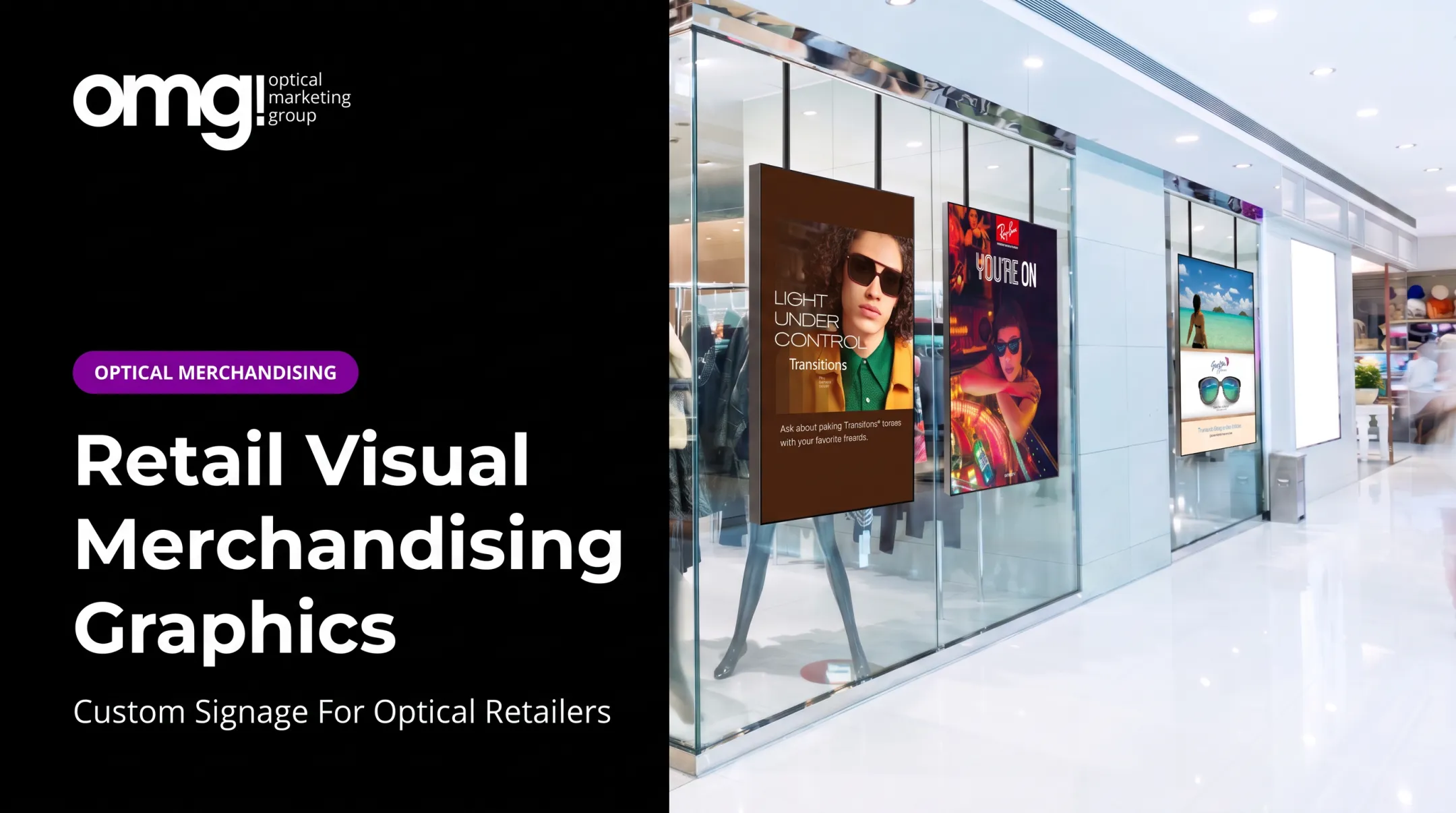
Signage does the job a salesperson can't do for every single shopper: tell them where to go, what's on sale, and why a specific frame or lens matters. That spans storefront signage, wayfinding, category signs, shelf talkers, and increasingly, screens.
Static versus digital signage is a real trade-off:
- Static signage costs less upfront and skips network connectivity or content governance
- Digital signage updates in minutes across every location but needs hardware and a content management system
- Platforms like BrightSign and ScreenCloud separate who can create content from who can publish it, which matters once more than one person touches your screens
What makes signage actually work:
- Clear hierarchy so shoppers know what to look at first
- Messaging short enough to read while walking
- Consistent brand standards across every sign in the store
- Appropriate size and contrast for the viewing distance
- No visual clutter competing for attention
Evidence on digital signage's impact is more specific than most marketing claims suggest. A large field study covering 237 campaigns and nearly 30 million shoppers found an average 8.1% increase in the probability a featured product got purchased, according to the Journal of Marketing. That is a real but conditional result tied to featured-product promotion, not proof that digital signage universally beats printed signs.
In optical retail, this plays out as branded frame-zone signage, lens-education graphics, and window displays readable from the sidewalk. Yet industry guidance notes that fewer than 5% of optical retailers have proper signage throughout their facility, even though clear gender, vendor, and lifestyle signage directly supports multiple-pair sales and patient satisfaction.
Tool 4: Lighting, Color, and Sensory Merchandising Equipment
Lighting shapes product visibility, atmosphere, and how premium something looks before a shopper ever touches it. Ambient, accent, task, and display lighting each do different jobs, and conflating them is a common mistake.
Technical factors worth reviewing before installation:
- Color rendering index (CRI), with anything above 90 classified as "very good" for accurate color
- Brightness and beam angle, from narrow spotlights for single pieces to wide floods for broader areas
- Glare control, especially near mirrors or fitting areas
- Energy use and compatibility with existing electrical and ceiling systems
Color palette, spacing, and even sound or scent can support a coherent brand feel, but the goal is support, not distraction. Overdone sensory elements compete with the product instead of highlighting it.
Optical retail has unique needs here. Accurate color rendering affects whether a shopper can actually judge a frame's true color rather than a washed-out version of it. Mirror and fitting-area lighting needs to flatter without harsh shadows. Lighting near dispensing areas has to support clinical comfort and retail browsing at the same time.
Lighting also deserves budget priority, not an afterthought. Design guidance in the optical space recommends allocating at least 30% of a build-out budget to lighting alone, reflecting how much it affects both merchandise presentation and overall atmosphere. Before finalizing any plan, loop in a lighting designer, electrician, or accessibility specialist. Specification mistakes here are expensive to fix after installation.
Tool 5: Execution, Compliance, Analytics, and Image-Recognition Platforms
A beautiful planogram means nothing if the store three states away never sets it up correctly. That's the gap execution and compliance tools close: distributing instructions, assigning tasks, collecting photo proof, and flagging problems before a campaign loses momentum.
Capabilities worth comparing:
- Mobile task management and photo audits from store teams
- Image recognition that checks planogram compliance automatically
- Exception reporting that flags only the stores needing attention
- Dashboards connecting execution data to actual sales figures
Platforms like Repsly, Trax (now operating under the FORM brand), and ParallelDots ShelfWatch built their reputation in CPG shelf-execution. The underlying capability, photo-verified compliance plus a dashboard, applies just as well to a specialty or optical retail chain running a seasonal reset across 40 locations.
Compliance metrics aren't commercial metrics. Display completion and planogram accuracy tell you whether the work got done. Featured-product sales, traffic, dwell time, conversion, and basket value tell you whether it mattered. Track both, and don't assume one proves the other.
A practical rollout looks like this:
- Pilot the display or layout in a representative group of stores
- Establish a comparison group or baseline period before changes go live
- Document execution with photos, not just a checklist
- Evaluate results before committing to a full chain-wide rollout

This matters more for multi-location optical retailers than almost anyone. Inconsistent frame-wall execution across locations erodes a brand faster than a single bad display ever could.
How We Chose the Best Visual Merchandising Tools
"Best" isn't a fixed list. It depends on your store count, format, assortment complexity, staff resources, and how fast you need to roll changes out. A single boutique and a 30-location chain shouldn't be shopping from the same checklist.
For physical tools, we weighed:
- Visual impact and durability under daily handling
- Flexibility for resets, accessibility, and installation complexity
- Compatibility with the merchandise and existing floor plan
For software, we weighed:
- Ease of use for non-technical store staff
- 2D/3D planning depth and fixture or product data accuracy
- Integrations, permissions, version control, and mobile access
For execution tools, we weighed:
- Photo proof and compliance workflows
- Image recognition accuracy and exception handling
- Connections to actual sales or inventory data
Even with clear criteria, the same buying mistakes keep showing up:
- Buying attractive fixtures without considering traffic flow
- Choosing planning software with no real rollout process behind it
- Treating digital signage as a substitute for solid store design
- Ignoring training and implementation costs until after signing
- Trusting vendor claims without requesting a demo or customer reference
Before finalizing any tool, request current pricing, hardware requirements, contract terms, and a few customer references. Published pricing is useful, but enterprise quotes and implementation fees rarely show up on a website.

Conclusion
Visual merchandising in 2026 works as a connected system. Fixtures and lighting create the environment. Signage tells the story. Planning software standardizes the layout. Execution tools verify what actually reaches the sales floor.
Start with your biggest problem, not the shiniest option. If shoppers can't find what they're looking for, fix discovery first with fixtures and signage. If every location looks different, fix consistency with planograms and compliance tracking.
For optical practices and eyecare retailers, that often means rethinking the dispensary as retail space rather than a clinical afterthought. OMG! Optical Marketing Group works through a six-phase design-to-delivery process. It covers custom fixtures, branded graphics, digital signage, and full practice-space design for independent practices, multi-location chains, and eyewear brands.
If your current optical retail environment feels inconsistent, cluttered, or outdated, request a Patient Experience Assessment or project consultation before committing to a full remodel.
Frequently Asked Questions
What are the best software tools for visual merchandising?
It depends on the job: PlanoHero and DotActiv focus on planogram design, RELEX handles enterprise-scale floor planning, and Repsly, Trax/FORM, and ParallelDots ShelfWatch handle field execution and compliance auditing.
What are the 7 key elements of visual merchandising?
One widely cited framework lists color, lighting, space, store layout, signage, props and fixtures, and theme or storytelling. Other sources narrow this to three priorities, so treat the exact count as a guideline, not a fixed standard.
What is the difference between visual merchandising tools and visual merchandising software?
Visual merchandising tools are the broader category, including physical displays, lighting, signage, and fixtures. Visual merchandising software is the technology layer used to plan, distribute, execute, and measure those physical elements.
Which visual merchandising tools does a small retail store need?
Start with the right fixtures, clear signage, effective lighting, and a basic layout process. Even a simple floor sketch works at this stage. Paid software becomes worthwhile once you add locations, frequent resets, or compliance requirements across staff.
How do retailers measure whether visual merchandising is working?
Compare a display or layout against a baseline or control group, then track featured-product sales, traffic, dwell time, conversion, basket value, and display compliance together. No single metric proves a display caused a sales change on its own.