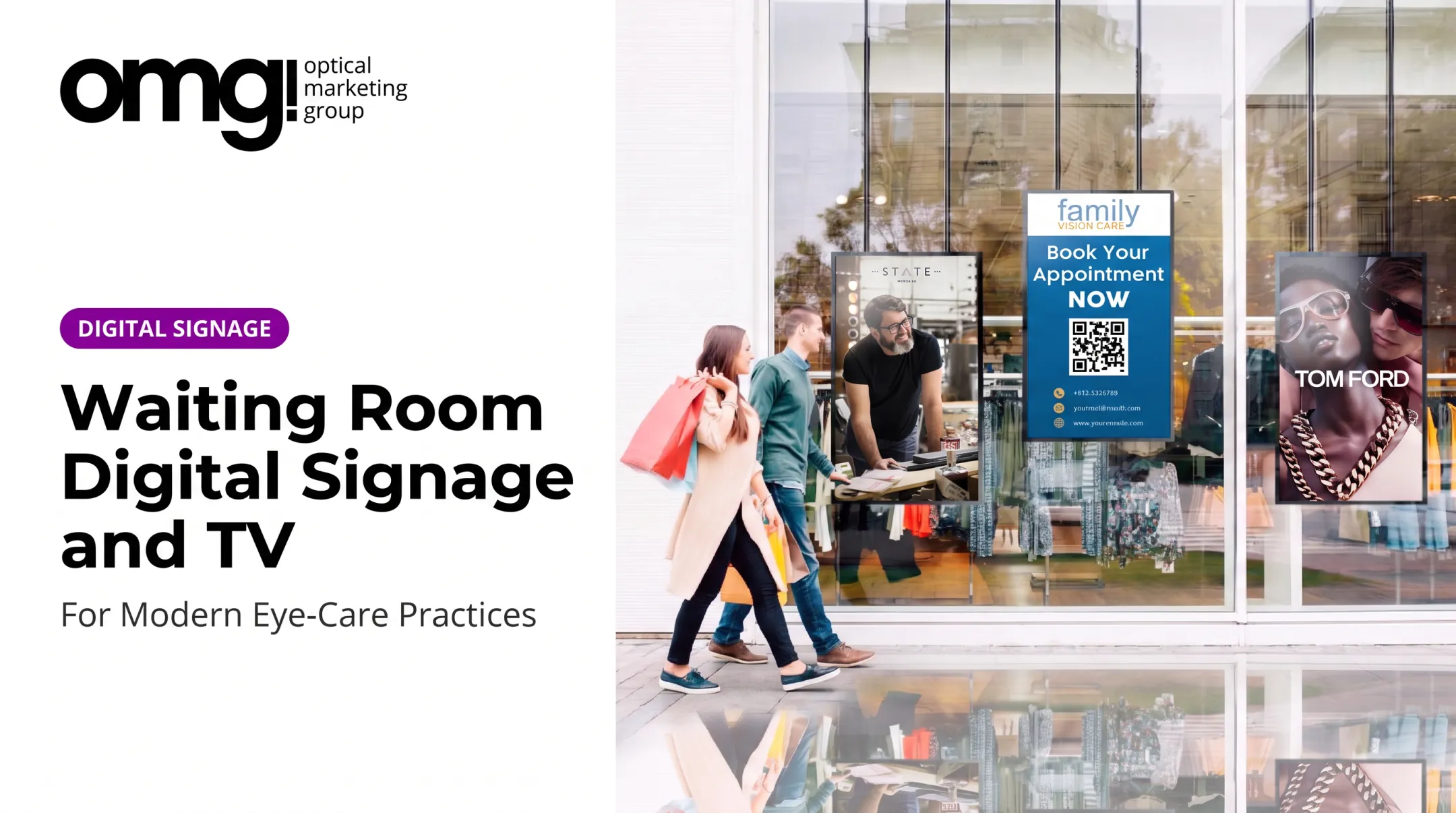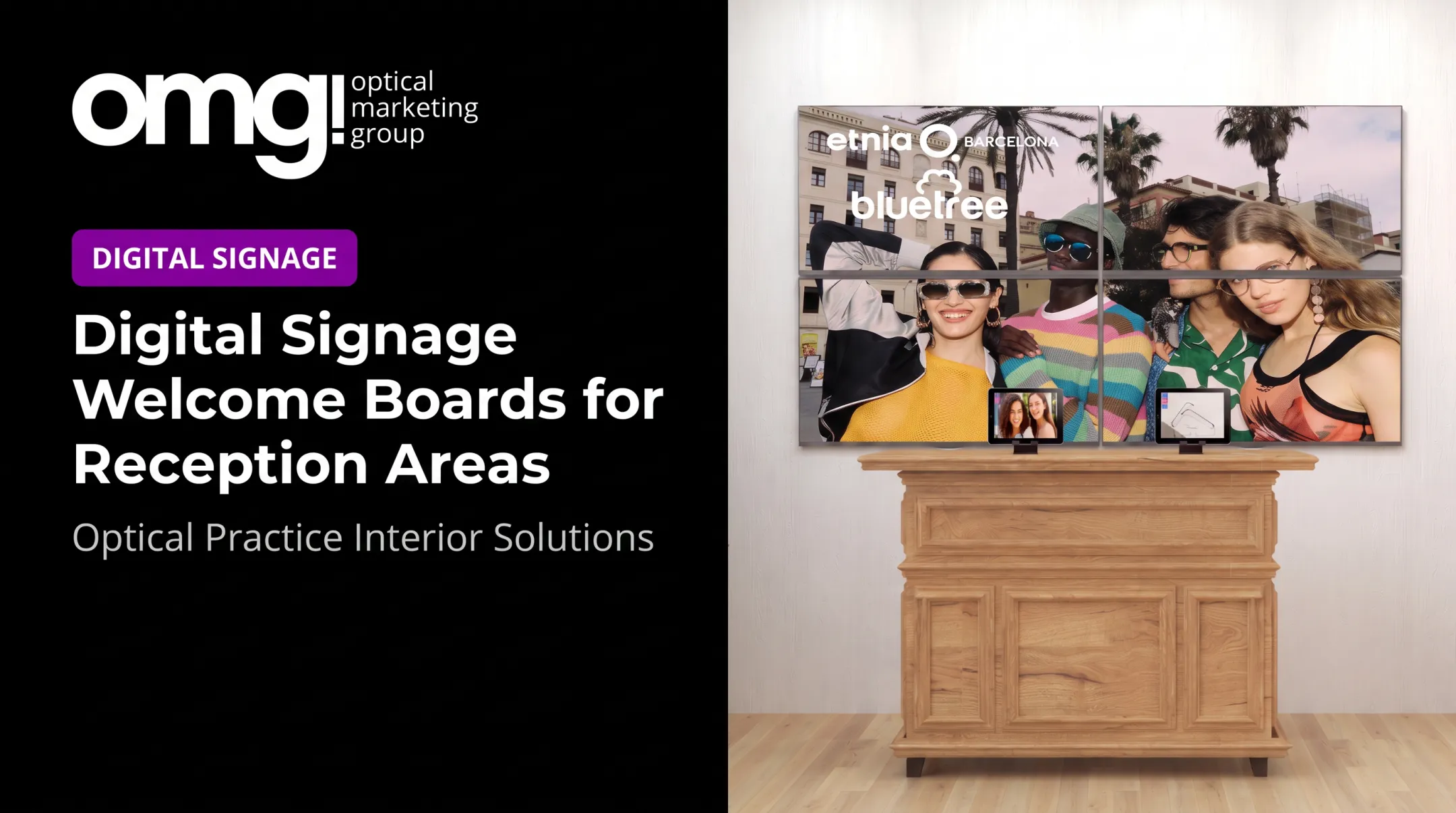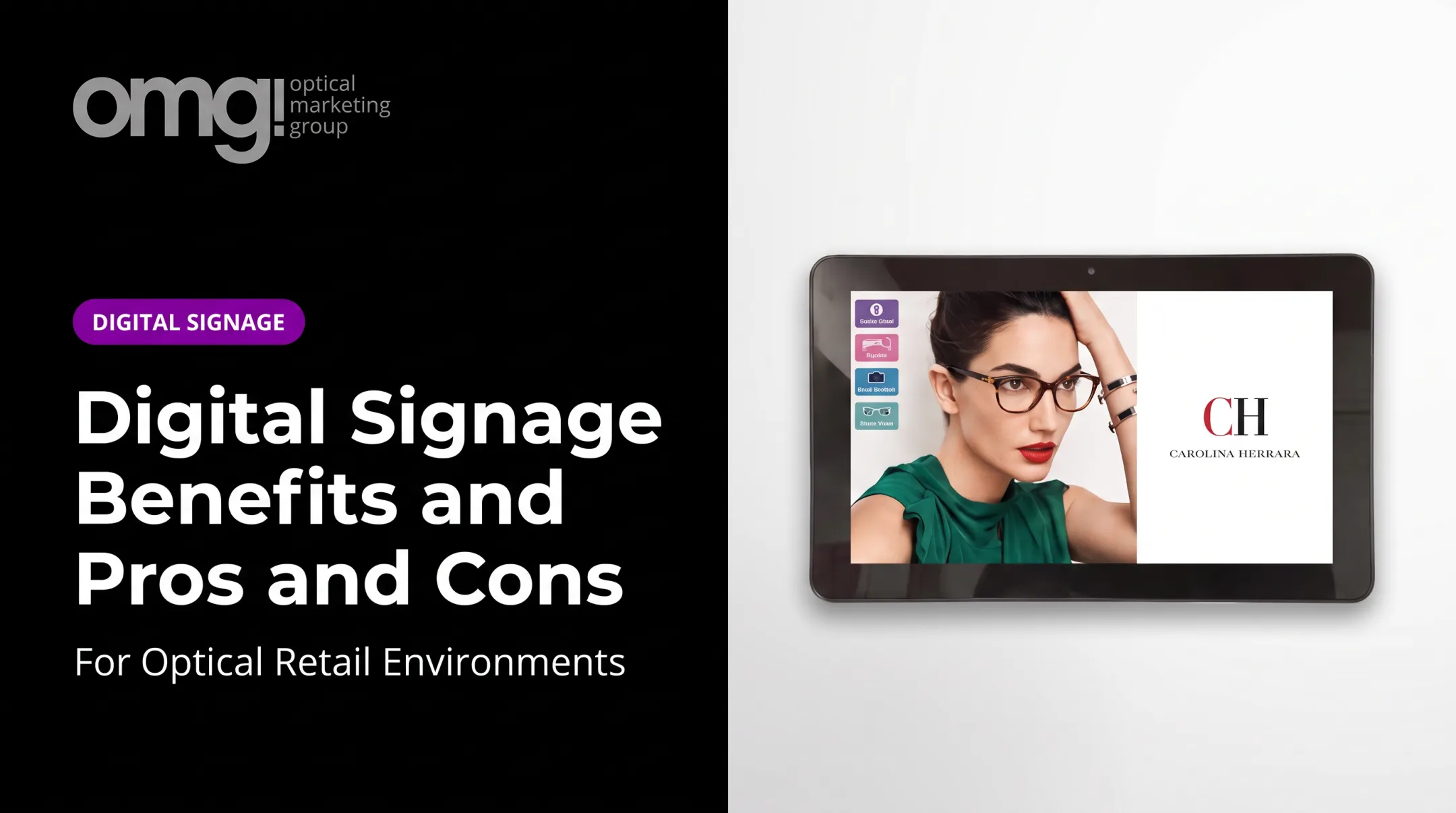

Digital signage is screen-based content used to inform, educate, guide, promote, or connect an in-person visit with a digital channel. Menu boards, wayfinding displays, interactive kiosks, and window TVs all count.
This article reviews documented examples from McDonald's, Mitchell's Delicatessen, Tesla, Lenovo, and the University of Utah. It pulls out the strategic choices behind each one, flags where the evidence is strong versus anecdotal, and applies those lessons to optical and eyecare environments, where patients wait, browse, and weigh decisions that affect both their vision and their wallet.
Key Takeaways
- Define one objective first: wait perception, product discovery, navigation, or a promotion.
- Treat content, placement, viewing distance, and dwell time as one system.
- Favor case studies that state the problem, the intervention, and measured impact.
- Optical practices can lift patient experience and retail discovery without a car-lot feel.
Digital Signage Case Studies by Business Objective
Each example below follows the same format: the challenge, the signage application, the audience journey, the documented outcome, and the transferable lesson. Some of these cases include hard numbers. Others are vendor-reported and qualitative only, and that distinction matters when you're deciding what to replicate.
Point-of-Sale and Product Discovery: McDonald's and Mitchell's Delicatessen
A 2020 Samsung case study documented McDonald's Korea replacing printed menu boards at its Goyang Samsong location with indoor and outdoor digital displays managed through Samsung's MagicINFO platform. The challenge was straightforward: paper menus are labor-intensive to update and hard to see from a distance.
The screens let staff update pricing and promotions remotely, with brightness adjusting automatically for ambient light. No quantified sales lift was reported, only the operational shift to paperless, remotely managed menu content.
Mitchell's Delicatessen in Nashville had a different problem. Customers waited in line, bored, and overlooked a specialty item: rotisserie chicken. According to ScreenCloud's retail examples, the deli installed screens showing locally produced video content during the queue.
The chickens went from a product the deli sometimes discarded to its highest-demand item. There's no measured percentage lift or waste-reduction figure here, just a documented shift in customer behavior.
Shared lesson: signage works best near a decision point, not as ambient decoration. It should simplify a choice or surface something customers would otherwise miss.
For optical retail, that might mean:
- Highlighting a frame collection patients walk past without noticing
- Explaining lens upgrade options while someone waits for a pretest
- Promoting seasonal services like sunglasses or sports eyewear
- Calling out care products near checkout
None of this guarantees a sales increase. It gives waiting time a job to do.
Education and Guided Exploration: Tesla Showroom and Optical Product Education
In 2011, Tesla's Santana Row showroom introduced configuration touchscreens that let shoppers build out a vehicle and swipe their design onto a large rear-of-store display, according to Tesla's investor release. Product specialists guided customers through options on iPads, and saved configurations carried across devices.
This is a historical example, not a current fleet metric, and no dwell-time or conversion number was published. But the principle holds: when a product requires comparison or explanation, interactive content gives shoppers room to explore at their own pace.
Optical products often fit that profile. Patients may not understand the difference between:
- Standard and premium anti-reflective coatings
- Acetate versus titanium frame construction
- Progressive lens tiers
- Specialty eyewear for sports or screen use
Keep this content modular and glanceable. Not every patient wants to touch a screen, so pair any interactive display with clear static signage covering the same points.
Omnichannel Engagement: Lenovo's Retail Activation
Lenovo doesn't operate its own retail stores, so it relies on partner locations for in-person marketing. ScreenCloud's case study describes a pop-up activation using a live selfie wall: tablets photograph visitors, send the images to social media, and display them on an in-store screen.
The vendor reports that visitors linger to see their photo appear, though no measured dwell increase or conversion rate accompanies the claim.
Before copying this kind of activation, research the safeguards it requires:
- Content moderation for anything posted live
- Clear privacy consent for photos and social sharing
- Brand consistency across the physical and digital touchpoints
- Accessibility for visitors who don't use smartphones
- One obvious next action, not just a novelty moment
An optical brand or practice could apply the same logic more conservatively: connect an in-store campaign to appointment booking information, a frame lookbook, or an approved social channel, rather than attempting a live social feed without the moderation infrastructure to support it.
Large-Scale Communication: University of Utah
Campus-wide signage networks often start as a patchwork. The University of Utah's deployment had grown into a mix of mini-PCs, Raspberry Pi boxes, and Fire TV Sticks, creating inconsistent management and frequent maintenance headaches, according to Amazon's signage case study.
The documented improvements were specific:
- Device setup dropped from 30-45 minutes to 10 minutes per unit
- A typical five-week procurement cycle became a one-to-two-day order turnaround
- Support costs and reliability improved, though no ticket volume or uptime percentage was published
Lesson for multi-location optical groups: standardize hardware, content permissions, update processes, and troubleshooting before scaling past a handful of locations. A fragmented fleet becomes exponentially harder to manage with every new display added.

What Successful Digital Signage Case Studies Have in Common
Across every case above, the screen connects to a defined problem rather than functioning as standalone decoration. Awareness needs visibility and repetition. Education needs dwell time and sequencing. Navigation needs clarity. Conversion needs a relevant call to action.
Before borrowing a tactic, compare your audience's viewing context. Are they passing quickly, waiting, browsing, or actively searching for information?
Placement and Physical-Environment Alignment
Screen height, sightlines, viewing distance, ambient light, traffic flow, and background noise all affect whether content actually gets seen. A screen should support the surrounding layout and staff workflow, not compete with it.
In an optical practice, this means thinking separately about:
- The entrance or window, where passersby glance briefly
- The reception area, where patients sit and have time to read
- The dispensary, where browsing happens at close range
- Consultation zones, where privacy and focus matter more than promotion
- Checkout, where a quick reminder or next-step message fits best
Content Designed for Real Viewing Conditions
Strong contrast, legible type, restrained animation, and a clear visual hierarchy let people absorb a message at a glance. Content left unchanged for months starts to blend into the background.
Schedule updates around customer routines, seasonal campaigns, and appointment patterns. Build content variations for each screen location while keeping branding consistent across the whole practice or network. A dispensary screen and a reception screen shouldn't say the same thing, even if they share a visual identity.
Technology and Management That Support Reliability
A functioning system needs a display, a media player or built-in signage capability, a network connection, content management software, mounting hardware, power, and someone responsible for upkeep. A single practice can usually manage this with basic scheduling tools.
Multi-location groups need more: centralized scheduling, user permissions, remote monitoring, and repeatable deployment standards, so adding location number twelve doesn't require reinventing the process. Research privacy, accessibility, and uptime expectations for your specific hardware before committing to a vendor.
Evidence That Goes Beyond Vanity Metrics
Not all signage evidence carries equal weight. It helps to separate it into four layers:
- Exposure: ad plays, impressions, opportunity to see
- Engagement: interactive sessions, dwell time, QR scans
- Operational: setup time, support tickets, deployment speed
- Commercial: promotion redemptions, appointment requests, sales attributed to a campaign
Tie each campaign to one measurable action from that list. Qualitative evidence counts too: staff feedback, patient comments about reduced confusion, or clearer wayfinding are real signals, even without a dollar figure attached.
How to Evaluate Digital Signage Results
Before launching anything, build a simple measurement plan:
- Document a baseline: current wait times, inquiry volume, or sales for the relevant product category
- Define the audience and the intended action: who should see this, and what should they do next?
- Set a campaign period long enough to account for normal fluctuation
- Identify your data source for each metric: point-of-sale reports, appointment logs, staff observation, or analytics dashboards
Compare before-and-after data where possible, or test two messages side by side. Control for seasonality, concurrent promotions, and staffing changes that could skew results independently of the signage itself.

A basic ROI framework should weigh:
- Influence on revenue or product inquiries
- Savings from retiring printed materials
- Operational efficiency, such as reduced staff time answering repeat questions
- Engagement signals like QR scans or screen interactions
- Softer gains in brand consistency and patient comfort
Resist copying a competitor's reported result at face value. A published number without its original methodology, timeframe, and audience attached is a headline, not a usable benchmark.
Applying the Lessons to Optical and Eyecare Spaces
Optical practices are a strong fit for planned digital signage. Patients wait, browse, compare products, receive clinical education, and move between exam rooms and the retail floor, often in one visit. That journey creates several distinct moments where a screen can do real work:
- Welcome messaging at check-in
- Wayfinding toward the dispensary
- Frame discovery while waiting
- Lens education during a consultation
- Reminders at checkout
Promotional content should stay secondary to clinical trust and patient comfort. Avoid clutter, pressure-based messaging, or any claim that would need clinical substantiation you can't back up.
Screen Roles by Optical Setting
Different zones call for different content:
- Entrance and window screens: brand presence, hours, high-level promotions visible to passersby
- Reception displays: welcome messaging, service explanations, longer-dwell content
- Dispensary screens: frame collections, lens comparisons, interactive product exploration
- Consultation-area displays: treatment or product education tied to the current visit
- Checkout or pickup screens: multi-pair offers, care product reminders, appointment follow-up
Dwell time and viewing distance should dictate message length, font size, and whether a touchscreen makes sense. Keep contrast high, captions on any video, and a non-touch alternative available for visitors who won't engage with a screen directly.
Integrating Signage with the Wider Practice Design
Digital signage works better when it's planned alongside lighting, fixtures, merchandising, printed signage, and staff sightlines, not bolted on afterward.
Urban Optics in College Station, Texas, built its remodel around a 98-inch video wall and interactive displays in an integrated waiting area designed for pre-exam browsing. The practice's capture rate rose from 42% before the remodel to 72% after, a shift tied to the whole redesign, not the screens alone.
OMG! Optical Marketing Group works this way by design: practice layout, custom fixtures, branded graphics, and digital displays developed together rather than as separate purchases. That integrated approach is a design and merchandising resource, not a guarantee of any specific signage outcome. Results depend on the practice, the market, and execution.
Content Governance for Independent and Multi-Location Practices
A content calendar prevents screens from going stale. At minimum, define:
- Who owns content creation and approval
- Campaign start and end dates
- Accessibility checks before anything goes live
- Rules for clinical or promotional claims
Multi-location groups can combine centrally approved brand content with locally relevant announcements, such as a regional promotion, a new doctor, or a community event. Build in a regular process for pulling expired promotions, checking screen health, and gathering staff feedback on what actually lands with patients.
Managed Signage as Part of a Broader Rollout
For practices that want content handled without building an in-house system, OMG!'s Contentlinq platform pairs hardware with a content subscription: brand playlists, interactive lens demos, and cloud-based asset management across connected devices. Evaluate any managed option alongside screen selection, installation, network requirements, and staff training, using the vendor's own documentation for feature claims rather than assumptions.
Start small. A single well-measured pilot tells you more than a full rollout guessed at.
Planning a Digital Signage Pilot
- Pick one customer journey or problem: frame discovery in the dispensary, or educational content in the waiting area, not both at once
- Scope it tightly: choose a limited number of screens and define the audience, placement, content schedule, call to action, and who owns it
- Run a technical and content review: check readability, accessibility, network reliability, privacy, staff workflow, and remove anything outdated before go-live
- Review results with both data and people: pair your metrics with feedback from patients and staff, then adjust content or placement before scaling to additional locations
This sequence matters more than the hardware. A practice that pilots carefully learns what to fix before it's repeated across five locations.

Frequently Asked Questions
What are some real-world examples of digital signage?
Examples include restaurant ordering displays, retail point-of-sale screens, showroom configuration tools, campus communication networks, and wayfinding screens. In optical settings, this includes frame-education displays and reception-area wait-time content.
What can digital signage do in an optical practice?
It can deliver welcome messages, wayfinding, frame and lens education, service promotion, and queue communication. The goal is a more consistent patient experience across clinical and retail areas.
How do you measure the success of a digital signage campaign?
Compare baseline data to results during the campaign, track engagement actions like QR scans or inquiries, and gather operational and staff feedback. Match every metric to the original objective, not a generic benchmark.
Where should digital signage screens be placed?
Placement depends on sightlines, viewing distance, dwell time, traffic flow, and ambient lighting. The right spot supports the specific action you want a visitor to take at that location.
What content works best on digital signage?
Short, visually clear content with strong contrast, one primary message per screen, and a clear next step performs best. Update it regularly so it reflects current promotions and services.
What hardware and software are needed for digital signage?
A basic setup needs a display, a media player or built-in signage system, a network connection, content management software, mounting and power, plus support appropriate to the scale of the deployment.