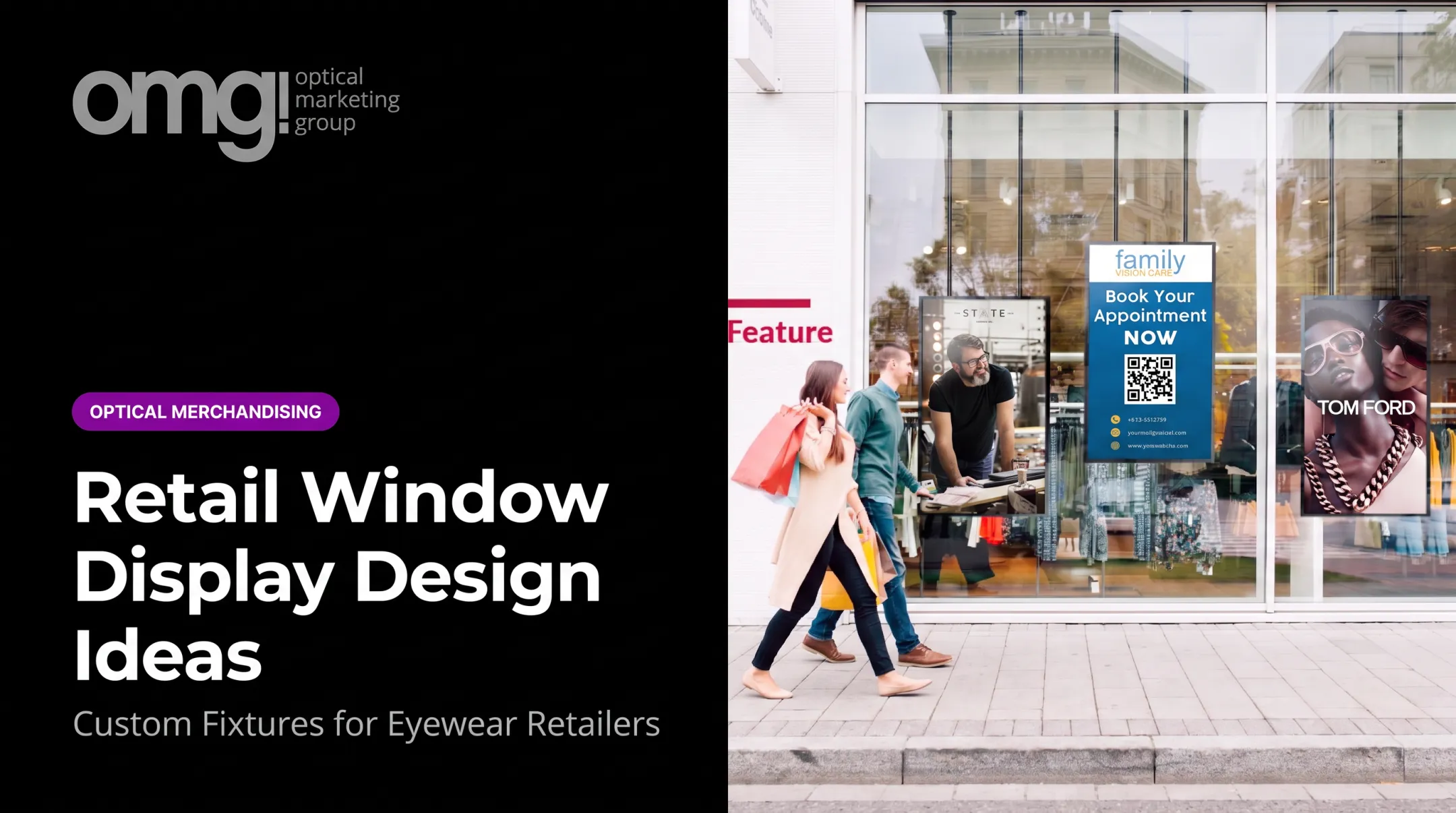

This matters even more in optical retail, where patients move between clinical care and retail browsing in the same visit. A display has to support that transition, not fight it. Internal data from OMG! Optical Marketing Group shows 82% of eyewear purchase decisions happen in-store, which means the physical environment carries more weight than any ad campaign.
Results depend on objective, placement, lighting, messaging, assortment, and maintenance. This article walks through the planning process, the design steps, the variables that move the needle, and the mistakes that quietly sabotage good intentions.
Key Takeaways
- A strong display has one objective, one audience, one focal point, and one clear next action
- Optical displays need to ease frame discovery while supporting patient flow and staff efficiency
- Placement, lighting, signage, and maintenance matter as much as the fixture itself
- Measure results with sales data, capture rates, and staff or patient feedback, then refine
How to Create an Effective Retail Display
Building a display that actually performs takes more than picking an attractive fixture. It requires a sequence: define the goal, map the space, build the visual story, then test and maintain it.
Step 1: Define the Display's Purpose and Audience
Before touching a fixture catalog, decide what the display needs to accomplish. Common goals include:
- Highlighting a new frame collection or brand partnership
- Improving browsing ease in a crowded dispensary
- Promoting multiple-pair or second-pair purchases
- Supporting a seasonal campaign (sports eyewear, back-to-school, sun season)
- Making navigation clearer for first-time patients
Pair that goal with a specific audience. An optical practice serving young families has different lifestyle, budget, and prescription needs than a boutique catering to premium frame buyers. Define age range, frame style preference, and interest in lens upgrades before designing anything.
Pick one primary message and one desired action. Trying to communicate every benefit, every price point, and every lens technology on a single display creates visual clutter. Patients facing too many choices at once tend to make none at all.
Step 2: Map the Patient Journey and Select the Right Location
Walk the space the way a patient does: entry, waiting area, pre-testing, consultation, frame selection, checkout. At each stage, ask where a display helps and where it gets in the way.
Check these factors before committing to a location:
- Visibility from the entrance and natural stopping points
- Traffic flow and whether the display blocks it
- Staff sightlines for assistance
- Accessibility for wheelchair users and reach ranges
- Proximity to complementary products (sunglasses near outdoor gear, kids' frames near the family check-in area)
Match the display type to its job. A window feature needs to work from a drive-by distance. A countertop presentation suits impulse accessories. A digital screen near the dispensary can handle lens education without taking up shelf space.
Step 3: Build the Visual Hierarchy and Product Story
Every strong display has a focal point that grabs attention first. OMG!'s Premium Display Redesign for a Chopard Genève installation anchored a large brand logo at the top of the fixture.
Sunglasses and eyeglasses sat in clear groupings below it, replacing a cluttered layout with one far easier to scan.
Organize products logically:
- By collection or brand
- By lifestyle (active, professional, kids)
- By material or color family
- By price range
Logical grouping reduces search effort. Patients shouldn't have to hunt across three shelves to compare similar frames.
Signage should answer four questions fast:
- What is this?
- Who is it for?
- Why does it matter?
- What should I do next?
Fewer than 5% of optical retailers have proper signage throughout their facility, according to OMG!'s internal practice-branding research. That gap leaves most brands and categories unidentified to browsing patients. Keep copy short. Dense paragraphs don't get read in a retail setting.
Finally, tie it to the brand: consistent colors, typography, materials, and tone across the whole space, not just the featured display.
Step 4: Prototype, Install, and Maintain the Display
Before launch, test the display from multiple vantage points: the entrance, the waiting area, the frame-browsing position, and the consultation chair. Check that:
- Lighting reveals true frame color and detail without glare
- Products sit within comfortable reach
- Walkways stay clear
- Signage doesn't obstruct sightlines into the clinical area
Plan for stocking, cleaning, graphic replacement, and seasonal refreshes before installation, not after. A display with no assigned maintenance owner degrades fast.
For larger projects, treating space planning, fixtures, graphics, and installation as separate vendors creates coordination gaps. OMG!'s six-phase process covers discovery, design, documentation, production, delivery, and installation so those pieces stay aligned under one team.

When to Create or Refresh a Retail Display
A refresh makes sense when the space feels dated, products are hard to browse, a new collection needs visibility, or the practice is relocating or repositioning its brand. Patient flow issues and stalled capture rates are also reliable signals.
Before designing anything, gather:
- Sales patterns and product movement data
- Common patient questions at the dispensary
- Staff feedback on what slows them down
- Photos of the current space and existing floor plans
- Brand guidelines and budget parameters
OMG!'s Optical Refresh service, priced at $995 and credited toward the project if implemented, is built for exactly this stage: practices want to see a direction before committing to a full remodel. It starts with straight-on photos of the space and a short interview, then produces a before-and-after visualization with an estimate.

Equipment and System Requirements
Before design begins, confirm the practical basics:
- Accurate measurements and fixture dimensions
- Suitable lighting and secure product supports
- Power access for any digital signage
- Durable materials compatible with the existing layout
OMG!'s pre-construction phase includes dimensional, electrical, and reflected-ceiling plans. Those drawings can call out details such as an outlet next to an illuminated display case.
Inputs, Materials, and Compliance
You'll also need:
- A defined product assortment and current pricing
- Approved brand assets
- Any landlord or building restrictions on file
On the compliance side, self-service shelving needs to sit on an accessible route, and reach ranges matter for customer-operated controls on digital fixtures. The 2010 ADA Standards set forward and side reach limits between 15 and 48 inches depending on obstruction depth.
Electrical work for digital displays should go through a qualified electrician, not a generalist.
OMG!'s free Patient Experience Assessment and online Project Planner give practices a structured way to score their current environment and scope requirements before locking in a design direction.
Key Parameters That Affect Retail Display Results
A visually attractive display can still underperform if patients can't see it, understand it, reach it, or if nobody maintains it. Five variables drive most of the difference.
Placement and Sightlines
Entry visibility, natural stopping points, and proximity to related products determine whether a display gets noticed at all. An in-store ambulatory eye-tracking study found that shoppers' peak attention lands roughly 14.7 inches below eye level, around chest height, not strictly at eye level as conventional wisdom suggests. High-traffic zones near the entrance or consultation handoff consistently outperform side walls patients rarely pass.

Message Clarity and Visual Hierarchy
A single focal point, concise copy, and one clear next step reduce cognitive load. Research on retail signage published in the Interdisciplinary Journal of Signage and Wayfinding examined over 100 real display signs and found that more complex signs drew longer attention but were rated less likely to drive a purchase. Simplifying an overcrowded frame wall into one hero collection with minimal copy tends to outperform a display trying to say everything at once.
Lighting, Color, Materials, and Scale
Lighting quality affects how accurately patients see frame color and detail. OMG!'s internal guidance treats lighting as a top-tier budget line, recommending at least 30% of a build-out budget go toward it. A premium boutique, a family-oriented practice, and a clinically focused dispensary will each call for different finishes and fixture scale, but none of those aesthetics is universally "correct." What matters is consistency with the practice's actual brand.
Product Organization and Accessibility
Logical grouping, consistent spacing, and visible labels help patients compare options independently. A quick checklist for reviewing frame walls:
- Are frames grouped by collection, lifestyle, or price, not scattered randomly?
- Is the bottom shelf accessible without staff assistance?
- Are labels and pricing visible without picking up the product?
- Is there enough space between groupings to avoid visual crowding?
- Can staff restock without disrupting the display?
Shelf spacing matters too. OMG!'s recommended shelf placement calls for roughly 14 inches between shelves on-center, with the bottom shelf about 36 inches on-center from the finished floor, a range that keeps frames both visible and reachable.
Flexibility, Technology, and Maintenance
Modular fixtures, replaceable graphics, and adjustable shelving let a display evolve as collections and campaigns change. A permanent fixture makes sense for core brand walls; a temporary or modular system fits seasonal promotions better. Decide this based on how often the underlying message changes, not aesthetic preference alone, and assign someone to own updates. A digital screen with stale content is worse than no screen at all.
Common Mistakes, Troubleshooting, and Better Alternatives
Even well-intentioned displays run into predictable problems. Here's what typically goes wrong and how to fix it.
Skipping the objective and designing around appearance alone. This happens when a practice starts with a fixture or color palette before defining the audience or desired action. Fix it by returning to one measurable objective and removing anything that doesn't support it.
Incorrect placement or obstructed flow. A display installed where it blocks movement or sits outside natural sightlines won't get used. Observe the space during normal hours, then relocate or shrink the footprint while keeping it visible.
Overloading the display. Too many frame groups, promotions, or screens competing for attention creates decision paralysis. Establish one hero collection, cut the copy, and keep interactive elements only if they help patients compare or decide.
Neglecting maintenance and performance review. Without an owner, replenishment and content updates stall. Assign responsibility and build a recurring check-in.
Alternative Approaches Worth Considering
| Approach | Best for | Trade-off |
|---|---|---|
| Refresh existing display | Layout works, but finishes or signage feel dated | Lower cost, but won't fix flow or storage problems |
| Modular or temporary displays | Frequently changing promotions or seasonal assortments | Flexible, but needs more frequent upkeep |
| Professional design support | Relocation, expansion, or multi-location rollouts | Higher upfront cost, fewer coordination gaps |
OMG!'s Practice Refresh Service can plan a store makeover in three to four weeks, updating look, lighting, and layout without major construction. For bigger projects, an integrated design-to-delivery team handles space planning, fixtures, graphics, and installation as one coordinated effort rather than multiple vendors working in isolation.
Conclusion
Creating an effective retail display starts with a clear objective and real understanding of how patients move, browse, and decide. Execution depends on placement, organization, visual hierarchy, lighting, signage, accessibility, and ongoing maintenance, not appearance alone.
The strongest approach balances patient experience, brand presentation, and operational practicality. Keep refining based on sales data, staff observations, and patient feedback rather than treating the first install as the final version.
Frequently Asked Questions
What makes an effective retail display?
A clear purpose, strong visibility, and simple messaging that doesn't overwhelm the viewer. It also needs logical product organization, accessible placement, brand consistency, and someone responsible for upkeep.
What should be included in a retail display?
The featured products, a clear focal point, concise benefit-led signage, pricing or promotional information where relevant, brand elements, and suitable lighting. Every display should end with an obvious next action for the patient.
How do you create an effective optical retail display?
Combine logical frame organization with patient flow, comfortable browsing space, and accurate lighting that shows true frame color. Clear category signage and consistent brand identity tie the clinical and retail sides of the practice together.
Where is the best place to put a retail display?
It depends on sightlines, traffic flow, and natural stopping points, not a fixed rule. The best spot supports patient and staff movement instead of competing with it, while staying close to relevant products.
How often should retail displays be changed?
Permanent fixtures rarely need replacing if the layout still works. Themed showcases and promotional signage benefit from more frequent updates, often monthly, while deeper refreshes should follow sales trends or patient feedback.
How do you measure whether a retail display is effective?
Track product or category sales, optical capture rate, multiple-pair sales, and browsing behavior before and after the change. Pair that data with staff observations and patient comments rather than relying on one single metric.