
Introduction
A patient glances at a screen for maybe four or five seconds while walking to the pretesting room. In that window, your content has to be noticed, understood, and acted on — or it's wasted real estate.
That's the real challenge of digital signage content design. Effective design goes well beyond template selection.
According to a Samsung healthcare study, waiting-room content works best in four buckets: informational, educational, service awareness, and navigational. Each one solves a different patient need.
For eyecare practices, the challenge is sharper still. Screens need to complement a clinical environment while still encouraging patients to discover frames, lenses, and services, without turning the optical area into a used-car lot.
This guide walks through patient journey mapping, screen-specific design, content planning, accessibility, technical prep, and ongoing testing.
Key Takeaways
- Give each screen one communication goal matched to dwell time and location
- Prioritize concise copy, strong contrast, readable type, and one clear call to action
- Coordinate screens with fixtures, lighting, frame displays, and patient flow
- Balance education, product discovery, brand storytelling, and timely offers
- Test every design in the real space before expanding the content library
Start With the Patient Journey and the Screen's Purpose
Define the Screen's Role First
Before you touch a template, answer four questions for every screen:
- Who's watching?
- What question should this content answer?
- What action should they take?
- What does the practice gain?
Skip this step and you'll end up with a screen that tries to do everything and accomplishes nothing.
Map Your Practice's Screen Locations
Different spots in your practice create completely different viewing contexts:
| Location | Viewing context | Content approach |
|---|---|---|
| Window/exterior | Passers-by, seconds only | Single bold message, brand visibility |
| Entrance/reception | Brief glance while checking in | Welcome, wait-time info, orientation |
| Waiting area | Longer dwell, seated | Education, reassurance, brand story |
| Pre-testing zone | Short pause | Appointment prep, what to expect |
| Frame displays | Active browsing | Product discovery, lens education |
| Checkout | Final moments | Next step, offer, booking reminder |
Match Content Density to Dwell Time
Someone walking past your window has no time for a paragraph. Someone browsing frames can handle a short video. Treat these as separate design problems:
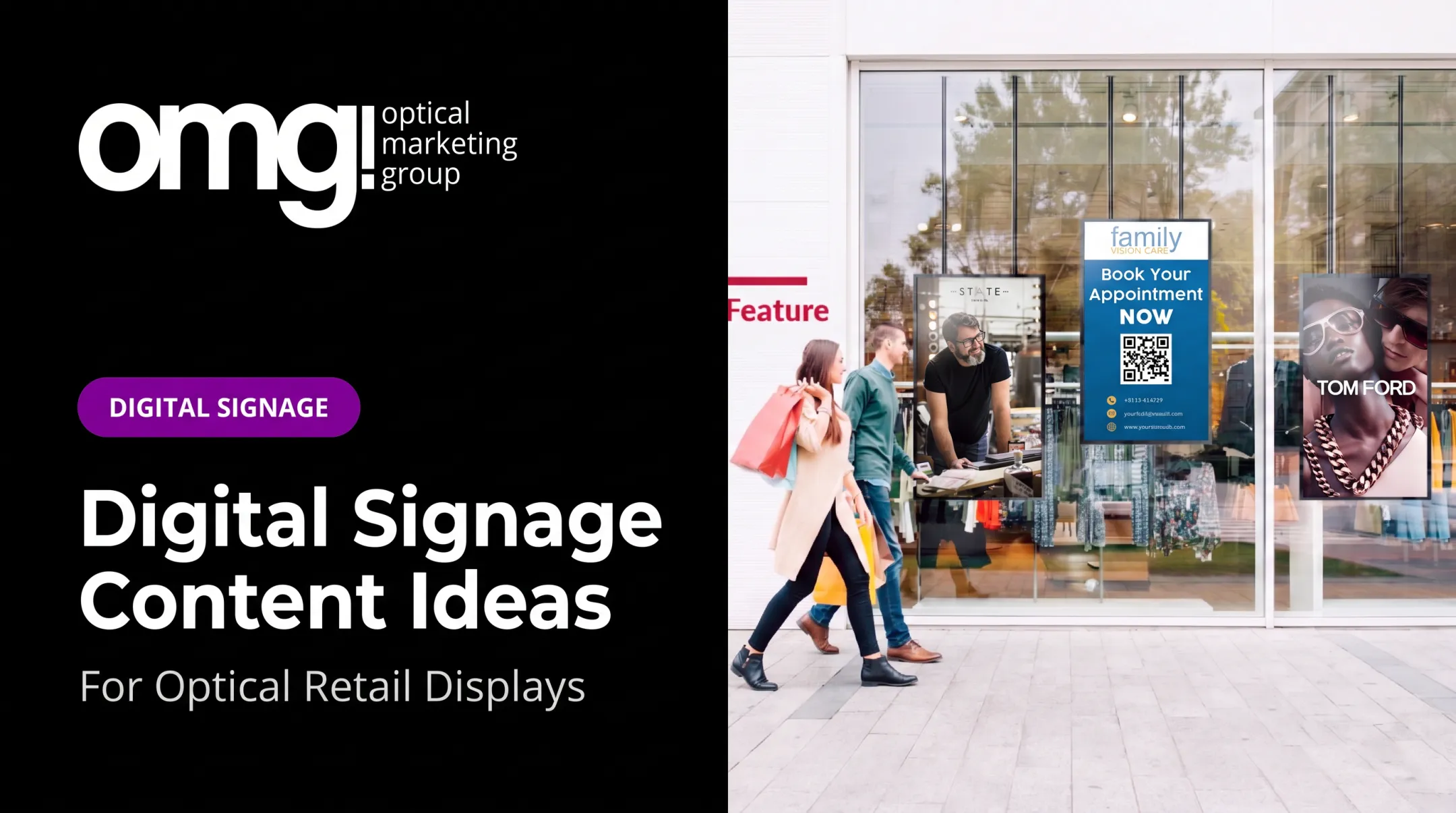
- Window and entrance: One headline, one image, minimal text
- Reception and waiting: Slightly longer messages, rotating education
- Frame displays: Product detail, feature callouts, lifestyle imagery
Mixing objectives on one screen (a promotion, a clinical fact, and a staff introduction all competing for attention) weakens every message it's carrying. Pick one job per screen and let it do that job well.
Run a short discovery checklist before design starts:
- Screen placement, viewing distance, and mounting height
- Ambient light and expected dwell time
- Patient demographics and accessibility needs
- Brand standards and available content sources
- Intended call to action
Prepare the Technical and Environmental Specifications
Confirm Hardware Specs Before You Design
Don't guess. Verify screen orientation, aspect ratio, native resolution, media-player requirements, file formats, network access, and safe margins against the actual installed hardware. A screen running an Android-based player with limited onboard storage handles content differently than a full Windows media player, and designing for the wrong spec means rework later.
Viewing Distance and Readability
Text size, image detail, and contrast all depend on how far patients stand from the screen. The ADA's 2010 Standards set conditional character-height rules for covered visual signs based on viewing distance and mounting height. Those rules are a useful reference point, though they are a sign-code formula, not a universal screen-design rule. The safer approach: mock up your design, stand at the actual viewing distance, and see if it reads clearly before you finalize anything.
Fight Glare in the Optical Environment
Optical dispensaries have unique lighting challenges: windows, glass frame cases, and accent lighting all create glare and reflection. Keep critical text away from screen edges, test your display under both bright midday light and dim evening conditions, and watch for color shifts caused by nearby fixtures.

Accessibility Checks That Matter
Build these into your review process, not as an afterthought:
- Text and image contrast of at least 4.5:1 for normal text, per WCAG's contrast standard
- Captions on all video content (never rely on sound in waiting areas)
- No more than three flashes per second in any animation
- A pause/stop option for any content that auto-rotates
- Review by staff who understand the needs of older adults and patients with visual limitations
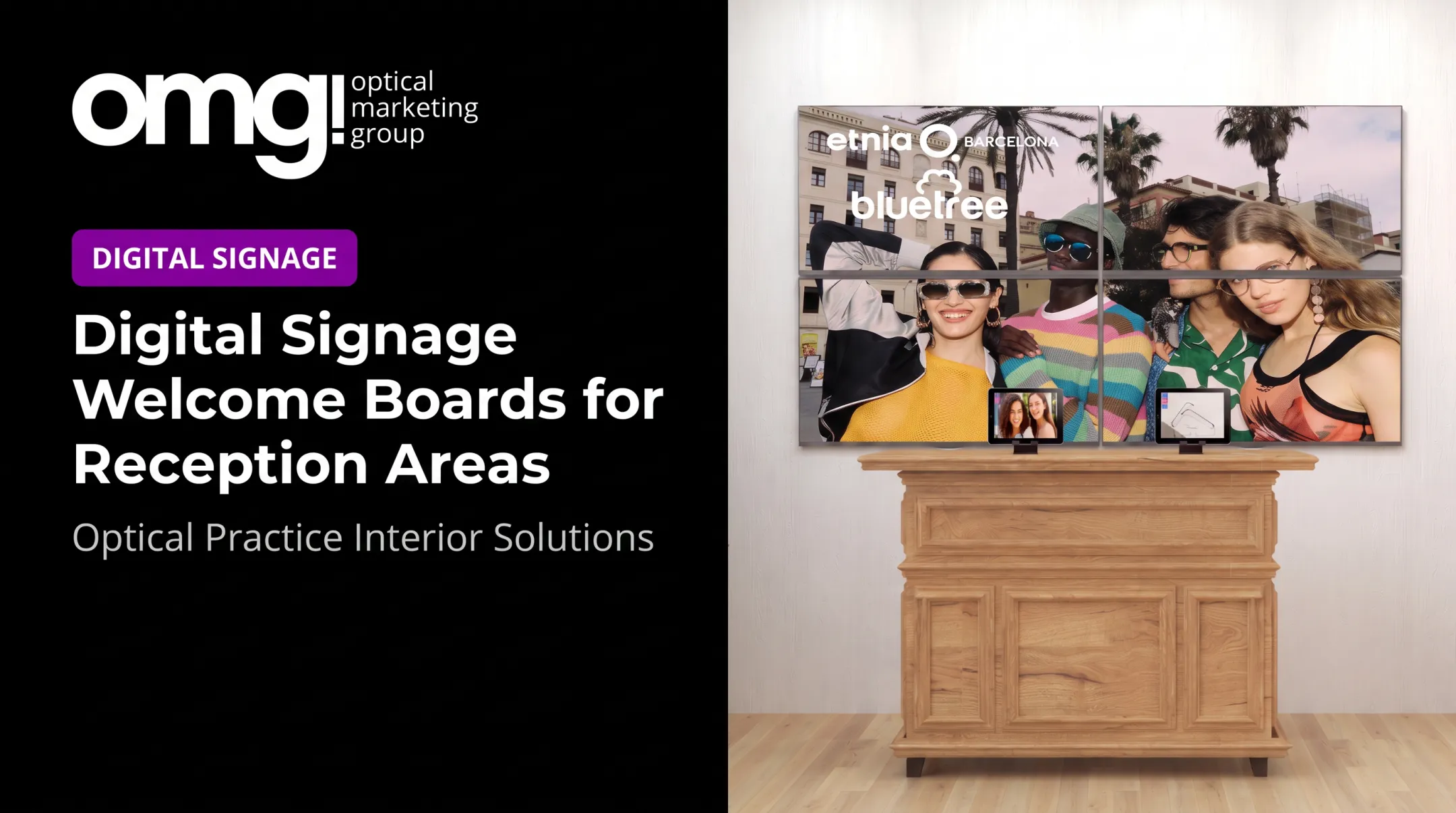
This is where coordination matters most. OMG! Optical Marketing Group works through practice layouts, custom graphics, fixtures, and signage together, so a screen reads as part of the environment rather than something bolted on after the remodel is finished.
Apply Visual Design Principles That Make Content Readable
Build a Clear Hierarchy
One dominant element. One supporting detail. One call to action. That's the formula. Nielsen Norman Group's visual hierarchy research points to three tools for this: scale, contrast, and grouping — and recommends no more than three size levels per layout to keep relationships clear.
Keep the copy to one message per slide. If the lens feature needs three paragraphs to explain, that's a job for a QR code, a handout, or a staff conversation — not a 15-second slide.
Typography, Color, and Contrast
- Use highly legible typefaces; skip thin weights and decorative scripts
- Limit font styles to two per screen, maximum
- Size type for the actual viewing distance, not a desktop preview
- Test brand colours on the physical display, not just on a laptop screen
- Never place text over busy eyewear photography without a contrast layer behind it
Imagery and Motion
Close-up product photography, authentic practice imagery, and real staff portraits outperform generic stock photos for optical content. They reflect the practice's actual brand and patient population.
Motion should draw attention, not compete with it. One moving element per screen is plenty. Restrained transitions, captions on every video, and zero dependence on audio keep reception areas calm rather than chaotic.

Before anything goes live, run it through this check:
- View it from the intended distance in the actual space
- Check it in bright and dim light — glare changes everything
- Remove anything that doesn't earn its place on the slide
- Confirm the call to action is obvious at a glance
- Ask a colleague unfamiliar with the design to interpret it in five seconds
If they can't tell you what to do next, the slide needs work.
Build an Optical Content Strategy
A content plan that's all promotions fatigues patients fast. Organize instead around clear categories:
- Welcome and orientation
- Frame discovery and lens education
- Eye-health education and services
- Seasonal campaigns
- Patient experience, team expertise, and social proof
- Calls to book
Frame and Lens Content That Earns Attention
- Highlight a collection theme (sunglasses for summer, lightweight frames for active patients)
- Explain how to choose frames by face shape or lifestyle
- Introduce new arrivals with a direct prompt toward a specific display
- Explain lens coatings, digital-eye-comfort options, or contact lens services, with every clinical claim verified before publication
OMG!'s 15" Medium Retail Ready Tablet pairs branded video playlists with an interactive lens demo and a Face Shape Guide at the optical display. That setup turns quiet browsing into a product conversation. At Gig Harbor Eye Care, staff change messaging at will and upload practice-specific content to tell their own story.
Trust-Building and QR Codes
Verified testimonials, community involvement, and behind-the-scenes staff stories build credibility. Always get written permission before showing a patient's name, image, or quote.
QR codes work when they're treated as a shortcut, not a gimmick:
- Link to a page directly related to the on-screen message, not a generic homepage
- Keep the code large enough and give it breathing room on all sides
- Display it for at least 15 seconds; Nielsen Norman Group's QR code research warns against codes that flash by in a fast-rotating carousel
- Always offer a non-phone alternative, like asking a staff member
For practices adding managed in-store screens, Contentlinq offers hardware-plus-subscription content support worth evaluating. The $199/month tier includes custom playlists and an analytics dashboard that tracks engagement and impressions. The right fit depends on how much content management your team wants to handle in-house.
Create, Schedule, and Test the Content
A Repeatable Production Workflow
- Define the objective for that specific screen and slide
- Draft the message in plain, benefit-led language
- Select imagery that matches the practice's actual brand and patients
- Design for the target screen's resolution and orientation
- Get clinical and brand approval before anything publishes
- Schedule and publish, then review it live in the physical space
Build the Calendar, Assign Ownership
Plan around seasonal eyewear, product launches, holidays, and evergreen education — but assign someone to own approvals and removals. Outdated promotions left running past their expiration date undercut trust fast.
Scheduling can vary by time and place: appointment-prep content near reception in the morning rush, frame discovery content during slower browsing hours, staff-facing messages kept entirely out of patient-facing areas.
Test Before You Trust It
Run every piece of content through the same checks: readability from multiple distances, a live QR scan, video playback with captions, color rendering under practice lighting, and a final pass confirming every date, price, and product detail is current.

Then measure what actually matters for that screen's goal:
- QR scan counts and destination page visits
- Promotion redemptions tied to a specific campaign
- Appointment inquiries or product-category interest
- Staff and patient feedback collected informally
AVIXA's guidance on digital signage reviews recommends assigned content ownership and ongoing testing rather than a one-time setup — screen exposure alone doesn't prove a message worked. Practices like Premier Eye Care in Cottage Grove, Minnesota, built this into a full refresh, pairing digital signage with wayfinding, lighting, and branded fixtures so every element reinforced the same patient experience.
Run a quarterly content audit: retire repetitive slides, refresh imagery, and confirm the screen still supports the practice's physical merchandising strategy — not just the schedule you built six months ago.
Conclusion
Good digital signage content design starts with the patient, the environment, and the specific job of each screen, not with a decorative template or an animation effect someone liked.
The standard worth holding yourself to:
- Concise and accessible messages
- Strong visual hierarchy
- Content that's actually relevant to an optical practice
- Coordination with physical merchandising
- A schedule someone owns
- Testing in the real space before you call it done
When a practice needs digital signage integrated with space planning, custom graphics, fixtures, and installation, rather than managed as a screen bolted on after the fact, that's where professional support earns its place. OMG! Optical Marketing Group's Patient Experience Assessment rates nine touchpoints on a 1-to-5 scale, including interactive tablets and digital signage, as part of a broader look at how the whole space works together.
FAQ
How many screens does an optical practice actually need?
There's no fixed number; it depends on your layout. Most practices start with one or two high-value spots, like the window and the frame display area, then expand once they see what content performs.
Should every screen show the same content?
No. Each screen should serve its specific location's viewing context: a window screen needs a different message than one at the checkout counter.
How often should digital signage content be updated?
Plan for quarterly audits at minimum, with faster updates for seasonal promotions and time-sensitive offers. Outdated pricing or expired promotions on screen hurt credibility fast.
Do patients actually scan QR codes on practice screens?
They will if the code is large, clearly explained, and left on screen long enough to act on (at least 15 seconds, per usability research). A code that flashes by in a fast rotation won't get scanned.
Can existing TVs be used for digital signage, or is new hardware required?
Existing TVs can often be converted using a media player adapter, which turns a standard screen into a manageable digital signage display without a full hardware replacement.