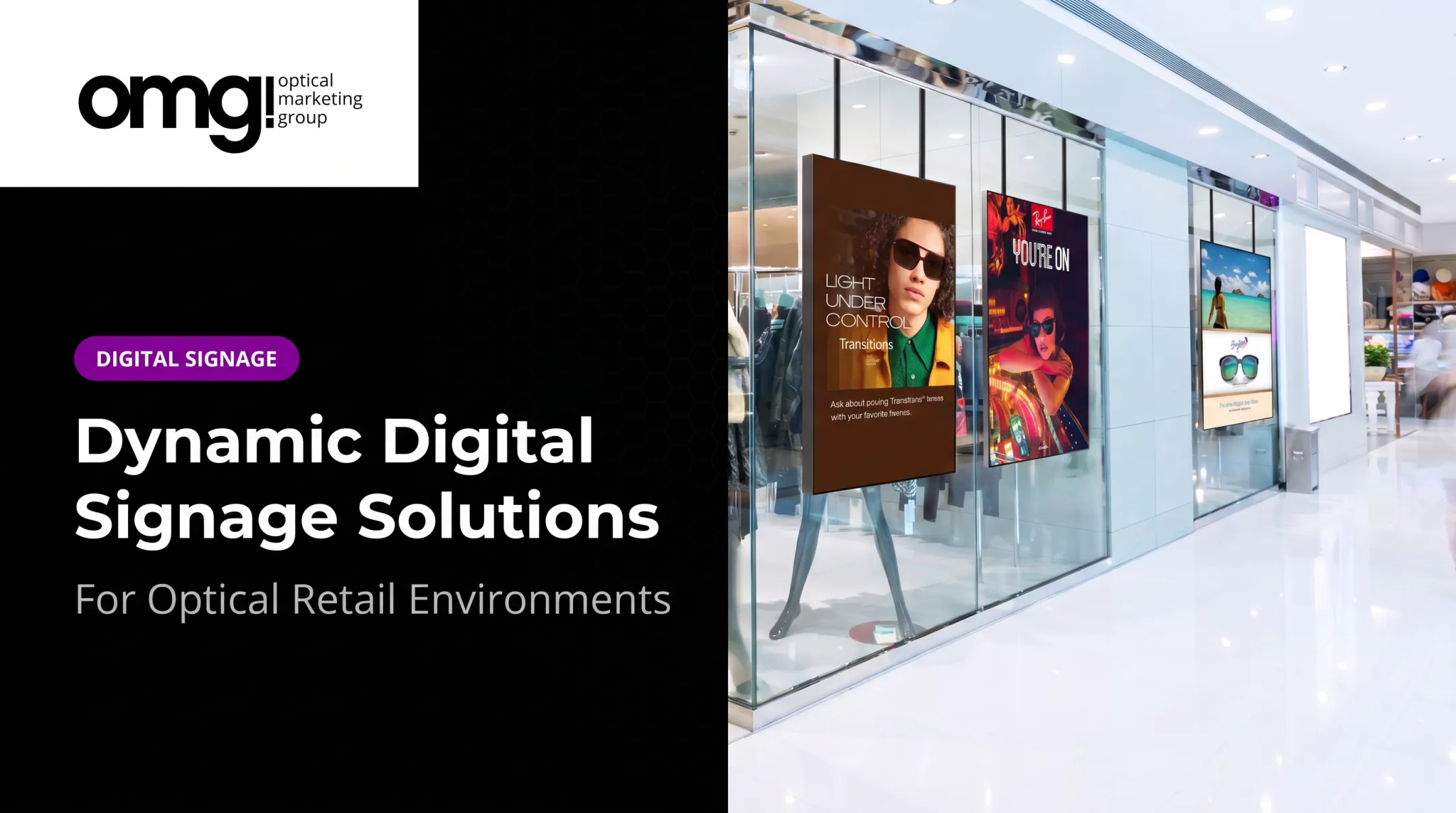

For eye care providers, the stakes are specific. A screen in the dispensary can walk a patient through lens options while a frame stylist is busy with another customer. A window display can turn foot traffic into walk-ins. But none of that happens automatically — it depends on planning the technology alongside the physical space, not bolting it on as an afterthought.
This article covers what digital signage is, where it helps and where it doesn't, what it costs to run, and how to decide if it fits your practice.
Key Takeaways
- Digital signage beats static signs on timeliness and flexibility, but needs hardware, content, and ongoing management
- Screens work best when tied to a specific patient-journey step, not added for visual interest alone
- Placement, readability, brand fit, and accessibility all need evaluation before installation
- Signage should support your merchandising and lighting plan, not compete with it
What Is Digital Signage?
Digital signage means using screens to display content that changes (promotions, education, wayfinding, or video) instead of a fixed printed message. The AVIXA industry association defines it as visual content that can be updated, scheduled, and tailored to a specific audience or environment.
A working system typically includes:
- Display hardware: the physical screen or touchscreen
- Media player or built-in OS: the computer that stores and runs content
- Content management software (CMS): where you build, schedule, and update what plays
- Network connectivity: for pushing updates and pulling analytics
- Content workflow: someone creates, approves, and schedules what appears on screen
Digital signage isn't just advertising on a screen. In an optical setting, it covers a wider range of jobs:
- Window displays that catch attention from the sidewalk
- Frame-category or lens-feature education in the dispensary
- Appointment reminders or service explanations in the waiting area
- Internal staff messaging
- Wayfinding between exam rooms and the optical floor
Some practices run everything from one central dashboard across multiple locations. Others manage each screen locally. Which approach fits depends on how many sites you operate and how much control your team wants over local messaging.
What Are the Benefits of Digital Signage?
Capturing Attention and Supporting Sales
Motion catches the eye faster than a static sheet of paper ever will. A recent retail field study covering 237 campaigns and roughly 30 million shoppers found an 8.1% increase in the likelihood of purchasing a featured product when it appeared on in-store digital signage, according to Herhausen's retail study.

That's general retail evidence, not an optical-specific guarantee, but the direction is clear: moving content gets noticed.
Content updates without the cost or lead time of reprinting. A seasonal promotion, a new lens-coating announcement, or a holiday hours change can go live in minutes instead of waiting on a print order.
In the dispensary, screens placed well can:
- Introduce frame categories or style stories patients might not browse on their own
- Explain lens features (blue-light filtering, progressive options, anti-reflective coatings) without a staff member repeating the same pitch all day
- Prompt multiple-pair consideration by showing complementary sunglasses or backup pairs
Patient Experience and Measurability
A waiting room that explains procedures or answers common questions can feel less sterile. Research on healthcare waiting-room media found that content choice matters: distracting or negative programming can increase stress, while calmer, relevant content tends to support a better mood.
What plays matters as much as whether a screen exists. A TV alone does not make wait times feel shorter.
For multi-location groups, centralized content management keeps branding consistent while still allowing local promotions or scheduling differences between sites.
Measuring impact depends on what you were trying to achieve in the first place:
- QR-code scans or interactions
- Appointment inquiries tied to a campaign
- Sales near the display during a promotion window
- Dwell time in front of a screen
- Reduced print and redesign labor
The Pros and Cons of Digital Signage
| Advantages | Disadvantages |
|---|---|
| Content updates instantly, no reprinting | Higher upfront investment than printed signs |
| Supports video, motion, and richer storytelling | Requires ongoing content creation and scheduling |
| Centralized control across multiple sites | Needs someone to own and maintain it |
| Reusable across campaigns and seasons | Hardware and network can fail |
| Built-in analytics for measurement | Risk of visual clutter if overused |
The Real Costs
Beyond the screen itself, budget for mounts, a media player, content management software, electrical work, installation, and the time to actually produce content.
As a point of reference, a 55-inch window-facing display runs around $3,495, while a 55-inch interactive freestanding unit sits closer to $3,995. Monthly subscription fees for content management commonly run $17.95 to $199 per month, depending on how many devices and locations you're covering.

Operational Realities
Running digital signage isn't a one-time purchase. It requires:
- A clear content owner on staff
- A schedule for updating promotions and seasonal messages
- Technical support for outages or hardware issues
- A plan for screen replacement down the road
The Clutter Risk
More screens don't mean more sales. Too much animation, small text, poor contrast, or playlists that run too long can undercut the calm, curated feel patients expect from a premium optical environment. Bill Gerber's first rule in The New Rules of Optical Retailing is to keep the space clean and curated rather than cluttered. Digital signage should follow that same principle, not violate it.
Compliance and Privacy
A few practical risks deserve attention before installation:
- Privacy: Screens visible in public areas need safeguards so patient information isn't incidentally exposed, consistent with HIPAA guidance on incidental disclosures
- Accessibility: Wayfinding and informational signage have specific visual and sometimes tactile requirements under ADA standards
- Content licensing: Music and images used in signage content generally require proper licensing, not just pulling files off the internet
Static vs. Digital: When Each Wins
Printed signs are cheaper upfront and simpler for permanent information, like a restroom label or a fixed price list. Digital signage earns its keep when messages change often, need richer visuals, or benefit from being measured. Neither replaces the other entirely. Most practices end up using both.
How to Use Digital Signage Effectively in an Optical Practice
Start with one clear objective, not a vague goal of "looking more modern." Tie it to something measurable:
- Improve window visibility → track walk-in inquiries
- Educate on lens options → track consultation questions or lens upgrades
- Reduce perceived wait times → track patient feedback scores
- Promote services → track appointment bookings
Match Screens to the Patient Journey
| Location | Best Use |
|---|---|
| Windows and entry | Curb appeal, brand introduction, hours/promotions |
| Waiting area | Education, reassurance, service explanations |
| Optical/dispensary zone | Product discovery, lens and frame storytelling |
| Checkout | Reminders, complementary product suggestions |
A content plan should define who's responsible for updates, how often content changes, who approves it, and what brand standards apply. Keep messaging easy to scan. A screen crammed with text competes with the frames behind it instead of supporting them.

OMG! Optical Marketing Group builds digital signage into the broader design process rather than treating it as a separate add-on. Our team coordinates screen placement with fixtures, lighting, and merchandising so the technology supports the space instead of fighting it.
One option we offer through this process is Contentlinq, a hardware-plus-subscription signage system with features like non-branded lens demos, a face-shape guide, and a photo booth. It is one tool among several for building a cohesive retail environment, not the whole strategy on its own.
Before rolling signage out practice-wide:
- Pilot one or two locations first
- Gather staff and patient feedback
- Review which content actually gets attention
- Fix technical issues at small scale
- Expand once the approach is proven
How to Measure Value and Decide Whether Digital Signage Is Right for Your Practice
Run through this checklist before buying anything:
- Do you have a clear goal for the screen?
- Who's the audience — patients, passersby, or staff?
- What's the budget, including subscriptions and content production?
- Do you have a location with real visibility?
- Who will create and update content regularly?
- Who handles technical issues when they come up?
Establish a baseline first. Before installation, note current optical sales activity, appointment inquiry volume, patient feedback themes, and existing print costs. Without that baseline, you won't know if the signage actually moved the needle.
After launch, track both business and experience outcomes:
- Optical capture and multiple-pair sales
- Campaign response (QR scans, inquiries)
- Patient satisfaction feedback
- Staff workload added or removed
- Ongoing operating costs versus print savings
Digital signage is probably a poor fit if:
- No one on staff owns content updates
- Your messaging rarely changes
- You don't have a good viewing location
- You can't support ongoing maintenance
Treat the rollout as a test-and-improve process. Adjust content based on what staff observe and what patients respond to, rather than assuming the screen will do the work on its own.
Conclusion: Is Digital Signage Worth It?
Digital signage is not an automatic upgrade or a guaranteed sales booster. Its value comes from strategic content, smart placement, and reliable technology working together with the rest of your space.
For optical practices, the best-fit scenario is straightforward: a clear patient or merchandising need that benefits from timely, visual, and measurable communication, not just a desire to look more modern.
If you're weighing whether it makes sense for your practice, start by assessing your current patient experience and optical layout. OMG! Optical Marketing Group works with independent practices and multi-location groups on this kind of assessment. The team connects digital signage, fixtures, graphics, and space planning into one plan rather than a scattered mix of separate purchases.
Frequently Asked Questions
What is the purpose of digital signage?
Digital signage communicates information, promotions, education, wayfinding, or brand messages through screens that update easily. The purpose you choose should drive what content you create and where you place the screen.
What are the 7 key elements of digital signage?
A working system needs a clear objective and audience, content, display hardware, a media player or operating system, content-management software, connectivity, and a process for ongoing management and measurement.
Is digital signage worth the investment for an optical practice?
It depends on your goals, placement, content resources, and budget. Practices that tie screens to a specific outcome, like lens education or window visibility, tend to see more value than those installing screens without a plan.
What are the main disadvantages of digital signage?
Upfront hardware and subscription costs, ongoing content and technical maintenance, connectivity or hardware failures, and the risk of cluttered or distracting messaging. Privacy and accessibility also need consideration depending on screen location.
How can an optometry practice use digital signage?
Common uses include window messaging for curb appeal, waiting-room education, lens and frame discovery in the dispensary, wayfinding, and service promotion. The strongest results come from coordinating screen content with existing merchandising and lighting.