
That's the tension many practices face. A static dispensary with frame boards and printed signs can inform a patient, but it rarely guides discovery, explains why a particular lens coating matters, or connects what just happened in the exam room to what's on the optical floor.
Interactive retail displays close that gap. Touchscreens, digital signage, virtual try-on tools, product demonstrations, and well-designed physical fixtures work together to turn browsing into engagement, and engagement into education, loyalty, and sales.
Key Takeaways
- Interactive displays invite patients to explore, compare, customize, or act, not just look.
- The best optical displays pair digital tools with accessible frames, clear signage, and good lighting.
- Measure success through interaction quality, product discovery, and consultation activity, not screen count alone.
- Technology should support staff and the patient journey, never replace or clutter it.
Understanding Interactive Retail Displays
An interactive retail display is any physical or digital merchandising touchpoint that responds to what a customer does. It reacts to a tap, a scan, a frame picked up off the shelf, or a question typed into a kiosk, and it responds with information, options, or next steps.
That responsiveness is what separates it from a static sign. A printed frame board tells a patient what's available. A touchscreen lets them filter by face shape, compare lens coatings side by side, or save a favorite to show their optician. The customer participates instead of just reading.
Components that commonly support an interactive display include:
- Touchscreens or tablets with content-management software
- Sensors, cameras, or QR codes for product-level interaction
- Physical product samples patients can pick up and compare
- Lighting and fixtures that draw attention to the display
- Connectivity to track usage and update content remotely
Done well, these pieces support the whole optical journey, from the window display that pulls someone in off the sidewalk, through frame browsing and lens education, to the consultation and the follow-up visit months later.
OMG! builds practice environments around digital interaction, discovery-driven signage, storytelling, clean presentation, and upscale lighting. Interactivity sits as one layer of a bigger experience rather than a standalone gadget.
Shoppers notice this kind of discovery. In a 2026 survey of more than 1,100 frequent in-store shoppers, 76% said they had discovered a new product or brand after seeing it on a retail display, according to Frank Mayer's research.
That's a general retail figure, not an optical-specific conversion number, but it confirms that well-placed displays get noticed and drive discovery.
Types of Interactive Retail Displays for Retail and Optical Environments
Not every interactive tool serves the same purpose. Some help patients learn, some help them compare, and some simply help them find their way around the office. Matching the format to the goal matters more than chasing the newest technology.
Touchscreen Product-Information Displays
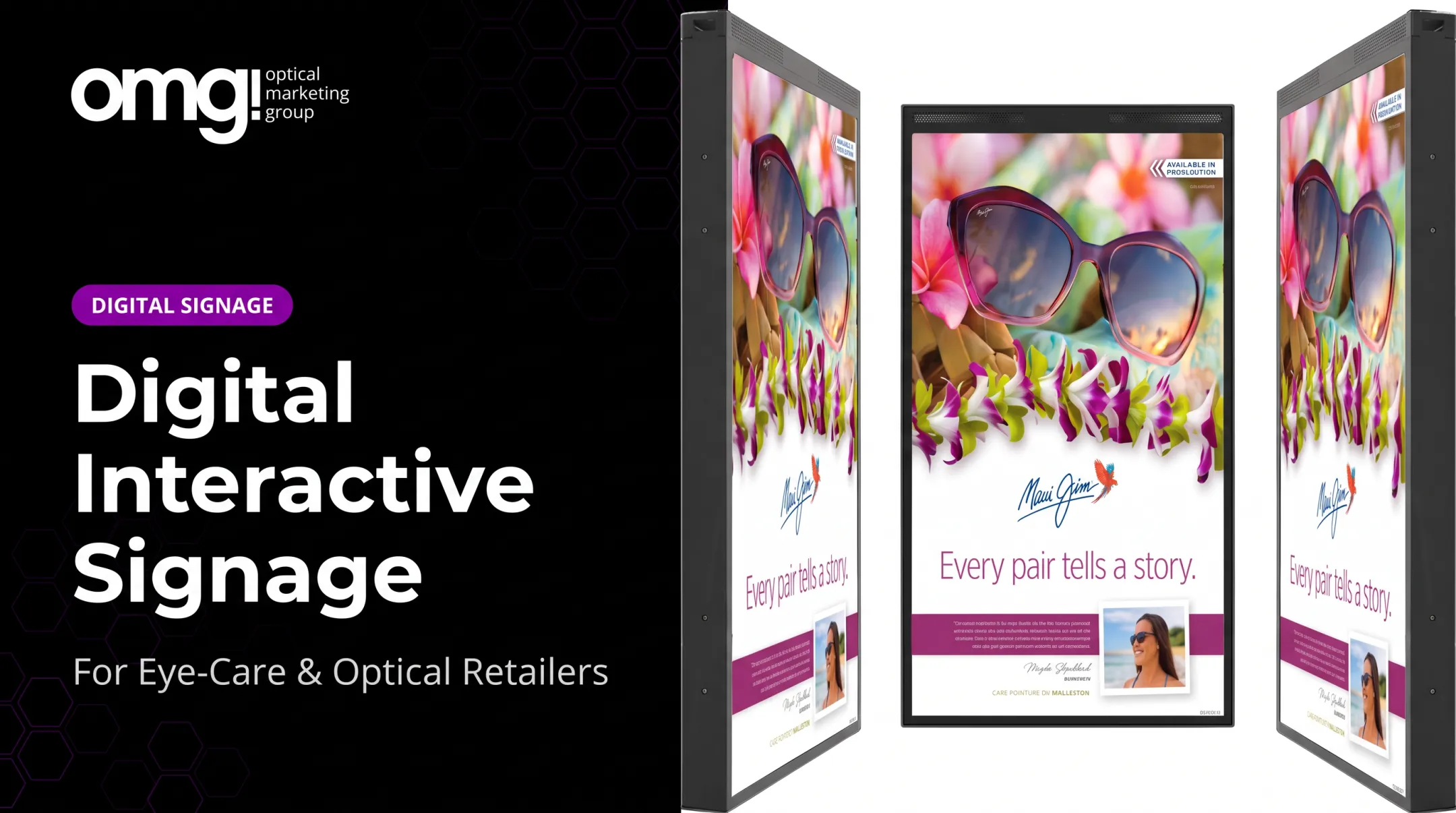
A touchscreen lets patients browse frame collections, compare materials, check lens options, or request staff help without waiting in line. OMG!'s 43" Freestanding Interactive Touch Display, for example, pairs a 4K, 10-point touchscreen with built-in analytics so practices can see what patients are actually exploring.
Digital Signage and Managed Content Displays
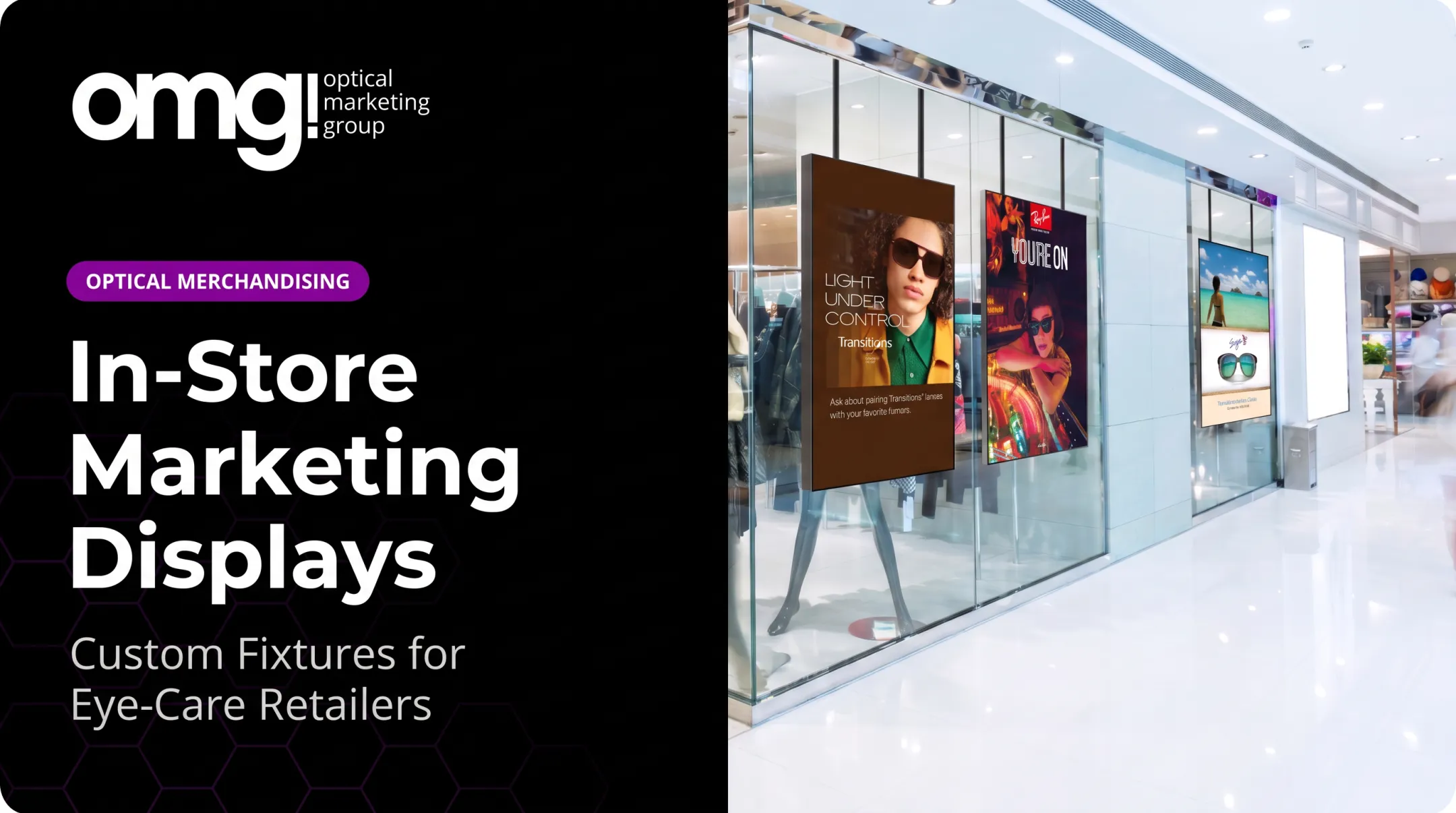
Window-facing screens and in-store monitors support welcome messaging, seasonal campaigns, and educational video, kept consistent across locations through managed content. Contentlinq handles this for practices adding digital signage, pairing hardware with a subscription that updates playlists and promotions remotely.
Virtual Try-On, AR, and Personalization Tools
Virtual try-on lets patients preview frame styles, colors, and fits before they ever pick up a pair.
According to Fittingbox's case study, France-based Iris Optique built this into its storefront window. Passersby can try on frames virtually from the sidewalk, including styles not physically stocked in the store.
These tools complement the physical try-on. They don't replace it.
Demonstration and Try-It-Yourself Displays
Hands-on demonstrations explain features that words can't. Transitions Optical's counter displays use UV-LED light to simulate outdoor exposure, showing shoppers how a lens actually darkens in changing light.
Interactive Physical Displays and Discovery Fixtures
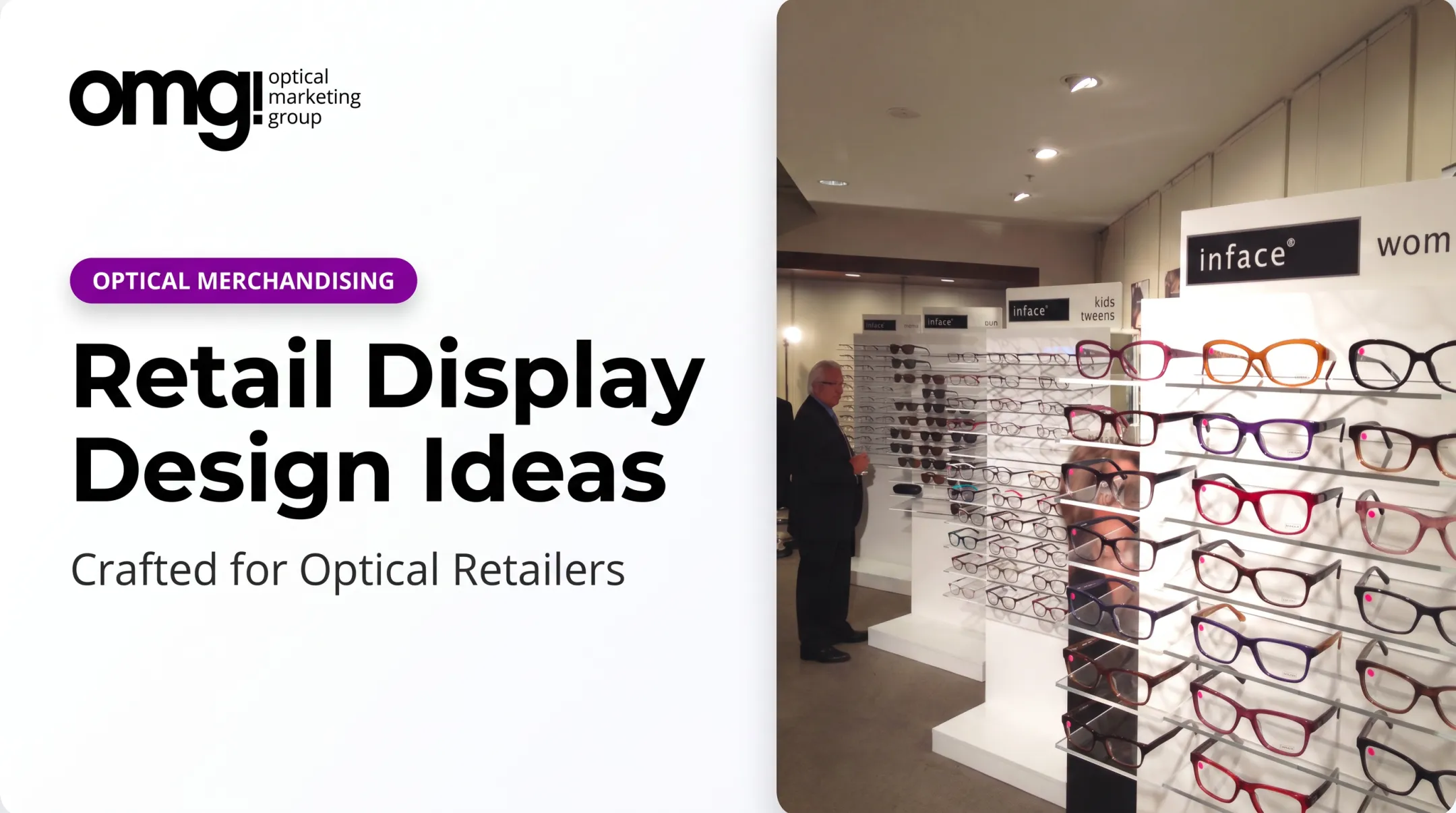
Rotating stands, lit shelving, and accessible frame bars invite patients to touch and compare. OMG!'s Smart Interactive Eyewear Display combines a storage wall for 40 to 65 frames with a built-in 15-inch tablet and overhead LED lighting, so browsing and digital education happen in the same spot.
Wayfinding, Kiosks, and Omnichannel Displays
Kiosks help patients find departments, browse inventory not on the floor, and pick up research they started on their phones. The goal: connect the in-office visit to the practice's website and digital channels, not keep them separate.

Designing Interactive Displays for Customer Engagement
A display earns its space by solving one clear problem. Before choosing hardware, decide which moment in the patient journey needs help: window conversion, early browsing, frame comparison, or the handoff from exam room to optical.
Give each display one job:
- Explore a collection
- Compare lens features
- Save a favorite frame
- Request staff assistance
- Book a follow-up appointment
Fit the Technology to the Space
Screen size, sightlines, lighting, power, and cleaning access all need planning before installation, not after. A touchscreen crammed into a dark corner with no outlet nearby won't get used, no matter how good the content is. Digital tools should feel built into the fixtures and signage rather than added later.
Write Content Around Patient Questions
Short copy, strong visuals, and clear calls to action beat long paragraphs every time. Organize content around the questions patients already ask: frame fit, lens materials, sun protection, digital eye strain, and lifestyle needs. Any clinical claims should go through professional review before they appear on a screen.
Build in Accessibility and Privacy from the Start
Readable type, color contrast, captioned video, and reachable touch targets make a display usable for more patients. Staff should always be a visible alternative for anyone who'd rather ask a question than tap a screen. If a display uses a camera or collects preferences, disclose that clearly and keep the data practices simple to explain.
Plan Light, Ongoing Updates
Tie content updates to seasons, promotions, and new product launches. Assign someone ownership of software updates and cleaning. Have a fallback plan ready for when a screen goes offline, because it will, eventually.

Measuring and Improving Interactive Display Performance
Install a baseline before launch. Track foot traffic, dwell time, and sales in the display area for a few weeks beforehand so you have something to compare against later.
After launch, track:
- Interaction starts and completions
- Dwell time and content selections
- QR scans and product inquiries
- Staff referrals and consultation requests
- Frame try-ons tied to the display
It's tempting to credit every sales bump to the new screen. Resist that. The IAB distinguishes between an "opportunity to see" a display and actually engaging with it. Foot traffic near a screen isn't proof anyone looked at it, let alone acted on it, according to IAB Europe's standards.
A test-versus-control comparison (one area with the display, a similar one without) gives a far more honest read on impact.
Numbers only tell part of the story. Short patient surveys, staff observations, and simple usability checks reveal the friction a dashboard can't show: confusing content, a button nobody notices, or a moment where a patient clearly wanted a person instead of a screen.
Review results on a set schedule. Adjust placement, messaging, and calls to action based on what you find, not on what feels new.

Elevating Retail Experiences with Innovation
Practices that get the most from interactive displays coordinate merchandising, lighting, signage, digital tools, and staff around one patient journey. Screen count matters less than that shared focus.
OMG! Optical Marketing Group has spent more than a decade building that kind of integration. One team handles practice design, custom fixtures, graphics, signage, and digital displays in a single project instead of a pile of separate vendors.
The Urban Optics remodel paired a 98-inch interactive video wall with an integrated waiting area. Frame capture rate moved from 42% to 72% after the project.
If you're not sure where to start, OMG!'s online Project Planner is a practical first step. Independent practices, optical chains, eyewear brands, and medical practices with dispensaries can use it to see where a smarter display would make the biggest difference.
Frequently Asked Questions
What are interactive displays?
Interactive displays are physical or digital retail touchpoints that respond to customer actions, like a tap, scan, or picked-up product, to support exploration, education, or purchasing. In an optical setting, that might be a touchscreen that lets a patient compare lens coatings side by side.
What are the different types of displays used in retail?
Common formats include touchscreens, digital signage, kiosks, virtual try-on tools, demonstration stations, QR-enabled fixtures, and rotating physical displays. Each serves a different goal, from product discovery to wayfinding to hands-on comparison.
What are some unique retail display ideas for stores?
In optical, that could mean virtual frame try-ons, interactive lens-feature demonstrations, lifestyle-based frame discovery tools, QR-enabled comparison stations, or rotating digital storytelling tied to seasonal promotions.
What is an example of experiential retail?
An optical practice where patients can explore frame styles on a touchscreen, compare lens options, physically try on frames, and get personalized staff guidance is a solid example. It blends digital tools with hands-on product access rather than relying on either alone.
Can you give me some examples of virtual stores?
Virtual showrooms, online eyewear try-on environments, and digital product galleries all count as virtual stores, letting shoppers browse a curated collection remotely. They work best as a complement to an in-person visit, not a replacement for trying on real frames.