
Introduction
Walk into most optical practices and you'll still find the same tired setup: a static poster taped to the window, a TV looping the same five slides on repeat, or worse, a screen nobody remembers turning on. That approach made sense a decade ago. It doesn't anymore.
Smart digital signage changes what a screen can do. Instead of showing the same content at 9 a.m. and 9 p.m., it can respond to time of day, campaign dates, inventory, or even who's likely walking past the window.
This guide is built for US optometry practices, ophthalmology practices with optical dispensaries, optical retailers, and eyewear brands trying to improve patient experience and product discovery.
We'll cover what actually makes signage "smart," the hardware and software behind it, practical optical use cases, what to budget for, and how to roll it out without wasting money on technology that sits idle.
Key Takeaways
- Smart signage combines screens, media players, software, connectivity, and rules that decide what shows and when
- The strongest optical applications pair digital content with physical merchandising, lighting, and wayfinding
- Screen location, brightness needs, and operating hours determine the right hardware choice
- Budget for the full system: players, software, content, mounting, and maintenance, not just the display
What Is Smart Digital Signage?
Smart digital signage is a connected display system that uses scheduling, automation, or contextual data to show more relevant content than a fixed, repeating loop.
AVIXA, the industry's leading professional association for audiovisual technology, defines digital signage as electronic visual communication: content that can be updated, scheduled, and tailored to specific audiences and environments, according to AVIXA's definition. That definition doesn't require artificial intelligence to qualify.
Here's the key distinction that practices often miss:
- Traditional digital signage plays manually uploaded content on a fixed, repeating loop, regardless of what's happening in the practice
- Smart digital signage uses rules, time of day, campaign dates, inventory status, or business hours to change what appears automatically
Buying a smart TV doesn't make your signage smart. The intelligence comes from the content-management software, the media player, and the content strategy working together. A $3,000 display running the exact same video on a loop isn't any smarter than a poster.
What This Looks Like in an Optical Setting
Think about a frame display that promotes sunwear automatically during a seasonal campaign window, then switches to back-to-school messaging in August without anyone manually swapping files. Or a waiting-area screen that shows lens education content during business hours and practice announcements after close.
Contentlinq, OMG! Optical Marketing Group's digital signage platform, handles this through cloud-based playlists that update automatically rather than requiring someone to physically reload content on each screen.
How a Smart Digital Signage System Works
A smart signage setup has five working parts. Understanding each one helps you troubleshoot problems and ask better questions when evaluating vendors.
The Core Components
- Display - The commercial screen, window-facing unit, kiosk, or shelf-level screen the patient actually sees
- Media player or system-on-chip (SoC) - The hardware that renders content, either built into the display or connected externally
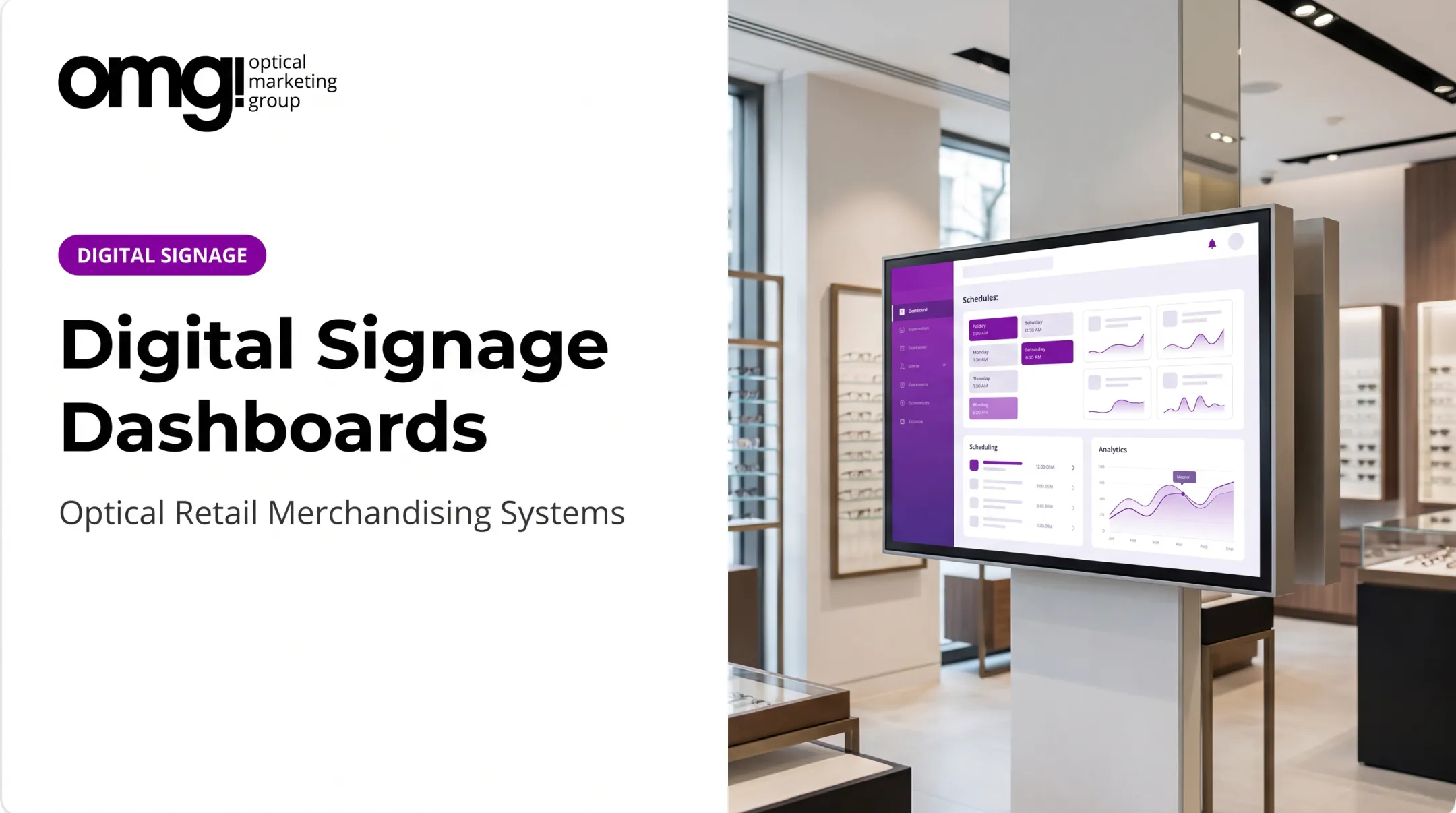
- Content-management software (CMS) - The platform used to upload, schedule, organize, and publish content remotely
- Network connection - Wi-Fi or wired connectivity supporting updates, monitoring, and remote administration
- Content and data sources - Videos, images, promotions, calendars, or product information feeding the system
A built-in SoC often works fine for a single screen in one location. An external media player gives more flexibility for multi-location networks or mixed display brands. OMG!'s 55″ Ultra Bright Window TV, for example, ships with a built-in Contentlinq media player, so it connects to the content platform without needing separate hardware.
Scheduling vs. True Responsiveness
Simple time-based scheduling, showing one playlist in the morning and another in the evening, covers most practice needs. Advanced integrations (pulling in live inventory or appointment data) add real value but also add complexity and cost. Most independent practices don't need the advanced version to see a meaningful improvement over static posters.

What to Look for in Remote Management
Before committing to a platform, confirm it offers:
- Screen grouping for managing multiple displays as one unit
- Content approval workflows
- Device status monitoring with offline alerts
- Role-based permissions so not everyone can edit everything
Reliability When the Network Drops
This is where a lot of practices get surprised. Cached media, content already stored locally, typically continues playing during an outage. Streaming or live content usually doesn't, according to ScreenCloud's documentation.
If your signage relies heavily on live feeds, a dropped connection can mean a black screen or a frozen image, not a graceful fallback. Ask your vendor directly what happens during an outage before you sign a contract.
Smart Digital Signage Benefits and Use Cases for Optical Practices
Digital signage touches nearly every stage of the patient journey, from curb appeal outside to checkout conversations inside. Here's where it tends to deliver the most value.
High-Value Placements
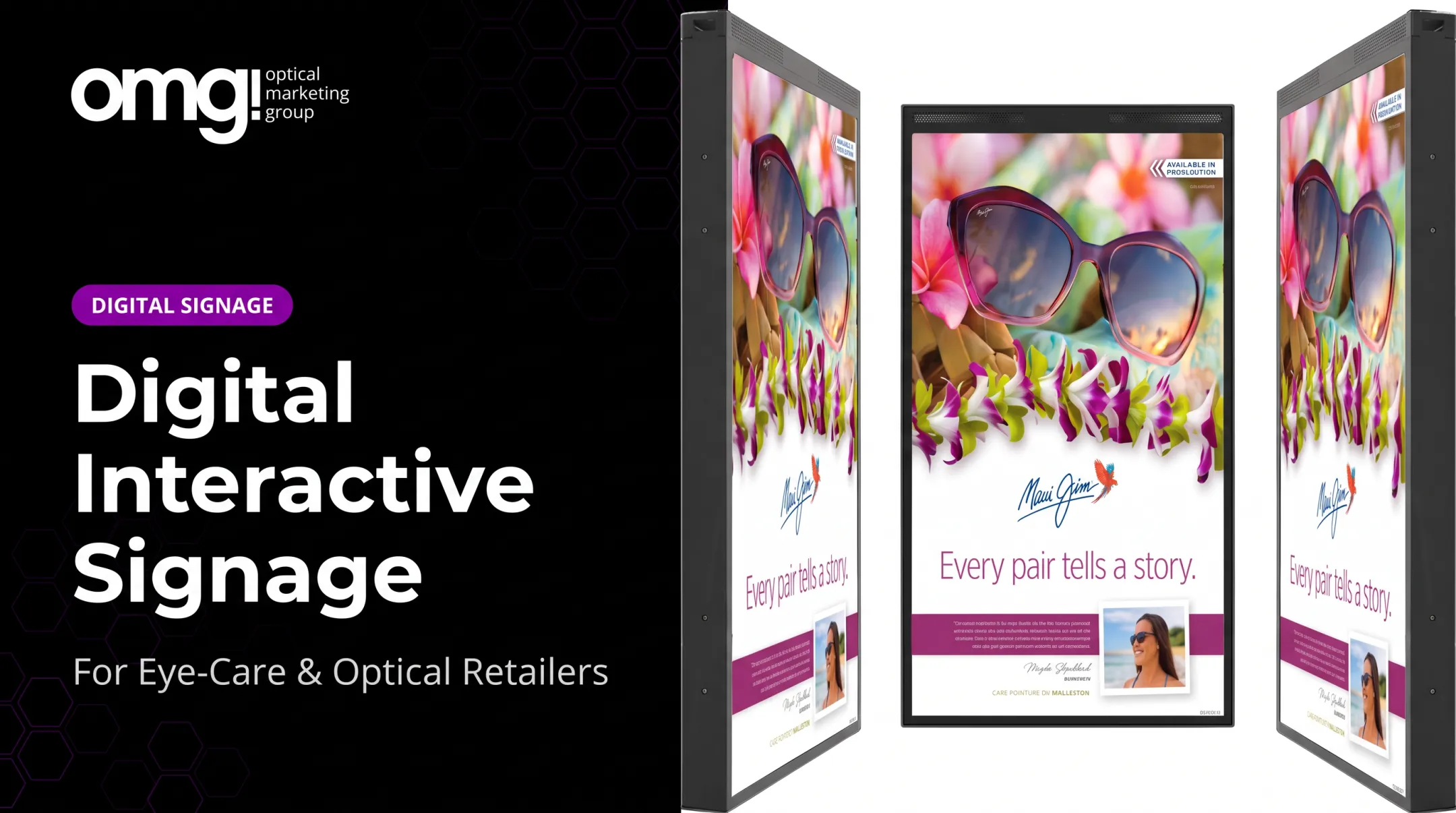
- Window and exterior displays - Brand storytelling and seasonal campaigns visible after hours; OMG!'s HD Series is built for full-sunlight visibility
- Waiting-area screens - Welcome messaging and lens or frame education that makes wait time feel more useful
- Dispensary displays - Frame collections, lens technology explanations, and multiple-pair messaging near the actual product
- Wayfinding content - Directional guidance for larger practices or medical offices with optical departments
- Staff-facing screens - Internal announcements and campaign guidance, kept separate from patient-facing content
Does It Actually Move the Needle?
A large-scale field study spanning 237 retail campaigns and 30 million shoppers found an 8.1% increase in the likelihood of purchasing a featured product when it was promoted via digital signage, based on Herhausen's retail study.

That research comes from European supermarkets, not US optical retail, so treat it as a directional signal rather than a guaranteed result for your practice. Still, it supports what most merchandisers already suspect: signage placed near the actual product influences selection.
The patient-education side has separate evidence. A systematic review of 14 peer-reviewed studies found that screen-based messaging in healthcare waiting rooms probably improves patient knowledge, though evidence for actual behavior change remains mixed, according to a 2018 systematic review.
That's a meaningful distinction: signage can inform patients reliably, but don't promise your team it will shorten perceived wait times by a set percentage. That claim isn't well supported.
Keeping It Grounded
Nearly 90% of purchase decisions happen in-store (internal OMG! merchandising research), which is exactly why digital content should reinforce physical displays and lighting, not compete with them. A screen crammed next to cluttered shelving undermines both.
A quick caution: healthcare environments call for respectful, accessible messaging. Keep text readable at viewing distance, and never display identifiable patient information on a public-facing screen unless the system was specifically built and authorized for that purpose.
How to Choose Hardware, Software, and Content
Before buying anything, walk your space and document the realities of each screen location.
Start With a Placement Assessment
Note for each potential screen spot:
- Indoor, window-facing, or outdoor
- Viewing distance and sightlines
- Ambient light and glare exposure
- Available power and network access
- Portrait or landscape orientation needs
Matching Display Type to Location
| Display Type | Best For | Key Consideration |
|---|---|---|
| Commercial display | Waiting areas, dispensary | Rated for extended daily operating hours |
| High-brightness window unit | Storefront windows | Needs 2,500+ cd/m² to beat sunlight glare |
| Interactive kiosk/touchscreen | Frame wall, retail floor | Supports lens demos and face-shape tools |
| Smaller tablet display | Exam lanes, shelf-level | Lower cost, flexible placement |
Consumer TVs generally aren't built for the duty cycle a retail or waiting area demands. OptiSigns notes that commercial displays are designed for brighter environments and longer continuous operation, with warranty coverage that reflects that heavier use, according to OptiSigns' cost guide.
If your practice runs 10+ hours a day, a consumer TV paired with a compatible media player can work as a budget-friendly starting point. A commercial-grade unit will hold up longer.
Software Checklist
Before committing to a CMS, confirm it offers:
- Intuitive content creation and scheduling
- Playlist and rules-based automation
- Screen grouping across locations
- Remote monitoring with offline alerts
- User permissions and approval workflows
- Analytics on engagement, not just uptime
Contentlinq, for instance, includes cloud-based digital asset management, brand-specific or custom playlists, and an analytics dashboard tracking engagement and impressions. Confirm current plan details and compatibility with the provider before you commit. Subscription terms and included features can change.
Budgeting for the Full System
Hardware is only one line item. Plan for:
- Display - Ranges roughly $3,000–$5,000 for commercial-grade window units based on current OMG! pricing
- Media player - Around $330 if upgrading an existing screen
- Software subscription - Typically $18–$25 per device monthly, or a flat unlimited-device rate near $199/month
- Mounting hardware - $265–$500 depending on mount type
- Content production, installation, and ongoing maintenance - Varies by complexity
Content quality matters as much as hardware. High-contrast layouts, short messages, and strong product imagery designed for actual viewing distance determine whether patients notice the screen at all.
How to Plan, Launch, and Manage the System
A phased rollout beats a single big purchase. Here's a practical sequence:
- Define goals - Decide what you're measuring: product education, inquiries about a featured collection, or reduced repetitive staff explanations
- Map screen locations - Match each location to the patient journey stage it serves
- Select hardware and software - Base this on your site assessment, not just price
- Build an initial content library - Start small with a clear approval process
- Pilot one screen - Test in a single area before expanding practice-wide
- Check readability and reliability - Confirm playback, network stability, and staff comfort with the workflow
- Set a review cadence - Refresh seasonal content and retire outdated messages regularly

This is where treating signage as part of the overall design, rather than a standalone tech purchase, pays off. OMG!'s design process integrates digital displays with custom fixtures, branded graphics, and lighting from the start, so a screen doesn't feel bolted onto a space that wasn't built around it.
Operational Safeguards Worth Setting Up Early
- Limit admin access to a small, named group
- Use strong, unique credentials for the CMS
- Document who owns content updates
- Confirm the platform's privacy practices before adding any patient-facing data
- Build a fallback plan for what staff do during an outage
For measurement, track what is actually tied to your goals: content uptime, QR scans, or staff feedback on repeated questions. Avoid inventing a target percentage with no supporting benchmark.
Frequently Asked Questions
What are the key elements of smart digital signage?
A smart signage system includes the display, a media player or system-on-chip, content-management software, a network connection, a content library, and automation rules that determine what shows and when.
How much does a smart digital signage system typically cost?
Costs vary by display type, screen count, software subscription, content production, and installation. Hardware alone can range from roughly $330 for a media player upgrade to $3,000–$5,000 for a commercial window display, plus monthly software fees.
What is the difference between digital signage and smart digital signage?
Standard digital signage typically shows a fixed, repeating playlist regardless of context. Smart signage uses schedules, rules, or data, like time of day or campaign dates, to change what viewers see automatically.
Can an optical practice use its existing TV for smart digital signage?
Yes, an existing TV can often work with a compatible external media player. However, commercial displays tend to perform better for long operating hours, brighter environments, and portrait orientation needs.
What should an optical practice display on its digital signage screens?
Good content mixes welcome messages, frame and lens education, seasonal promotions, brand storytelling, and wayfinding, all coordinated with the physical dispensary rather than competing with it.
Is smart digital signage secure and appropriate for healthcare environments?
Yes, when set up with role-based access, secure accounts, regular software updates, and privacy-conscious content. Avoid displaying personally identifiable patient information unless the system is specifically designed and authorized for that use.