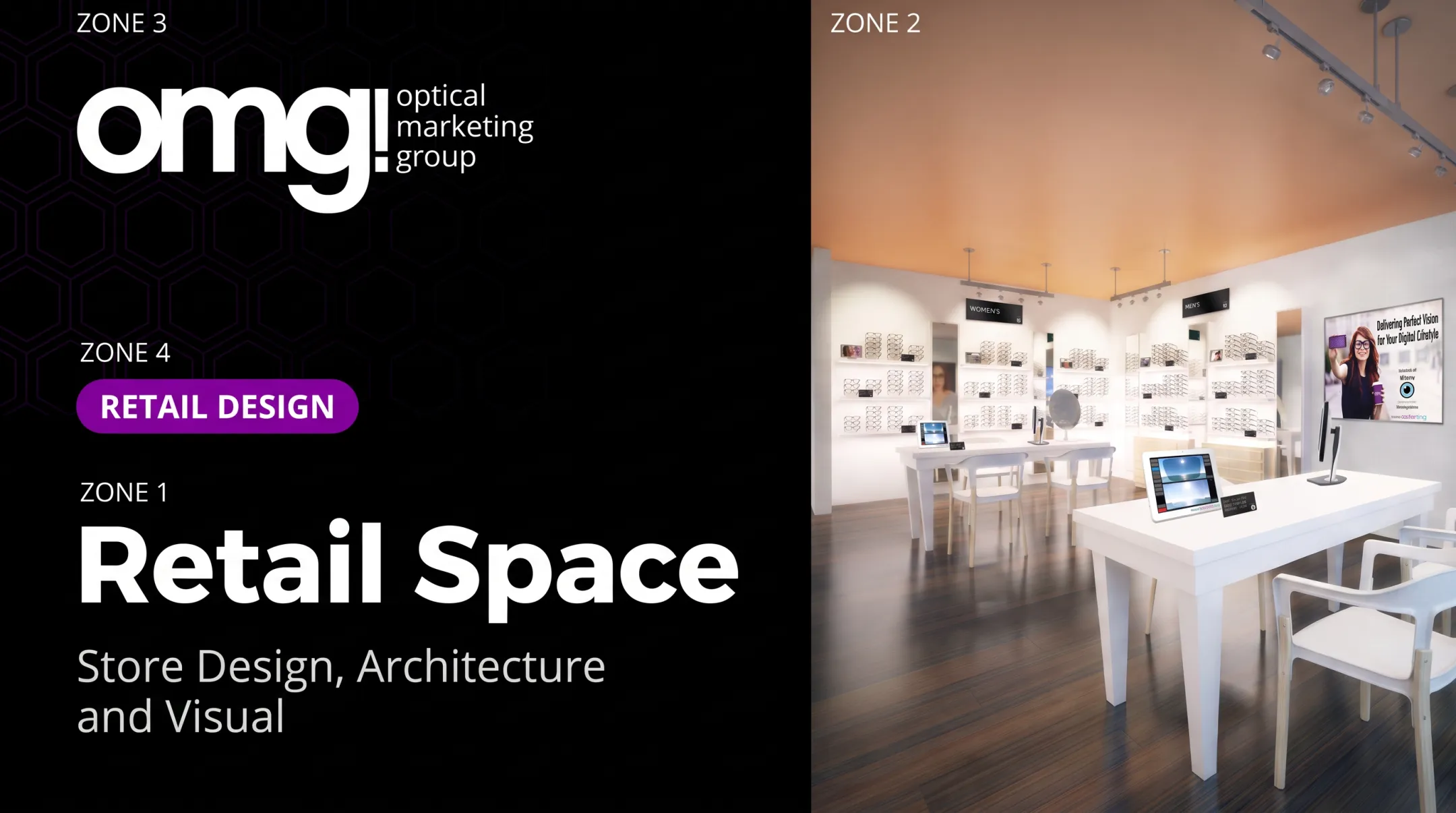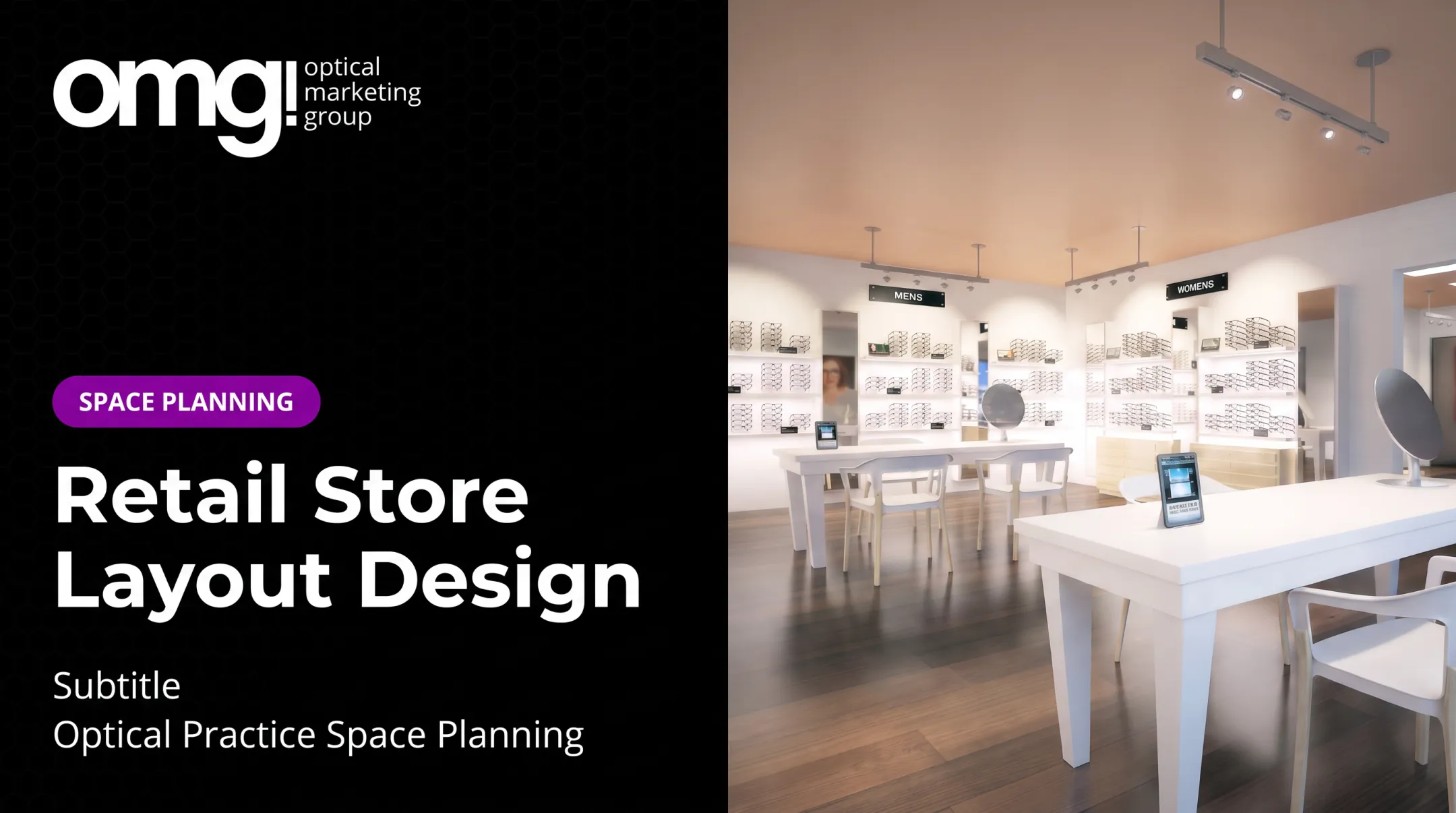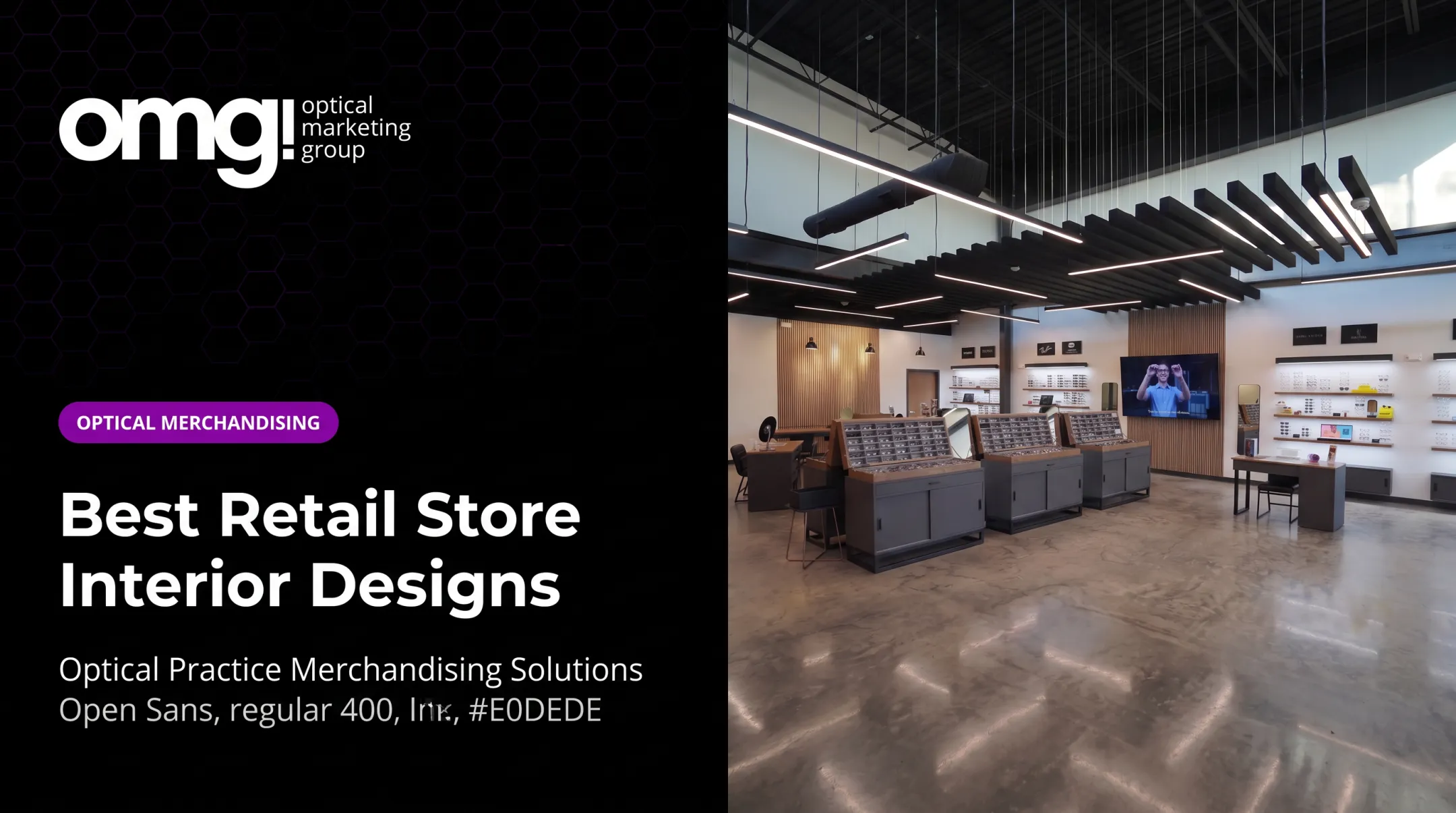

For optical and eyecare practices, the stakes are higher. The same square footage has to double as a clinical environment patients trust and a retail space that invites unhurried frame browsing. Get that balance wrong, and patients either rush through the dispensary or skip it entirely.
A 2022 survey found that 79% of shoppers said a pleasant in-store atmosphere would make them stay longer - a self-reported signal, not a guaranteed sales lift, but a clear reminder that environment shapes behavior, according to Mood Media's research.
This guide covers layout selection, customer flow, visual merchandising, optical-specific design decisions, and how to measure whether a redesign actually works.
Key Takeaways
- Retail store design ties together brand identity, product discovery, staff efficiency, and sales performance
- Layout choice depends on store size, product mix, customer journey, and how much browsing guidance shoppers need
- Optical practices must design two overlapping journeys: the clinical patient path and the retail eyewear experience
- Treat your finished space as a living system - collect feedback, track performance, and refresh displays regularly
What Is Retail Store Design and Why Does It Matter?
Retail store design is the strategic planning of everything a customer encounters inside a store: the floor plan, pathways, fixtures, displays, signage, lighting, materials, technology, and branded touchpoints.
It's the blueprint that decides whether a shopper finds what they need in 30 seconds or wanders out frustrated.
Good design shows up in measurable outcomes:
- Wayfinding - can customers find categories without asking staff?
- Dwell time - how long do people linger near key displays?
- Staff movement - can employees reach customers and inventory efficiently?
- Cross-selling - do adjacent displays encourage add-on purchases?
- Perceived service quality - does the space feel organized and trustworthy?
A beautiful store can still underperform. If customers can't compare products side by side, or staff spend half their shift walking back and forth for inventory, the aesthetics won't save the sale. Design has to solve operational problems, not just visual ones.
Physical stores now compete as experience channels, not just transaction points. Customers can buy almost anything online; they visit to see, touch, compare, and ask questions. Every location has to justify that visit with something a screen can't replicate.
What are the 7 principles of retail?
There's no single, universally agreed "seven principles" framework in retail design. The closest documented model comes from Gensler's retail research.
That research outlines six principles for hybrid retail engagement: building community, empowering staff, prioritizing experience, showcasing expertise, meeting customers where they are, and staying flexible.
For this guide, we've organized those ideas - plus practical additions from optical retail experience - into seven working principles:
- Customer-first planning
- Clear navigation
- Effective product presentation
- Brand consistency
- Comfort and accessibility
- Operational efficiency
- Measurable improvement
Treat these as a checklist, not a rulebook. Each one shows up throughout the rest of this guide.
How to Choose a Retail Store Layout and Plan Customer Flow
Layout dictates how customers move, what they see first, and how much of your inventory they actually encounter. Four layout types cover most retail environments:
| Layout | Best for | Trade-off |
|---|---|---|
| Grid | Organized category browsing, high SKU counts | Efficient but can feel clinical |
| Loop/racetrack | Guided discovery, storytelling | Maximizes exposure but can frustrate targeted shoppers |
| Free-flow | Curated, boutique, premium feel | Browsing-friendly but less display space |
| Mixed | Stores needing browsing, service, and checkout zones | Flexible but requires careful zoning |
Loop layouts intentionally route shoppers past most merchandise before reaching checkout. Free-flow designs skip forced patterns entirely and encourage wandering instead.
Matching layout to your store
Choose based on:
- Store size and square footage
- Product range and how it's categorized
- Shopping mission (quick errand vs. considered purchase)
- Desired browsing time
- Customer volume at peak hours
- How much guidance shoppers expect from staff
The entrance zone sets the tone
The first five to ten feet inside your door is a decompression zone. Customers need a moment to adjust before processing dense displays or signage. Skip this, and shoppers walk right past your best merchandise without registering it.
From there, plan a primary route that includes:
- Clear sightlines to focal displays
- Destination zones for high-margin items
- A visible queue or checkout area
- An alternative, faster path for customers who already know what they want
Movement, comfort, and accessibility
US stores need to meet ADA accessibility minimums, not just "feel" spacious. The 2010 ADA Standards require:
- 36 inches minimum clear aisle width (can narrow to 32 inches for short 24-inch stretches)
- 60-inch minimum diameter for circular turning spaces
- Checkout counters no higher than 38 inches
- Passing spaces at least every 200 feet on narrower routes
These are floor-level minimums, not a complete comfort plan. Add seating, clear sightlines, and reduced congestion on top of them.
Before committing to construction, test the plan:
- Walk the floor plan at scale
- Map staff journeys
- Observe real customer movement
- Use heat-map or traffic data if you have it
Design Elements That Make a Retail Space Easier to Browse
Color, materials, lighting, and scale work together to reinforce brand identity and guide the eye. A calm, minimal palette (white cabinetry, neutral walls, soft wood tones) suits practices positioning themselves as premium or clinical-clean. A bolder, high-contrast scheme works better for youth-focused or fashion-forward brands that want shelves to feel energetic.
Lighting does more than illuminate
Layered lighting supports four jobs at once:
- General visibility across the floor
- Product emphasis on featured displays
- Flattering light at mirrors and consultation areas
- Atmosphere that makes the space feel comfortable, not clinical
Optical environments have one added requirement: lighting has to render faces and frames accurately. Decorative, warm-toned lighting that looks great in a boutique can distort how a frame or a patient's complexion looks in the mirror. Purely aesthetic lighting choices tend to ignore that problem.
Fixtures and signage as navigation tools
Shelving and displays aren't just storage. They're wayfinding tools:
- Present featured items at eye level
- Group products by need or story, not just brand
- Use clear category labels and short, discovery-led messaging
- Choose flexible display hardware that can be reconfigured as inventory changes
What's actually changing for 2026
Durable shifts worth planning around, rather than chasing as a short-lived look:
- Modularity - reusable, reconfigurable fixtures that reduce waste and adapt to new collections
- Digital interaction - QR codes, responsive screens, and motion-triggered content
- Personalization - in-store customization experiences built into kiosks or consultation stations
- Sustainable materials - recycled and paper-based options paired with reusable modular systems
None of these guarantee a sales lift on their own. They're functional capabilities, not fixes.
The 70/30 balance, used loosely
A commonly cited interior design heuristic suggests allocating roughly 70% of a space's visual weight to a dominant color, material, or style, with about 30% left for accents. It's a flexible guide, not a measured rule. The accent portion can include more than one element, such as a brand color on signage plus a textured material at the consultation desk.

How to Apply Retail Store Design Principles to an Optical or Eyecare Practice
An optical practice carries a dual burden most retailers don't face. The same square footage supports clinical transitions: check-in, pretesting, exam rooms, while the dispensary has to feel like a retail destination, not a leftover corner with frame boards.
Mapping the patient journey
Every stage needs a different design response:
- Entry and check-in: needs clarity and speed, not browsing pressure
- Examination: needs privacy and a calm, low-stimulation environment
- Frame browsing: needs product discovery, comparison space, and mirrors
- Consultation: needs seating and surfaces where two people can sit comfortably
- Dispensing and payment: needs efficiency and a short, clear path to the exit
OMG! Optical Marketing Group's Patient Experience Assessment scores practices on exactly these transition points, including whether waiting is integrated into the optical space rather than siloed into a separate room.
Organizing frame and lens merchandising
Group eyewear by whatever makes comparison easiest for patients: style or use case, material or fit, price tier, or brand story. Avoid clutter: glass shelving and minimal cabinetry generally outperform dense frame boards, which can make 48 similar frames look like visual noise instead of a curated selection.
Fixtures and touchpoints that do double duty
Every fixture should serve staff and patients at once. A few examples:
- A Cardiff Double Sales Desk with tabletop mirrors and seating for two-sided consultations
- A V-Shaped Double Dispensing Table for side-by-side fittings
- A Talmadge Waterfall Display holding 48 frames with velvet-lined trays
- A 10-inch retail-ready tablet built into fixtures for interactive lens or frame education
Building trust without pressure
Branded signage, accurate lighting, and short storytelling cards about a frame's materials or technology can open multiple-pair conversations naturally. A sign explaining why a lens coating matters does more work than a staff member repeating the pitch at every visit.

A simple concept example: picture a calm, clinical-feeling threshold at check-in (soft lighting, quiet materials) opening into a brighter, warmer dispensary zone with illuminated displays and branded sections for a few key eyewear lines. The transition itself tells patients the exam is done; now explore.
OMG!'s six-phase design-to-delivery process (discovery, concept, fixtures, graphics, production, and installation) is built around exactly that kind of transition.
How to Implement, Refresh, and Measure a Retail Store Design
From concept to construction
A full redesign typically moves through these stages:
- Define business and patient goals the redesign must support
- Audit the existing space, including measurements and constraints
- Create layout concepts that map zones to those goals
- Develop fixtures and graphics for the approved layout
- Test the plan against staff and patient journeys
- Coordinate construction with contractors and timelines
- Complete installation and prepare the floor for opening

Match the project to your actual need
Not every practice needs a full buildout:
- Full redesign - for a new, relocated, or expanded practice; projects commonly run $62,000 to $155,000+, depending on scope
- Targeted refresh - for paint, lighting, signage, and fixture updates completed in weeks rather than months
- Modular updates - for seasonal collection changes using reconfigurable fixtures instead of new construction
Measuring whether it worked
Track these consistently, using the same method each time:
- Customer or patient feedback
- Optical capture rate (keep the definition consistent - don't mix "percent of prescriptions retained" with "glasses sold per exam")
- Multiple-pair discussions or sales
- Category-level performance
- Dwell or browsing behavior
- Staff travel time between stations
- Accessibility observations
Run before-and-after comparisons where practical, and avoid claiming a lift you haven't actually measured. A refreshed look that "feels" better isn't the same as a documented increase in multiple-pair sales.
OMG!'s free Patient Experience Assessment and online Project Planner give practices a starting point for spotting gaps before committing budget to a refresh or a full redesign.
Ongoing maintenance checklist
- Reset displays on a regular schedule
- Check lighting for burned-out or shifted fixtures
- Confirm signage is accurate and current
- Inspect fixture condition for wear
- Update digital content regularly
- Collect staff feedback on what's slowing them down
Frequently Asked Questions
What is store design in retail?
Store design in retail is the coordinated planning of layout, fixtures, displays, lighting, signage, materials, technology, and customer flow. It exists to improve the shopping experience while supporting business goals like sales and efficiency.
What are the key retail design trends for 2026?
Key directions include flexible, modular fixtures, digital interaction like responsive screens and QR codes, in-store personalization, and sustainable or reusable materials. These are functional capabilities, not guaranteed sales boosters.
What is the 70/30 rule in interior design?
It's a heuristic suggesting roughly 70% of a space's visual weight goes to a dominant color or material, with about 30% for accents. It's a flexible guide, useful for balancing a calm palette against brand-colored signage or displays.
Can you give me an example of a concept store?
A concept store builds its entire layout around one lifestyle story or theme, rather than standard category merchandising. In optical retail, that might mean combining eyewear discovery zones, brand storytelling signage, and consultation seating into one cohesive dispensary experience.
What are the 7 principles of retail?
Seven working principles from established retail research include customer-first planning, clear navigation, product presentation, brand consistency, comfort and accessibility, operational efficiency, and continuous measurement.