
Dynamic digital signage solves this differently. It's screen-based content that updates automatically through schedules, managed playlists, or connected data sources, not a single presentation looping on a static screen. This article covers how the technology works, its real benefits and trade-offs in optical settings, practical content examples, and what to consider before choosing a managed solution.
Key Takeaways
- Dynamic signage combines displays, playback hardware, content management software, and an actual content strategy
- Practices use it to support frame discovery, patient education, promotions, and wayfinding
- Success depends on screen placement, readable content, reliable playback, and regular updates
- Tie signage decisions to measurable goals like optical capture, brand consistency, or reduced manual work
What Is Dynamic Digital Signage and How Does It Work?
Dynamic digital signage refers to screens that change content automatically, triggered by time of day, location, campaign schedules, inventory data, or other approved sources. According to AVIXA's digital signage overview, digital signage is electronic visual communication through displays that show images, video, text, or live data. Dynamic setups rely on schedules and real-world triggers rather than one unchanging image.
Core Components
Every dynamic signage setup relies on four pieces working together:
- Displays chosen for the viewing environment, brightness needs, size, and typical viewing distance
- A media player or system-on-chip display that receives, stores, and plays approved content
- A content management system (CMS) for creating, scheduling, and updating content remotely
- Network connectivity, plus optional integrations for automated or live updates
How Content Moves From Planning to Screen
The typical workflow follows a clear sequence:
- Plan and design the message, whether it's a seasonal frame campaign or a lens education video
- Review and approve the content against brand standards
- Schedule it for the right screens, times, and locations
- Publish across one or multiple displays
- Monitor playback and performance
- Refresh or retire the content once it expires

Scheduled content runs on a calendar, like a rotating frame promotion. Data-driven content reacts to real conditions, such as updating a window display the moment a lens offer changes. Both count as dynamic; only one actually responds to live information.
Governance and Reliability You Shouldn't Skip
A screen that breaks or displays an expired offer does more harm than no screen at all. Build in:
- Offline playback for network interruptions
- Device monitoring to catch failures early
- User permissions that separate who creates content from who publishes it
- A process for pulling expired promotions or outdated pricing before patients notice
Benefits of Dynamic Digital Signage for Optical and Eyecare Practices
Attention That Earns Itself
Motion and changing visuals pull the eye in ways static posters can't. A 2010 Arbitron study cited by the OAAA digital signage primer found that 47% of people who'd seen a digital place-based video in the past month specifically recalled seeing an ad.
That's recall among people already exposed to the screen, not a guaranteed sales lift. Still, it's a meaningful signal that moving content gets noticed.
From Frame Wall to Waiting Room
Dynamic screens placed near merchandise can pair product storytelling with a call to action. At Gig Harbor Eye Care, for example, digital signage running product videos, a lens demo, and a face-shape guide gave staff the ability to change messaging instantly and engage patients before they ever sat down with an optician.
The same approach supports:
- Clearer wayfinding toward the dispensary or exam rooms
- Waiting-area content that explains lens options before the consultation
- Appointment reminders and basic patient education
- Less uncertainty during a visit that can otherwise feel rushed
Fewer Reprints, More Trade-offs
Remote content updates mean a practice can swap a promotion network-wide without reprinting anything, which matters most for multi-location groups coordinating dozens of screens at once.
That said, dynamic signage isn't free of friction. The FTC's facial recognition report specifically cautions against facial-analysis signage in health care settings.
- Upfront hardware and software costs add up, especially across multiple screens
- Reliable connectivity is required, not optional
- Someone has to own content production and keep it fresh
- Cameras or audience-analytics features raise privacy questions
- Too many screens running too much content can make a clinical space feel like a used-car lot
Dynamic Digital Signage Use Cases in Optical Environments
Where to Place Screens (and Why It Matters)
Placement should match dwell time and purpose, not just available wall space:
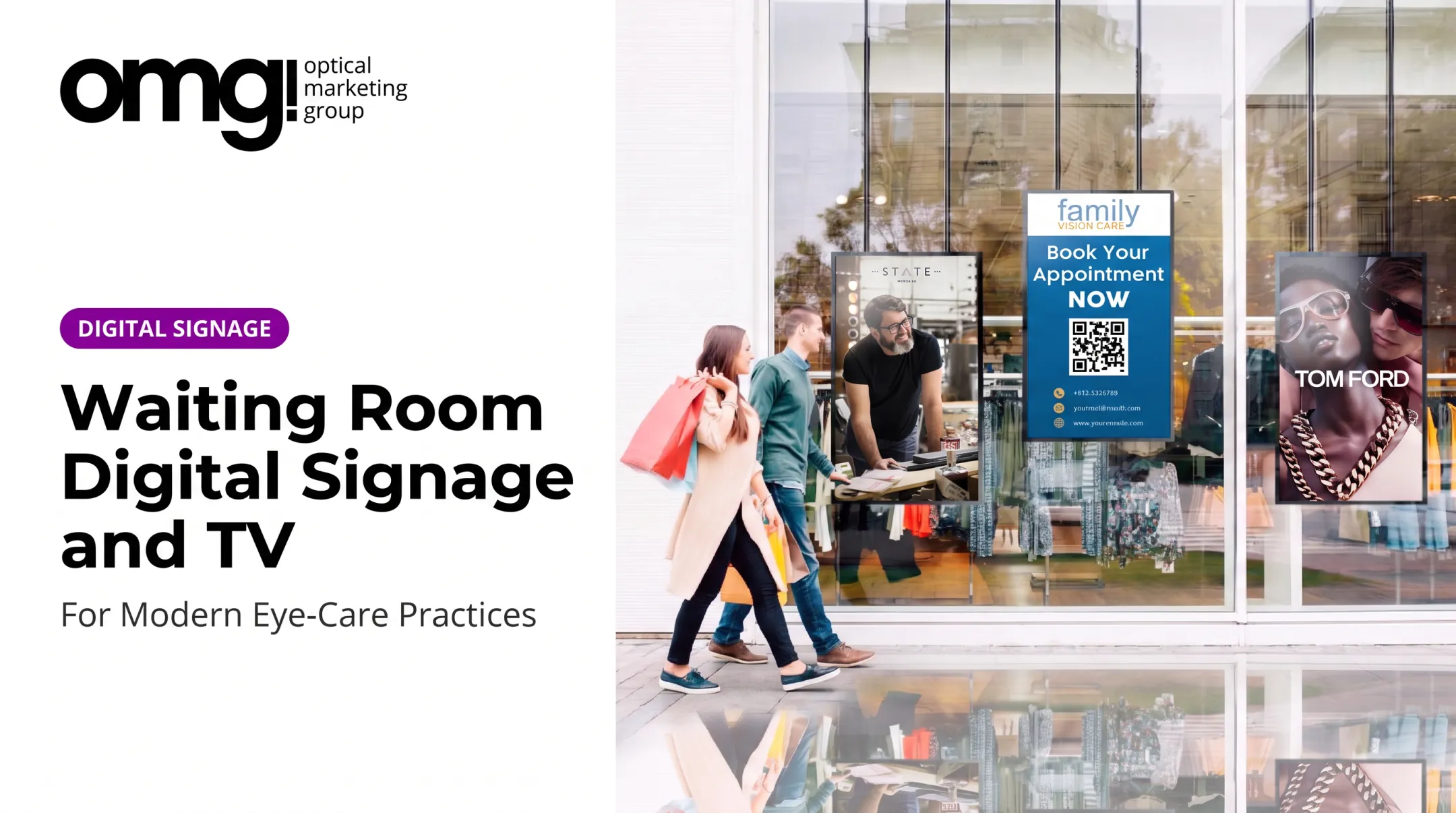
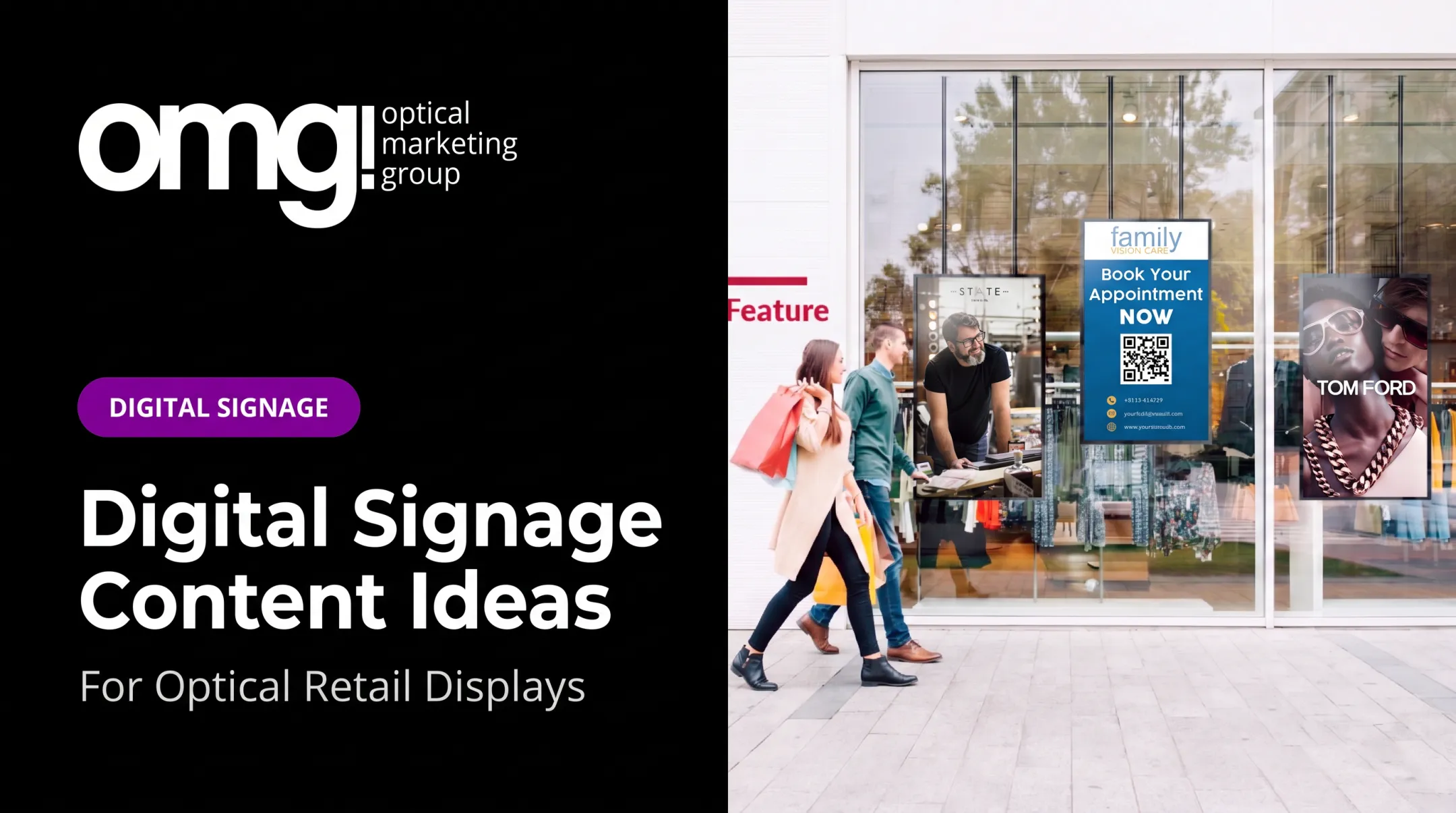
- Storefront or window displays catch passersby in seconds, so content needs to be bold and simple
- Reception areas can run longer brand stories since patients linger while checking in
- Waiting rooms suit lens education and second-pair promotions before the exam
- Frame walls and dispensing tables work well for product discovery tied to nearby merchandise
- Consultation rooms and checkout zones are better suited to practice information than sales pitches
Content Ideas for Independent Practices
A single screen can rotate through several content types:
- Frame discovery and new arrivals
- Lens education, including coatings and specialty options
- Seasonal or limited-time promotions
- Patient testimonials, where policy and privacy allow
- Appointment and hours information
- Staff introductions and brand storytelling
Multi-Location and Brand Consistency
Multi-location groups face a different challenge: keeping messaging consistent while still allowing local flexibility.
Vision Monday has reported on window-facing digital signage from OMG! Optical Marketing Group and Contentlinq. Content can update instantly across multiple locations to keep branding consistent while reflecting local promotions or product availability. That central-plus-local model is becoming the standard for eyewear and lens brands managing screens across many practices at once.

How to Plan and Implement a Dynamic Signage Solution
Define Goals and Audit Your Space
Start by naming the actual objective. Is this about patient education, optical browsing, brand presentation, or wayfinding? Then walk the physical space before buying anything:
- Check sightlines and foot traffic patterns
- Assess ambient light, especially near windows
- Confirm power access and network availability
- Note how the screen will sit alongside existing fixtures and printed signage
- Consider accessibility of mounting height and any interactive controls
Build a Content and Technology Checklist
Content and hardware decisions should happen together, not separately:
- Assign clear ownership for content creation and approval
- Set publishing frequency and campaign expiration rules
- Define brand standards for typography, contrast, and motion
- Confirm the CMS supports scheduling, remote management, and offline playback
- Check device monitoring, user permissions, and multi-location scalability
Consider a Managed Solution, Then Pilot Before You Scale
For practices that don't want to manage hardware and content software separately, a managed solution can simplify the process. It combines display hardware, a subscription-based CMS, and installation support in one package.
Contentlinq, OMG! Optical Marketing Group's hardware-plus-subscription signage option, is built around this model. It pairs displays with cloud-based content management designed for optical environments.
Whichever route a practice takes, a phased rollout works better than a full network launch:
- Pilot one strategically placed screen
- Establish baseline engagement or inquiry numbers
- Test content under real lighting and traffic conditions
- Gather staff feedback on what patients actually notice
- Fix operational issues before expanding further

Measure results against the original goal, whether that's QR-code scans, staff time saved on updates, or multiple-pair sales. Results depend heavily on placement, content quality, and the offer itself, not the screen alone.
Conclusion
Dynamic digital signage works best when it's built into the overall optical practice design and patient journey, not bolted on as an afterthought. A screen with no strategy behind it is just an expensive poster that occasionally changes.
The next step is practical: assess your goals, space, content needs, and who will manage updates. From there, an optical design and merchandising specialist like OMG! Optical Marketing Group can coordinate signage with graphics, fixtures, and traffic flow so the screen fits the practice instead of competing with it.
Frequently Asked Questions
What is dynamic digital signage?
It's screen-based content that updates automatically through schedules, managed playlists, or connected data, unlike static signage that requires someone to manually swap it out.
How does dynamic digital signage work?
A content management system lets teams create and schedule content, which gets pushed through a network connection to a display or media player. Some setups add integrations for live or data-triggered updates.
What is the difference between dynamic and static digital signage?
Dynamic signage changes based on schedules, rules, or live inputs. Static digital signage is still a screen, but it shows fixed content until someone manually changes it.
What should an optical practice display on digital signage?
Common content includes frame and lens education, practice information, wayfinding, appointment messaging, seasonal promotions, brand storytelling, and patient education materials.
How much does dynamic digital signage cost?
Costs depend on displays, media players, software subscriptions, content production, and installation. As a reference point, a window-facing display can run several thousand dollars for hardware, with monthly subscription fees on top.
Can dynamic digital signage be managed across multiple locations?
Yes. Cloud-based systems can distribute consistent campaigns across locations while still allowing local content, permissions, and screen-specific messaging where needed.